
Seagate FireCuda Forge Buying Guide: Is a $699 External Drive That Needs Your Own SSD Worth It?
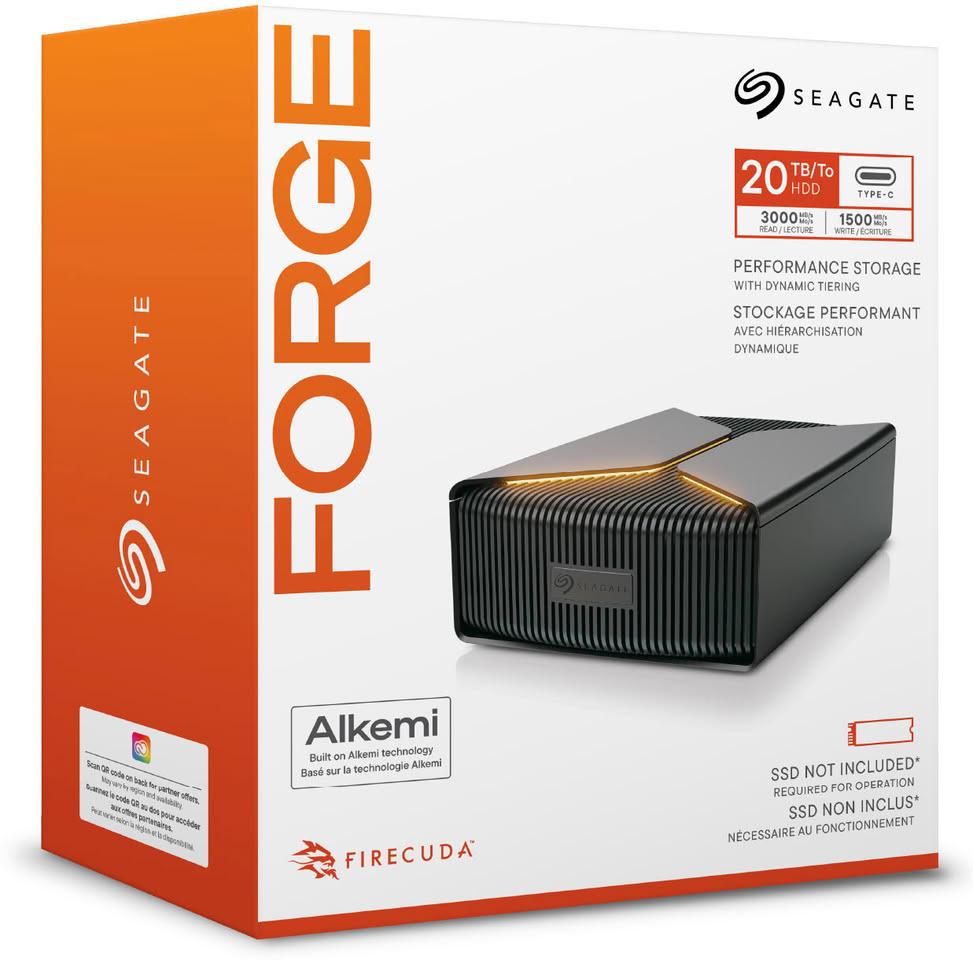
Direct answer: the FireCuda Forge makes sense only if you reopen the same heavyweight files every day and you are comfortable supplying the flash half yourself. Seagate's new one external storage device puts a high-capacity mechanical hard drive and an NVMe SSD under a single shell, and its Alkemi platform moves the files you touch most onto the faster side, so your computer still sees one ordinary drive letter. There are two capacity options — the 8TB version costs $699 and the 20TB version costs $899 — and neither includes a solid-state drive. For a casual backup shopper that is a bad deal; for a working editor with a 15TB project library, it is a genuinely interesting experiment.
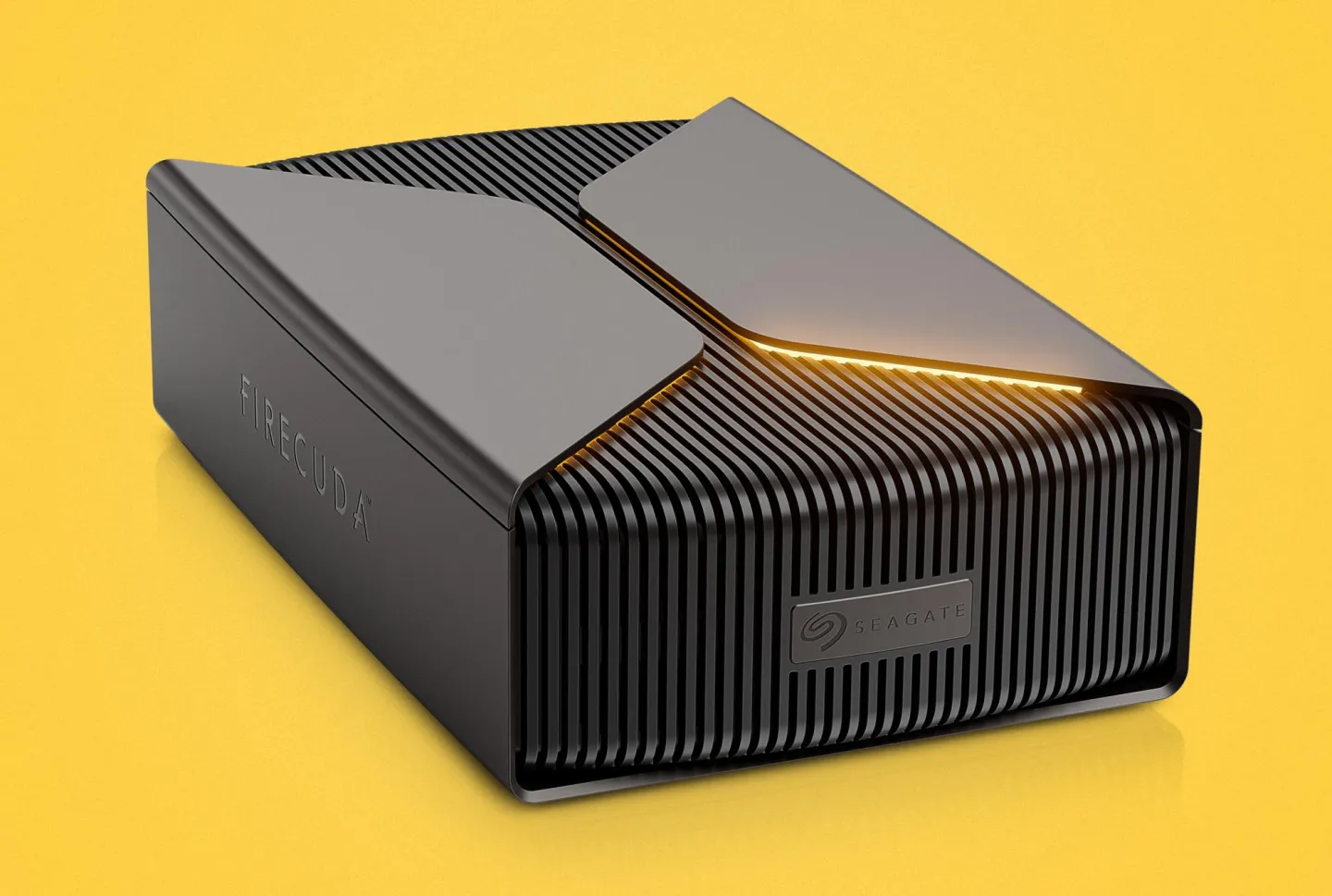
Seagate announced the drive on November 10, 2026, and it is the first product built on the company's Alkemi intelligent storage platform, per the official launch note. It targets an old, expensive headache: hard drives hand you cheap terabytes but sluggish random access, while SSDs feel instant yet are nearly impossible to scale to 20TB on a normal budget.
What does Alkemi do that older hybrid storage did not?
Conclusion first: Seagate is not pitching a cache, it is pitching automatic relocation — at least on paper. FireCuda Forge is not simply two drives jammed into one enclosure. Alkemi applies machine learning to your current workload and to how often, and in what pattern, individual files get opened, then decides which data belongs on the SSD and which can stay parked on the mechanical drive.
The example Seagate offers is an editor grinding through a large video project: recently touched footage, project files and related assets get promoted onto the SSD to shorten read waits. Move to a different project and the system reshuffles the layout around the new usage pattern. You never manage files by hand — for the operating system, FireCuda Forge remains one storage drive, and where a given file physically sits is not your problem.
That is where it parts ways with traditional hybrid drives (SSHD) and with the SSD caching on many NAS boxes. Those usually keep frequently read data temporarily in flash. Seagate claims Alkemi changes the actual position of data between the two storage media as your habits drift. For me, that claim is the entire product: if the placement calls are right, you feel it every working hour; if they are wrong, you paid a premium for a hard drive with extra steps attached.
How would I set one up? My six-step checklist
- Check your OS before you check the price. The published figures of 2500MB/s maximum read and 2000MB/s maximum write require a computer running Windows 11 or macOS 26 or a later version.
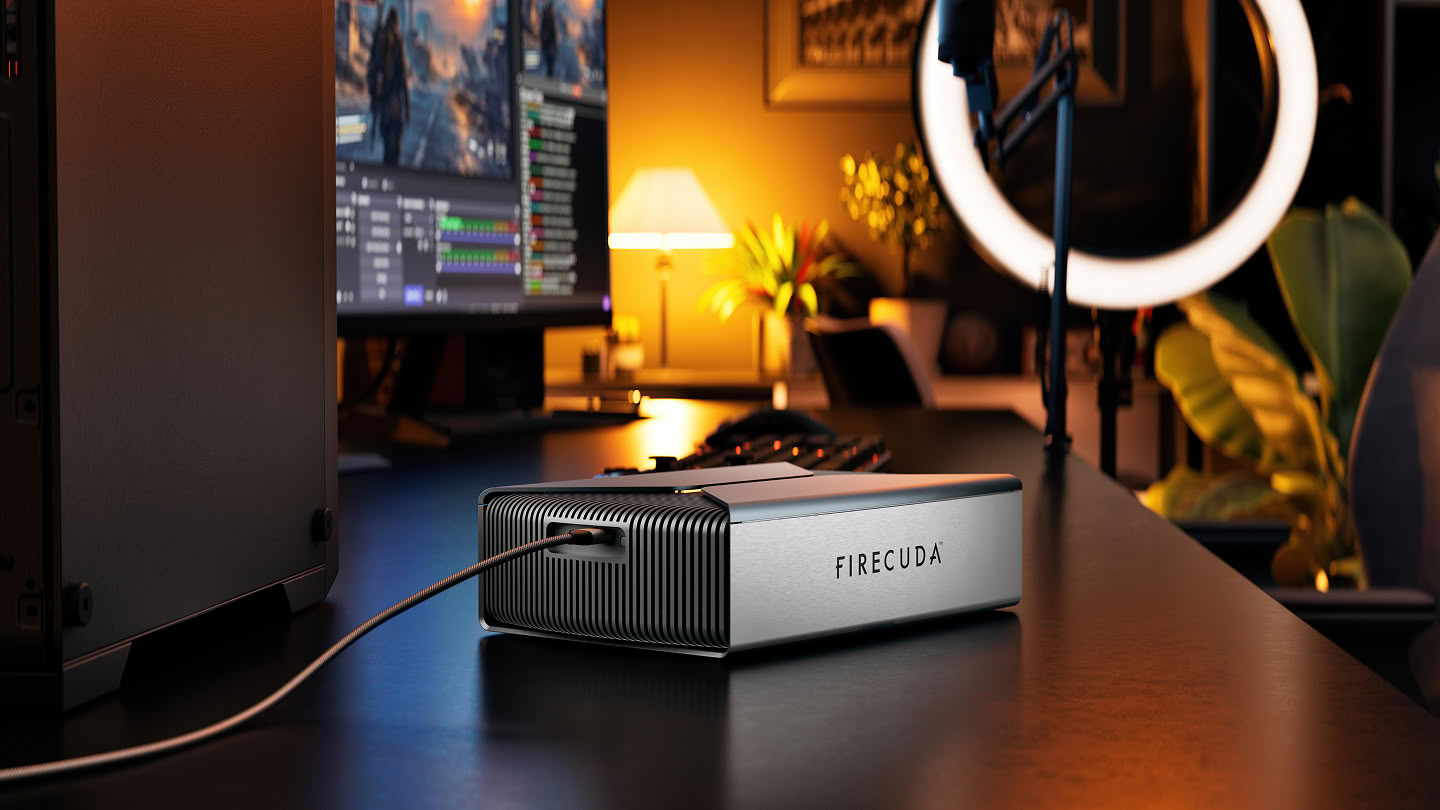
- Confirm a real USB4-capable port. Tom's Hardware's hands-on report describes the Forge's USB-C connection as USB4, so plugging it into an ageing USB-A port quietly caps everything you paid for.
- Buy a single M.2 2280 NVMe SSD, sized on purpose. The same hands-on notes say the enclosure only provides a mounting point for 2280-length drives, and that sub-1TB drives are supported but leave the hot-data tier cramped.
- Judge it after one full project cycle, not one afternoon. The experience hinges on Alkemi observing which files you revisit; testing it on a freshly copied archive tells you nothing.
- Decide what deserves the fast tier. Scratch disks, current project media and the game you are actually playing belong there. Last month's finished deliverables do not.
- Keep a second copy of anything you cannot recreate. Nothing in the launch description gives this one device redundancy.
What will it really cost me in 2026?
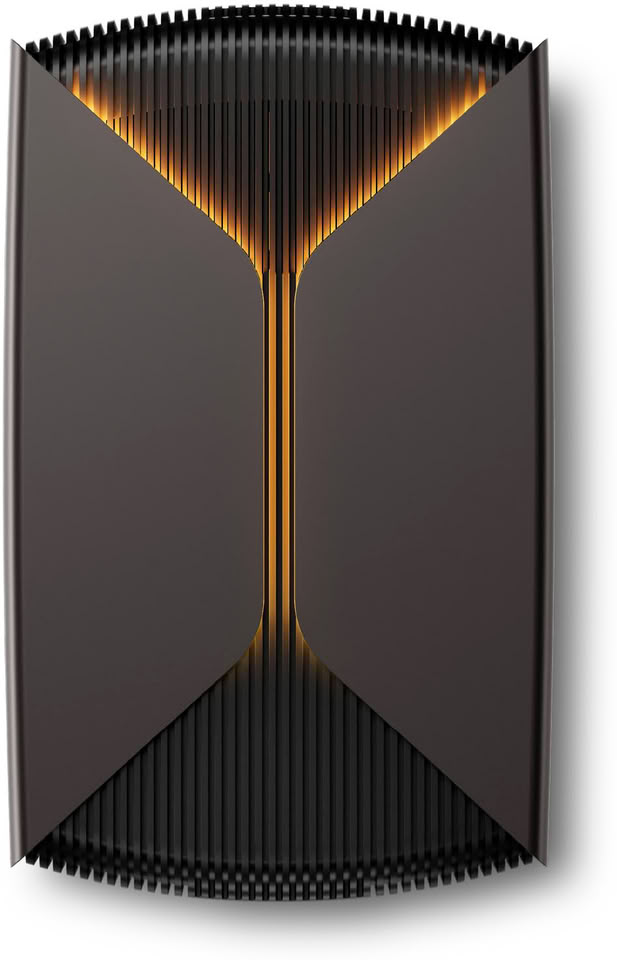
Conclusion: the sticker price is the floor, not the total. Seagate lists the 8TB version at $699 and the 20TB version at $899, both models let you replace the mechanical hard drive yourself, and both ship without a bundled NVMe SSD — you buy and install that separately. With memory and storage chips in short supply, that missing component is the line item that stings.
Directionally, flash is not getting cheaper. TrendForce's September 30, 2026 forecast puts NAND flash contract prices up 15–20% quarter on quarter for the fourth quarter of 2026 and conventional DRAM up 10–15% (TrendForce). Write-ups citing market data report that the contract price of a 256GB TLC SSD reached about $134.20 in the third quarter of 2026 versus $33.30 a year earlier, and suggest meaningful new capacity may not land until mid-to-late 2027 (Mezha) — read that as a trend signal, not a quote for your exact drive. Our own story on why memory makers are racing to lock up more EUV machines explains the upstream squeeze behind those numbers.
So my practical advice: if you decide to buy, price the SSD at the same moment, because a Forge sitting on your desk waiting for cheap flash is a Forge doing nothing.
How does it compare with the alternatives you are already weighing?
| Question | FireCuda Forge | Traditional hybrid SSHD | NAS with SSD cache |
|---|---|---|---|
| Where hot data ends up | Relocated onto the SSD you install | A small flash tier decided at the factory | A cached copy on the SSD you add |
| Who picks the pairing | You, from two storage media | Nobody, it is fixed | You, per drive bay |
| What the desktop sees | One drive letter | One local disk | A network volume |
| What you depend on | Alkemi's prediction accuracy | Cache size | Network plus pool setup |
| Best fit | One workstation with a huge active library | Old laptops, light office use | Households or studios sharing files |
Where I expect it to let me down
Three honest weak points, and they come straight from how the product is specified rather than from any fault I found.
Peak numbers are not your numbers. Those 2500MB/s and 2000MB/s readings are what the system can reach under suitable conditions; the mechanical drive cannot sustain that on its own. Real speed depends on SSD performance, on the migration strategy, and on whether the file you just clicked already lives on the SSD. Read something still sitting on the hard drive and you are back to hard-drive latency.
Capacity math gets slippery. If you fill the flash tier with a 2TB drive, only a slice of your library is ever "hot". Whether automatic shuffling adds waiting time for people juggling many very large files is exactly the question that decides if this is useful or annoying.
This is not a cheap big drive. From the positioning, FireCuda Forge is a smart hybrid storage system you complete yourself, not a low-cost portable box. A $699 starting price plus a separately purchased SSD currently points it at professional storage users rather than ordinary consumers.
Four misconceptions to drop before you order
- "It works out of the box." No SSD ships with either capacity version; the device is unfinished until you add one.
- "20TB at SSD speed." Fast space equals whatever NVMe drive you insert, nothing more.
- "Hybrid means safe." Auto-migration is a performance feature, not a backup plan.
- "Same as my NAS cache." Seagate's own framing is that Alkemi moves data between media instead of merely caching reads.
FAQ: what readers ask me first
Do I really have to buy the SSD separately?
Yes. Both versions ship with only the mechanical drive; you install a single NVMe SSD yourself. The hard drive inside is user-replaceable in both models.
How big a drive letter will I see on my desktop?
One. The whole point of Alkemi is that the two drives behind it present themselves as an ordinary single storage drive, with no manual folder juggling.
What system do I need for the top speeds?
Windows 11 or macOS 26 and later, per Seagate's stated requirements, alongside the 2500MB/s read and 2000MB/s write peak figures.
Is this for gamers or for creative pros?
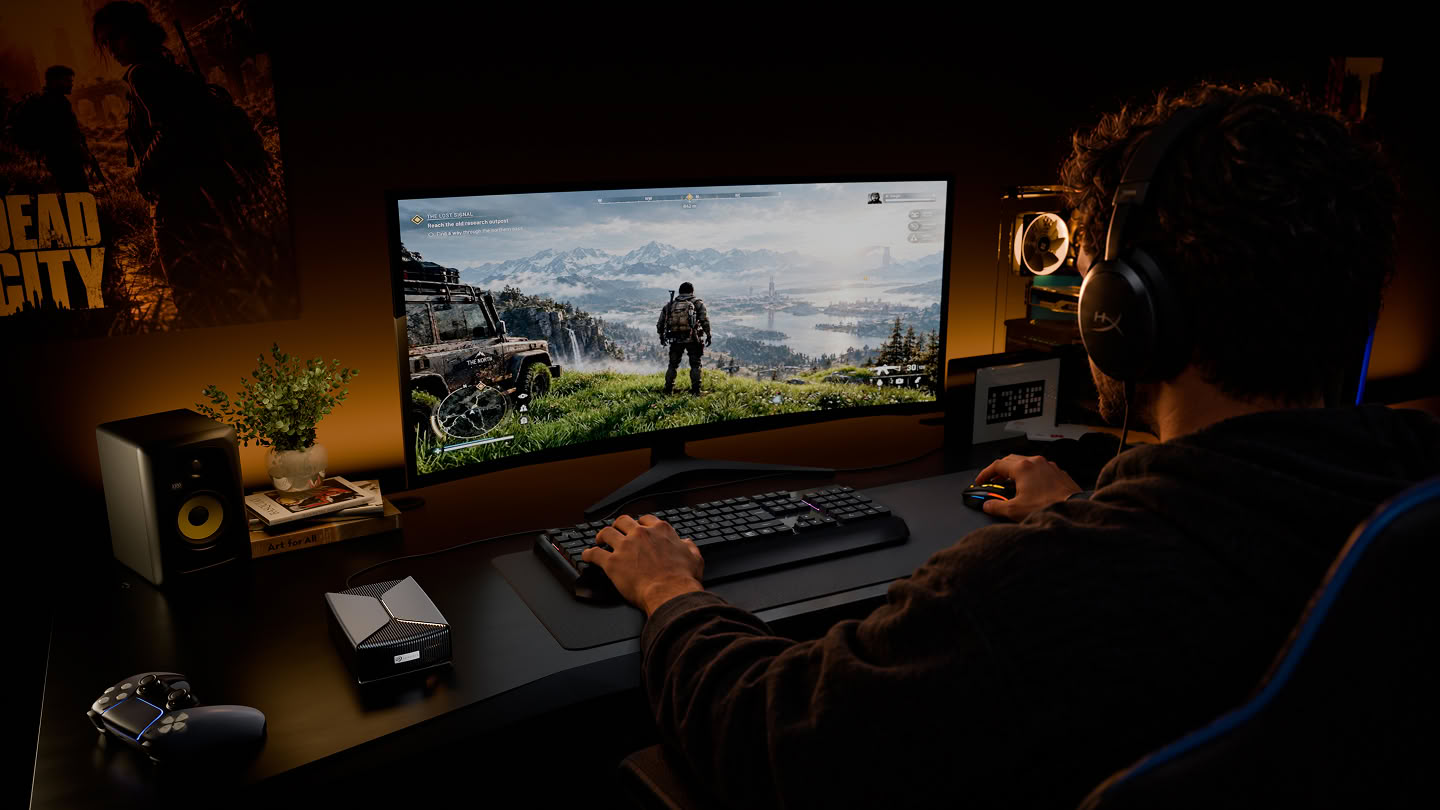
Both are named in the positioning — video projects, large asset libraries, game files and heavy everyday file access — but the price and the bring-your-own-SSD design make it a professional-first tool today.
Should I order one now or wait?
My recommendation, as analysis rather than measurement: wait for independent long-term testing of Alkemi's accuracy, and buy the moment a spare 2280 drive is already in your drawer.
My verdict and your next three moves
Buy it if you live inside large files, you already hold or can cheaply source a 2TB-class M.2 2280 NVMe SSD, and your machine has a free USB4 port. Skip it if you wanted a simple time-machine or archive box — a plain external hard drive or a two-bay NAS will serve you better for less.
If you do go ahead: (1) confirm your Windows 11 or macOS 26 setup, (2) buy the enclosure and the SSD in one order while NAND pricing is still climbing, and (3) after install, spend one working project before you judge it. Send your setup questions to our desk at hello@techdaily.com and I will fold the answers into a follow-up.
Charlotte Ramirez · MyTechDailyNews General desk
Sources cited
- Seagate official launch note on the FireCuda Forge and Alkemi platform (November 10, 2026)
- Tom's Hardware hands-on report on the Forge's USB4 link and 2280-only M.2 mounting point
- TrendForce press center, 4Q26 memory contract price forecast (September 30, 2026)
- Mezha report on SSD contract prices and expected new supply timing
- MyTechDailyNews: why memory makers are racing for EUV machines