
How to Enable Horizontal Tab Scrolling in Google Chrome Canary: Setup Steps, the 50% Pin Rule and Common Pitfalls
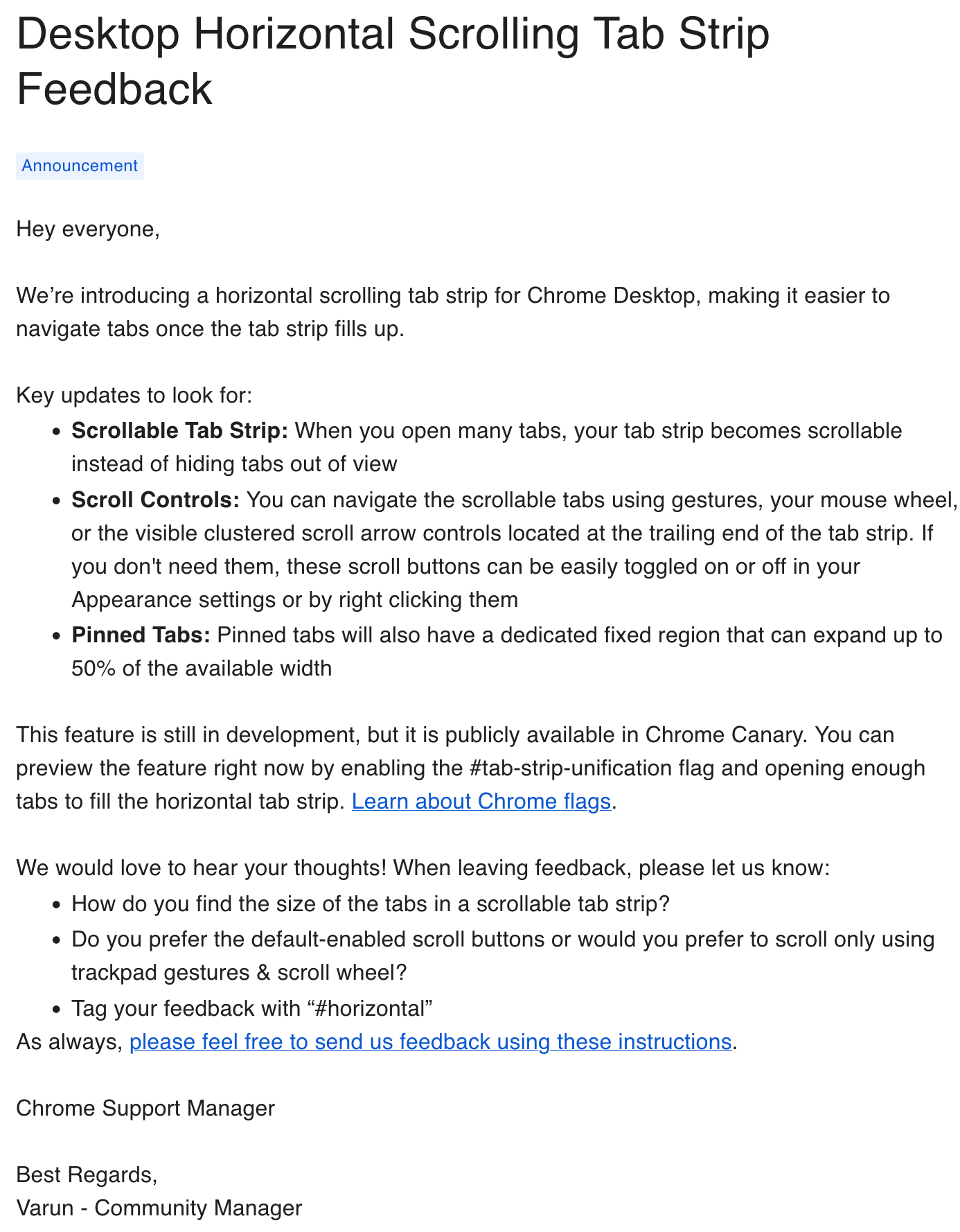
Horizontal tab scrolling now lives in the Google Chrome Canary build behind a single switch: chrome://flags/#tab-strip-unification. With it on, you park the cursor over the top tab bar and move through crowded tabs with a mouse wheel, a trackpad swipe or arrow buttons at the ends of the strip, while pinned tabs hold their own zone capped at 50% of the available tab strip width. Here is the exact setup path, how to confirm it is really working, and the reasons some readers should wait.
What actually changed in the Google Chrome tab strip?
Conclusion first: the tabs did not move. Google Chrome still lays them out horizontally across the top of the window, which is what most long-time users want; what changed is that the strip can now be navigated instead of endlessly compressed. Vertical tabs are already available, yet a large share of readers still prefer the classic top bar, and that is precisely the audience Google is targeting.
The problem the new build addresses is mechanical. Titles shrink as you open more pages, and once the row exceeds the window width the outermost tabs leave the viewport entirely, identifiable only by favicons or not at all. The refreshed horizontal scrolling behavior restores access through three inputs:
- Mouse wheel: hover the pointer over the tab bar and roll to walk through the strip.
- Trackpad gesture: a horizontal two-finger swipe scrolls the same row, useful on laptops where a wheel is unavailable.
- End arrows: clickable left and right buttons appear at the edge of the tab strip, and the new design makes these scroll controls adjustable.
Worth knowing for context: this is not Google's first attempt. An earlier experiment tracked as Scrollable TabStrip shipped in Chrome Canary 88.0.4284.0 and was described by Chrome engineer Peter Kasting on Reddit as a way to reach the tabs you want by scrolling the tab bar; that flag was later removed. The current implementation is a fresh design that adds a dedicated pinned-tab region and the adjustable scroll buttons.

Step by step: how do I turn on horizontal tab scrolling?
Short answer: update the Canary build first, then flip one flag and relaunch. Skipping the update is the single most common reason the option cannot be found.
- Bring Google Chrome Canary up to date. The older builds do not contain this experimental feature, so if the option is missing, start by updating — through the built-in updater or a fresh download from Google. Chromium's own release-channel documentation describes Canary as the most experimental channel, built twice daily, versus Stable releases roughly every 4 weeks; that cadence is why "yesterday's build" can already lack a flag.
- Open
chrome://flags/#tab-strip-unificationin the address bar. - Set the option to Enabled from its dropdown menu.
- Relaunch the browser when the prompt appears at the bottom of the page — a restart is mandatory, the layout does not change in the live session.
- Fill the tab strip. Scrolling only engages once the row is full, as Google's product-community guidance on the feature notes: open enough pages to consume the horizontal tab strip width.
- Test all three inputs — wheel, trackpad, arrows — and verify that pinned tabs stay put on the left while the rest of the row moves.
Troubleshooting when the flag or the scrolling is missing
| Symptom | Most likely cause | Fix |
|---|---|---|
| Search in chrome://flags returns nothing | Outdated Canary build, or you are running Stable / Beta instead of the Canary test channel | Update, confirm you are in Google Chrome Canary, then search for the flag ID again |
| Flag on, but no wheel scrolling | Too few tabs to overflow the strip | Open tabs until the row is full; on wide or scaled displays this takes more pages than expected |
| End arrows invisible | Window too narrow or a theme/toolbox layout variant still in flux | Widen the window, then relaunch to force a layout rebuild |
| Behavior disappeared after an update | Experimental flags are frequently re-parked or renamed between builds | Re-check chrome://flags, or roll back the change with Reset all |
| chrome://flags changes will not stick on a work machine | Managed or supervised profiles restrict local experimentation | Treat it as a policy question and route the request to your IT support instead of forcing it |
How does the pinned-tab zone work — and what does 50% mean in practice?
Conclusion: pinned tabs are treated as first-class citizens, and the cap is generous enough that pinning is no longer a compromise.
Google states that the pinned-tab region can expand up to 50% of the available tab strip width. The pinned cluster remains on the left edge while you scroll the ordinary tabs, so your most-used sites stay one click away, and at least half the strip is still reserved for regular, unpinned tabs — the ones you reach by scrolling once they leave view.
| Behavior | Pinned tabs | Regular tabs |
|---|---|---|
| Position in the strip | Own region on the left, held there | Follow the pinned cluster, scroll to reach |
| Affected by scrolling | No — they stay visible | Yes — wheel, swipe or arrow buttons move them |
| Width budget | Up to 50% of available tab strip width | The remaining 50%, then off-screen |
| Best use | Dashboards, ticket queues, chat inbox, monitoring | Reading queues, research, transient pages |
| Cost of overuse | Eats visual space for everything else | Titles compress; favicons become the only cue |
Practical read: the 50% allowance means icon-only pins are cheap, but pinning twenty pages still halves your working strip. Pin the pages you visit hourly; scroll to the pages you visit daily. One reason the pin concept keeps growing: pinned tabs also reached Chrome for Android on 2 December 2025, so the workflow is now cross-platform.
Vertical tabs or horizontal scrolling: which should a software user pick?
Conclusion: they solve different geometry problems, and the honest answer is "vertical for volume, horizontal scrolling for muscle memory".
| Dimension | Vertical tabs | Horizontal tab scrolling (Canary flag) |
|---|---|---|
| Where labels appear | Side panel, full titles with previews | Top strip, titles compressed by width |
| Current entry point | Settings, Appearance, tab strip position — the option has been surfacing for testers since January 2026 | chrome://flags/#tab-strip-unification, test channel only |
| Stability | General availability path | Experimental; can change or vanish between builds |
| Screen cost | Consumes page width on narrow displays | No page area consumed |
| Best for | 50-plus tab research sessions, visual scanning | Users who refuse to relearn window chrome, multi-monitor desk setups |
| Escape hatch | Tab Search lists everything | Tab Search still beats scrolling for known targets |
Three no-flag ways to find a tab today
- Tab Search button: select it in the tab strip to list and filter every open page, including tabs inside groups, per Google's own tab-management help.
- Address-bar search: Google's Chrome tips page documents typing
@tabsin the omnibox, then pressing Tab or Space and entering keywords. - Keyboard-only: Google documents Ctrl + Back / Ctrl + Forward to shift focus to a specific tab when working tab groups without a mouse.
Use scrolling to browse and search to jump. A demand signal worth noting: with the previous flag gone, users filed restore requests on the Chromium issue tracker — issue 475853506 asks specifically for the scrollable tab bar to come back after an update removed it, which is part of why Google is reworking this area now.
Is it safe to enable? Risks, profile effects and rollback
Conclusion: low risk on a separate test channel, but treat any flag as unsupported software.
- Experimental status is real. Google's Chrome flags documentation describes these switches as unfinished features that can change or disappear at any time, and points to Reset all followed by a relaunch as the standard recovery.
- Your Stable install is not touched. Chrome's release channels install into distinct directories with dedicated user-data locations, according to Chromium's release-channel guide — so experimenting in Canary leaves the Google Chrome build you use for work sign-in, banking and single sign-on sessions alone.
- Privacy and permissions: this is a window-chrome layout flag. It introduces no new site permissions, no microphone, camera or geolocation surface, and no data collection of its own. Anything beyond that is speculation, and I am marking it as analysis rather than fact: if you sign the same account into a Canary build, browser Sync replicates profile data into that channel, so keep a throwaway profile if that matters to your threat model.
- Support expectations: bugs filed against flag features are triaged against a moving build; expect the flag ID or its behavior to shift before Stable adoption.
Rollback in three steps
- Open chrome://flags and set
#tab-strip-unificationback to Default or Disabled. - Or press Reset all at the top of the page to clear every experiment you have enabled.
- Relaunch, then confirm the top tab bar compresses tabs the way it did before.
Common misconceptions
- "It replaces vertical tabs." No: both coexist. Vertical tabs are already supported; this feature keeps people on the horizontal layout.
- "The arrows appear as soon as I enable the flag." They appear only when the strip is full and tabs overflow the visible width.
- "Pinned tabs scroll along with everything else." They keep their own region on the left, up to 50% of the strip.
- "This is the old Chrome 88 feature back." Google previously tested horizontal tab scrolling and removed it; the current build is a new design with a pinned region and adjustable scroll buttons.
- "I can get it by updating Stable." The option is documented in the Canary test build, not in the released channel.
Action checklist before you flip the switch
- Confirm you are on Google Chrome Canary and updated to the newest build.
- Keep Canary beside Stable rather than replacing your main browser.
- Pin only icon-level, always-needed pages so the 50% allowance does not starve the rest.
- Learn Tab Search and the
@tabsomnibox query first — they beat scrolling for known targets. - Decide your fallback: Reset all plus relaunch, and note which flags you had enabled.
- If you are evaluating this for a whole team, wait for Stable rollout instead of deploying a nightly channel.
Frequently asked questions
Does horizontal tab scrolling change keyboard behavior?
No shortcut changes are announced with this feature; wheel, trackpad and the end arrows are pointer-driven. Keyboard tab switching and group navigation work as before, per Google's documented shortcuts.
Why does the flag search come up empty for me?
Two reasons cover almost all cases: the Canary build is older than the change, or you are searching in Stable or Beta. Update or install the Canary test build, then reopen the flag URL.
How many tabs trigger the scroll behavior?
It depends on window width, display scaling and whether vertical tabs are active — the trigger is the strip being full, not a fixed tab count. Open pages until titles collapse, then test the wheel.
Does this affect memory or page performance?
It is a layout and navigation change in the tab strip, not a tab-unloading or performance feature; treat any efficiency gain as workflow comfort rather than measured resource savings.
Will pinned tabs keep their audio indicators?
The pinned cluster is designed for at-a-glance access to favorite sites, and pinned tabs keep showing their site icons; Google has not announced indicator changes with this flag.
Sources and further reading
- Chromium Project — Chrome Release Channels (build cadence, separate user-data directories): https://www.chromium.org/getting-involved/chrome-release-channels/
- Google Chrome Help — Learn about Chrome flags (Reset all, experimental status): https://support.google.com/chrome/answer/16552482
- Google Chrome Help — Manage tabs in Chrome (Tab Search): https://support.google.com/chrome/answer/2391819
- Google Chrome Help — Use tab groups with your keyboard: https://support.google.com/chrome/answer/10483214
- Google Chrome tips — search open tabs with @tabs: https://www.google.com/chrome/tips/
- Google product community thread on the horizontal scrolling tab strip preview: https://support.google.com/chrome/thread/475931714
- Android Authority — Google Chrome is testing horizontal tab scrolling: https://www.androidauthority.com/google-chrome-horizontal-tab-scrolling-testing-3731218/
- IT Home — Chrome Canary 88 introduced the Scrollable TabStrip flag (88.0.4284.0, Peter Kasting): https://www.ithome.com/0/512/470.htm
- Chromium Issue Tracker — request to restore the scrollable tab strip: https://issues.chromium.org/issues/475853506
- WinAero — vertical tabs and the Appearance setting: https://winaero.com/vertical-tabs-finally-come-to-google-chrome-you-can-try-them-now/
- 9to5Google — pinned tabs arrive in Chrome for Android (2 December 2025): https://9to5google.com/2025/12/02/google-chrome-pinned-tabs-android/
Editor's note: for issues with this guide or to report a broken flag path, reach MyTechDailyNews at hello@techdaily.com. Written by Sarah Chen, Tech Daily.