
MyTechDailyNews General Guide: Eight Surface-Inspired Windows Wallpapers for Everyday Users
MyTechDailyNews — Microsoft has recently released a free set of eight official Surface-style desktop wallpapers for Windows. This is a small customization update, not a system feature or hardware change. Its practical value is easy to understand: a familiar desktop can become brighter, calmer, or more modern without changing how Windows works.
What Microsoft actually released
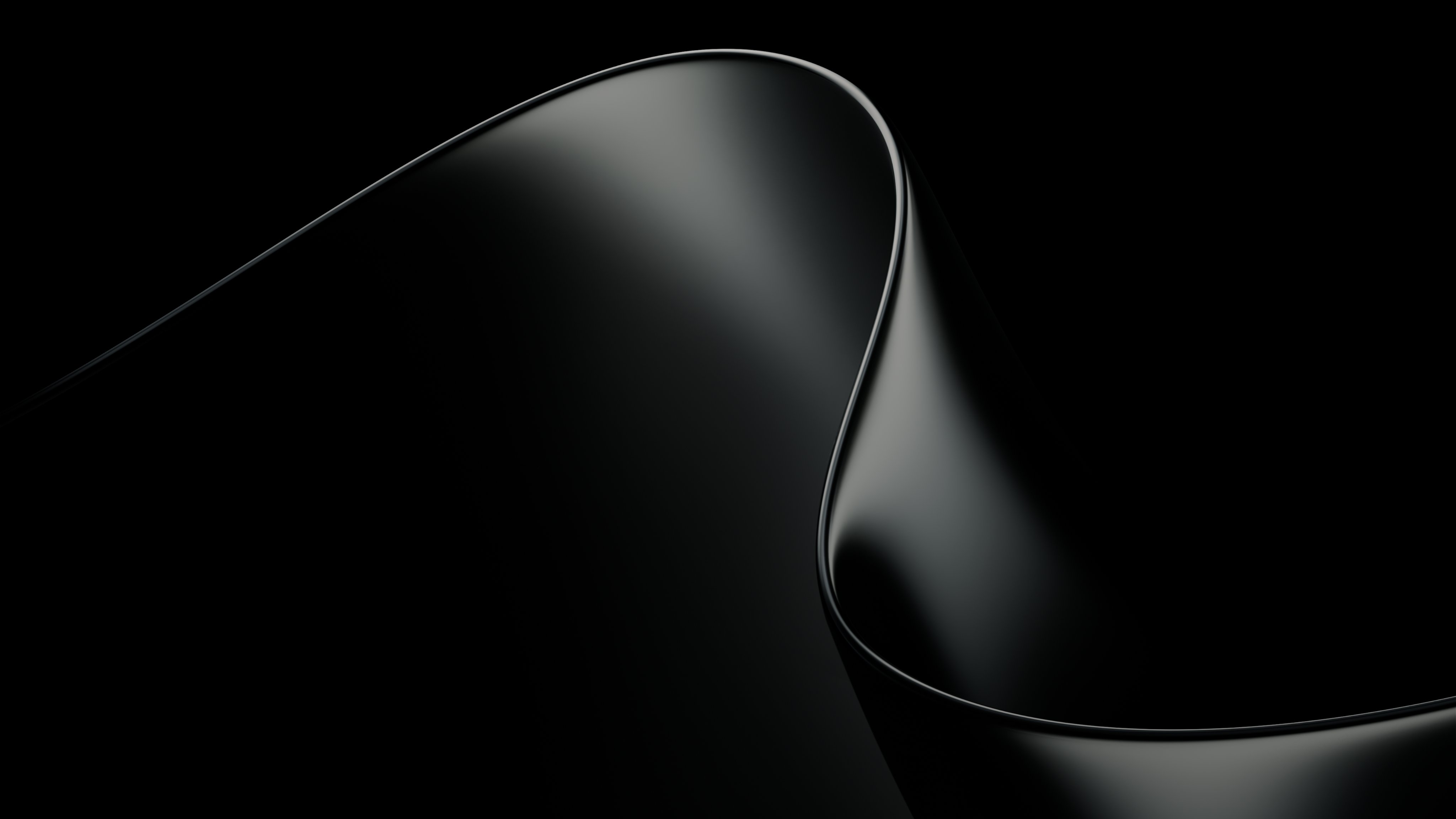
The new collection includes eight different designs. They continue the visual language Microsoft has used for Surface products in recent years: abstract geometric forms, soft gradients, layered structures, and a clean sense of depth. The wallpapers are meant for Windows users who want a new background without needing a Surface product or a test program.
Preview of the wallpaper set
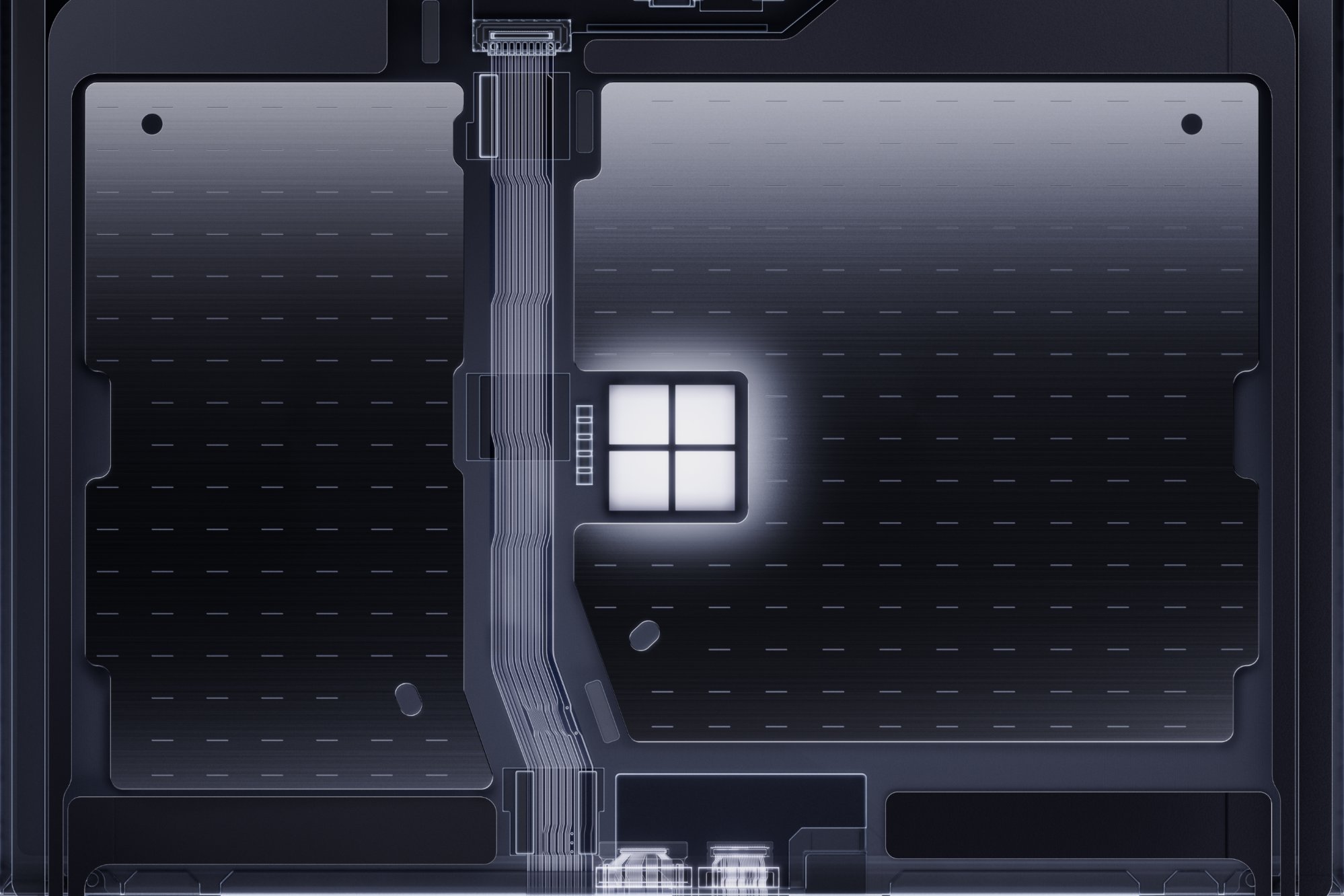
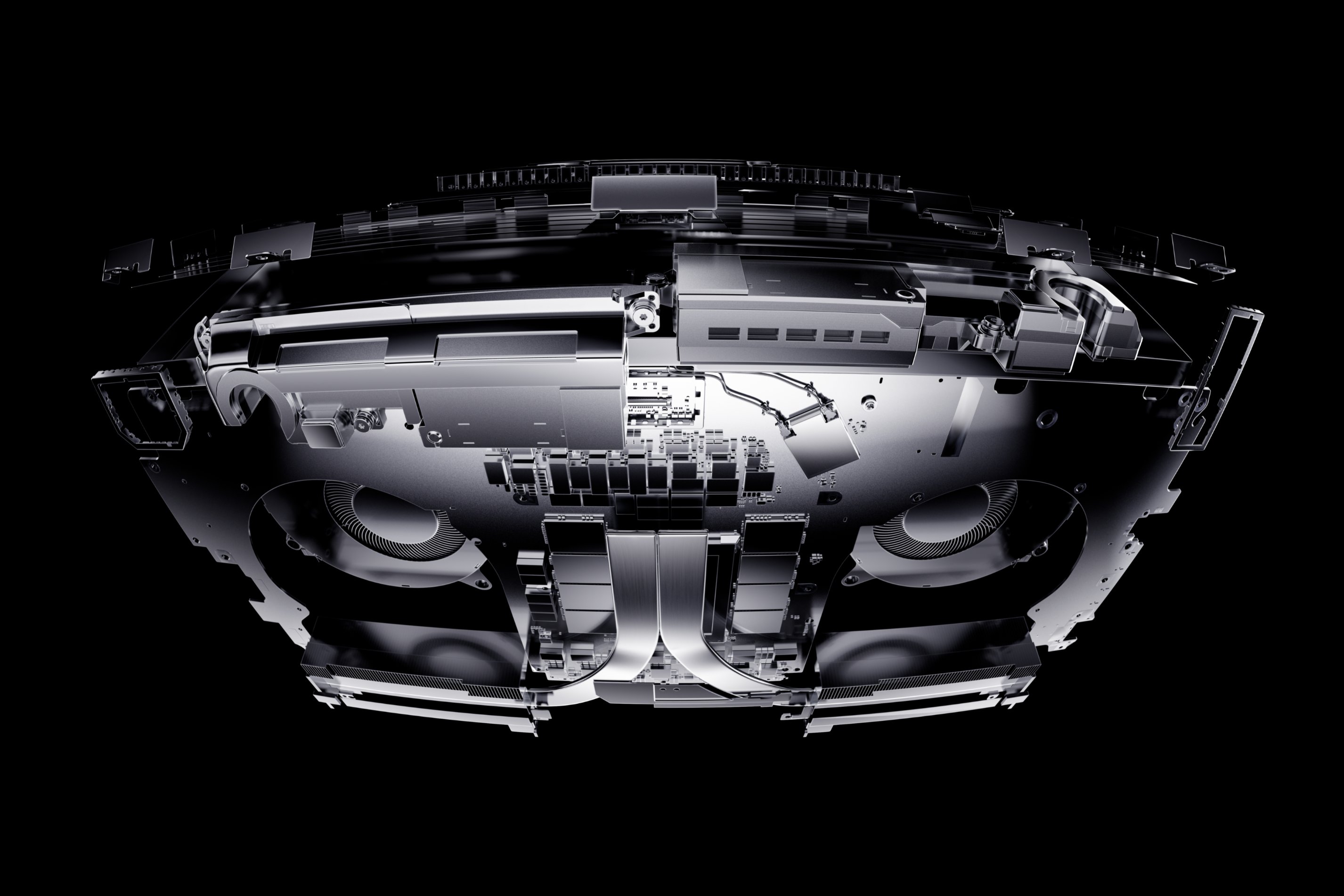
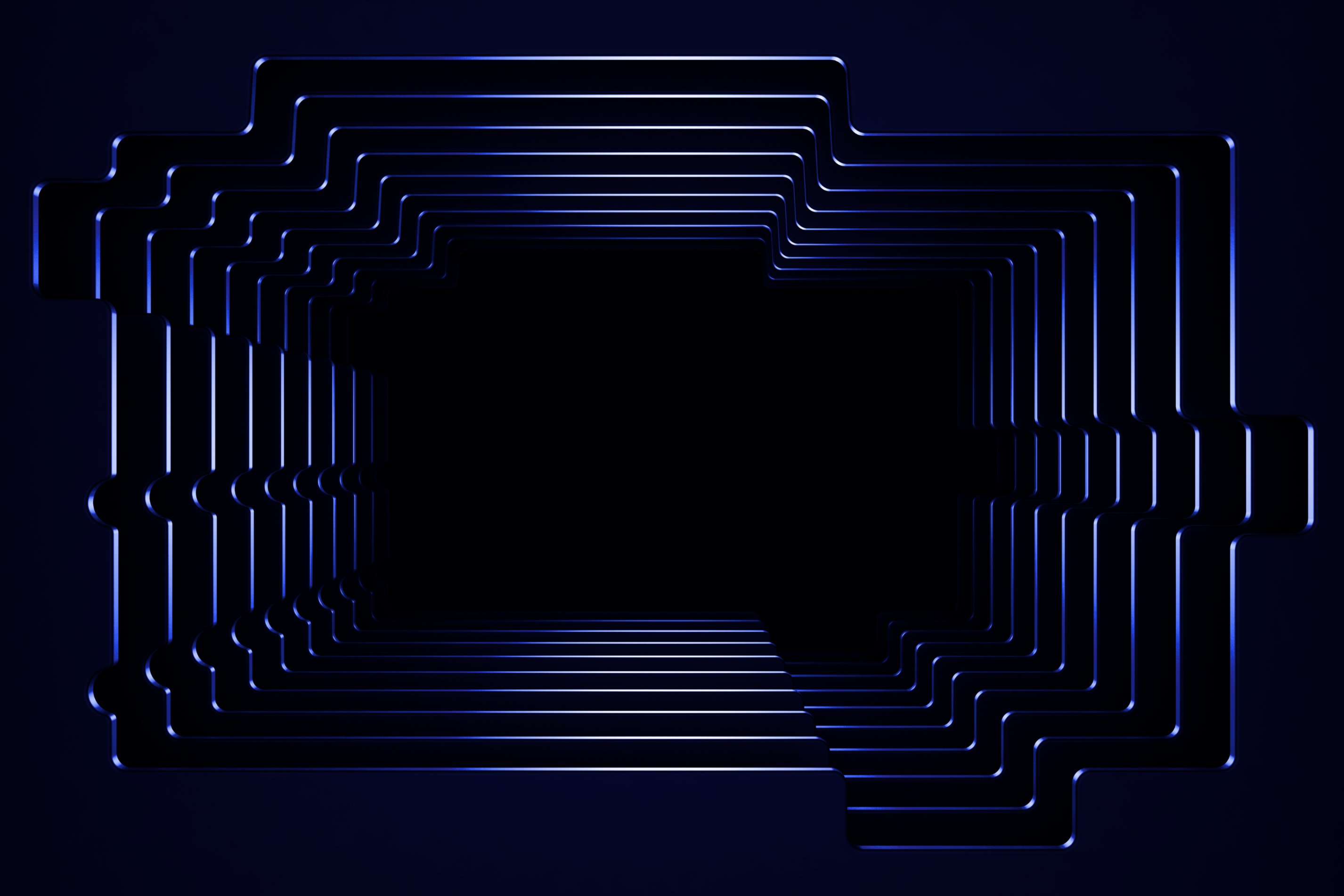
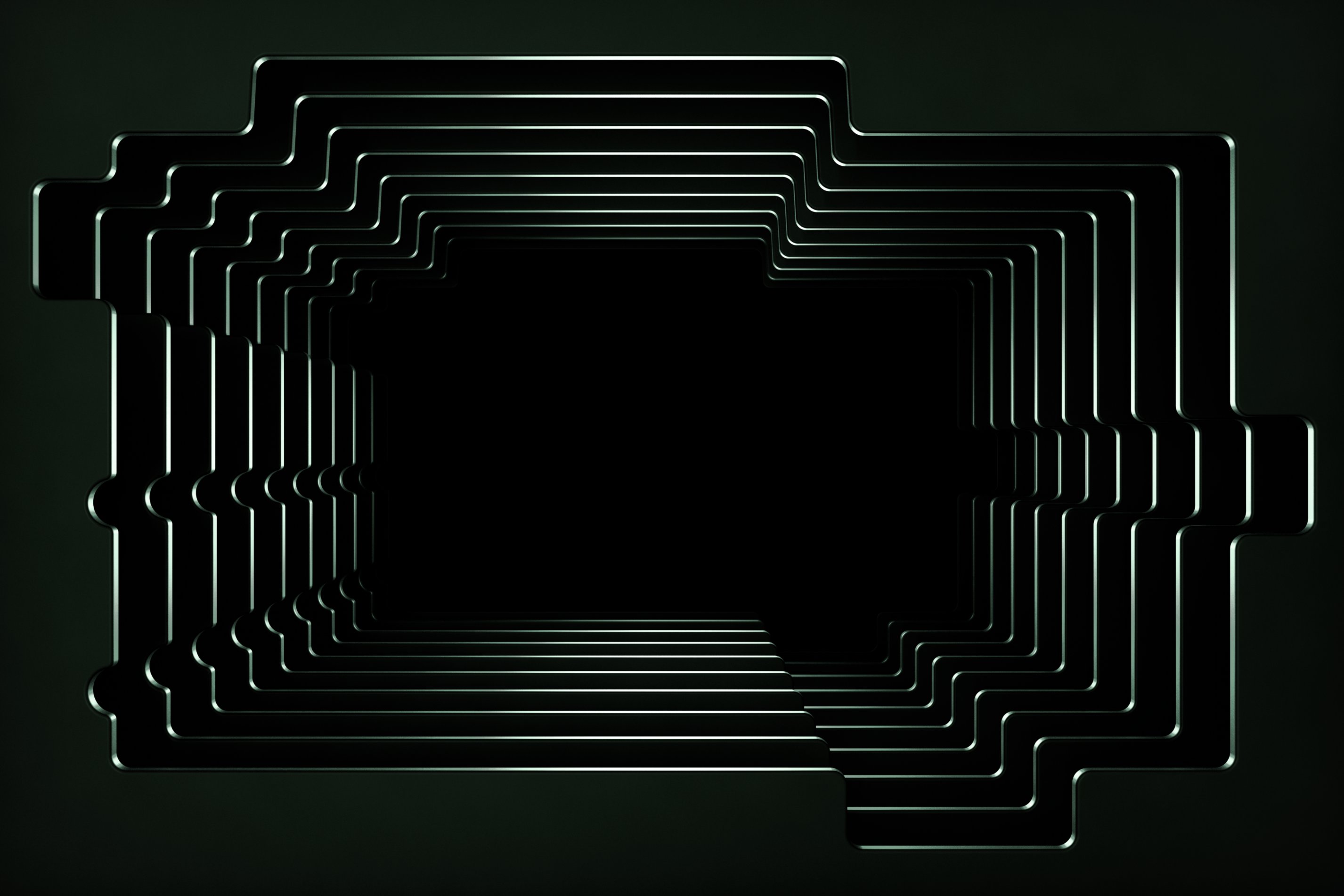
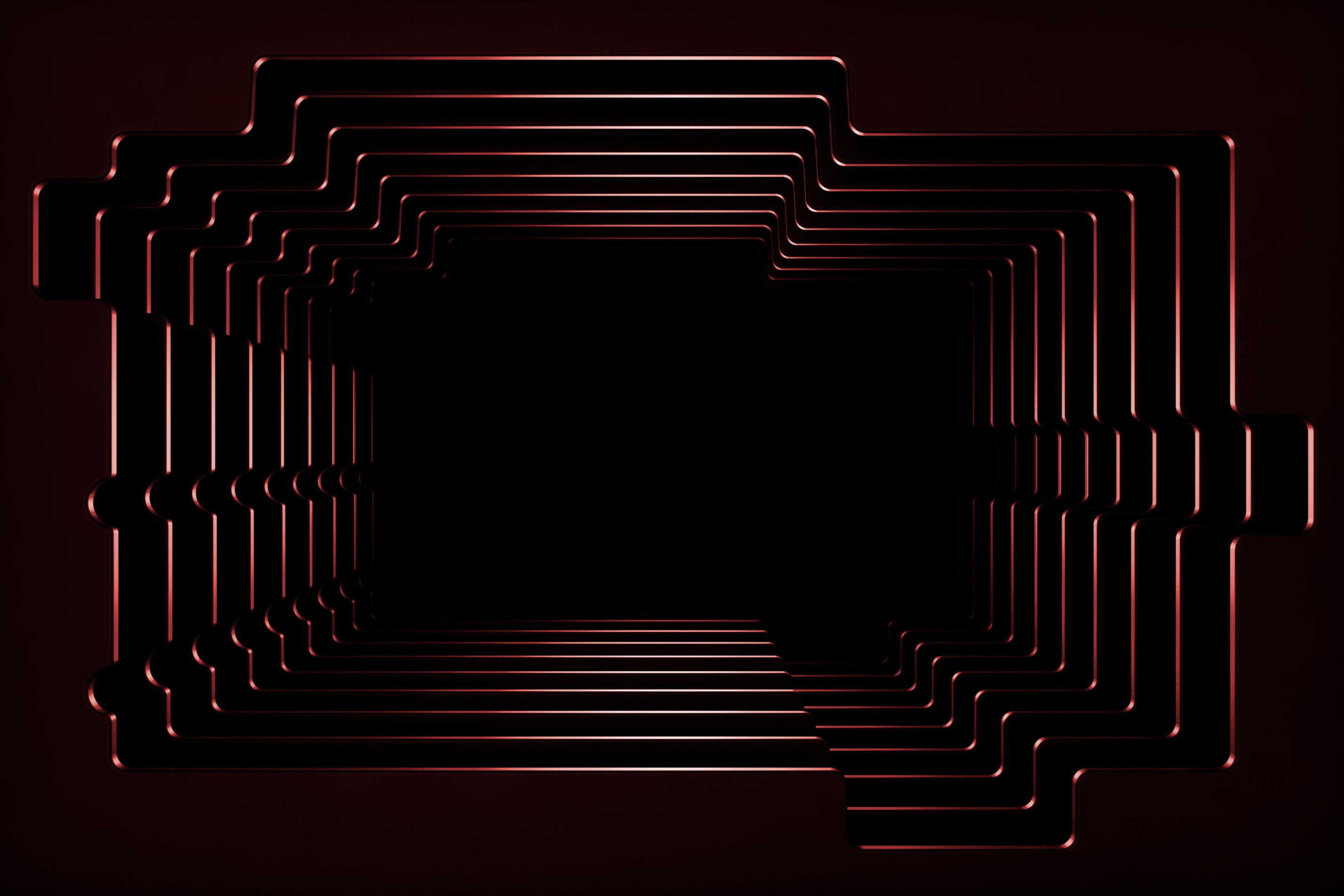
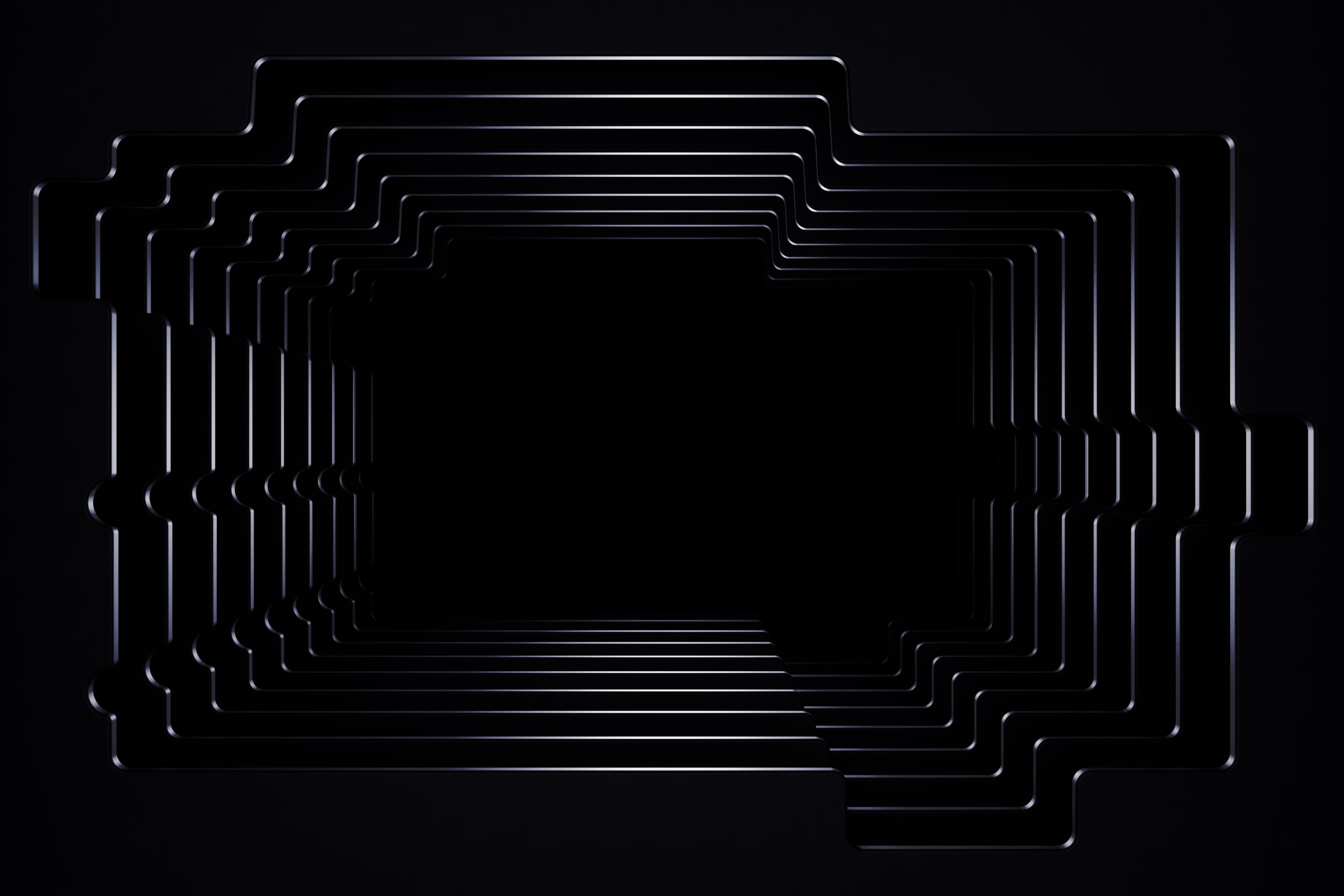
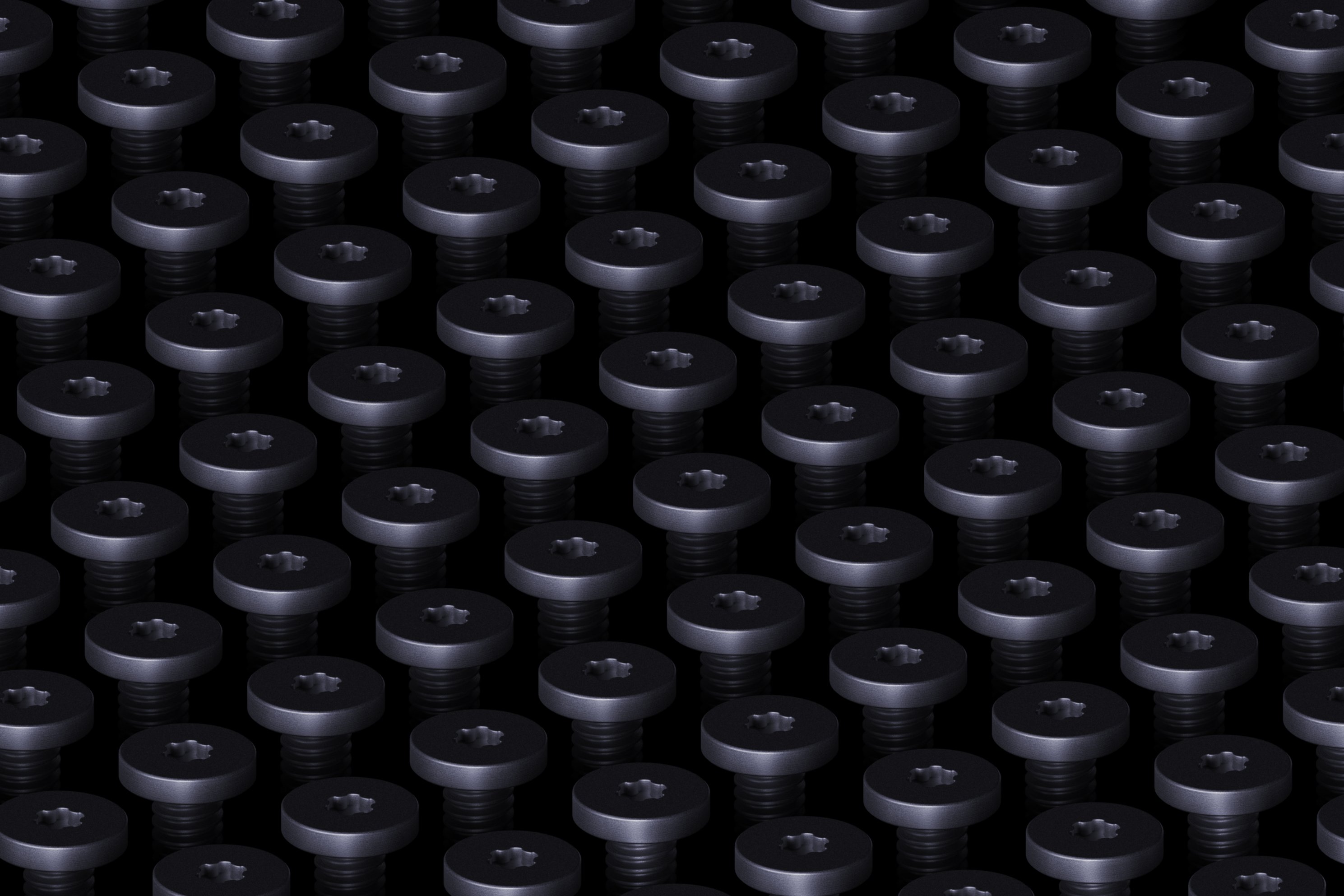
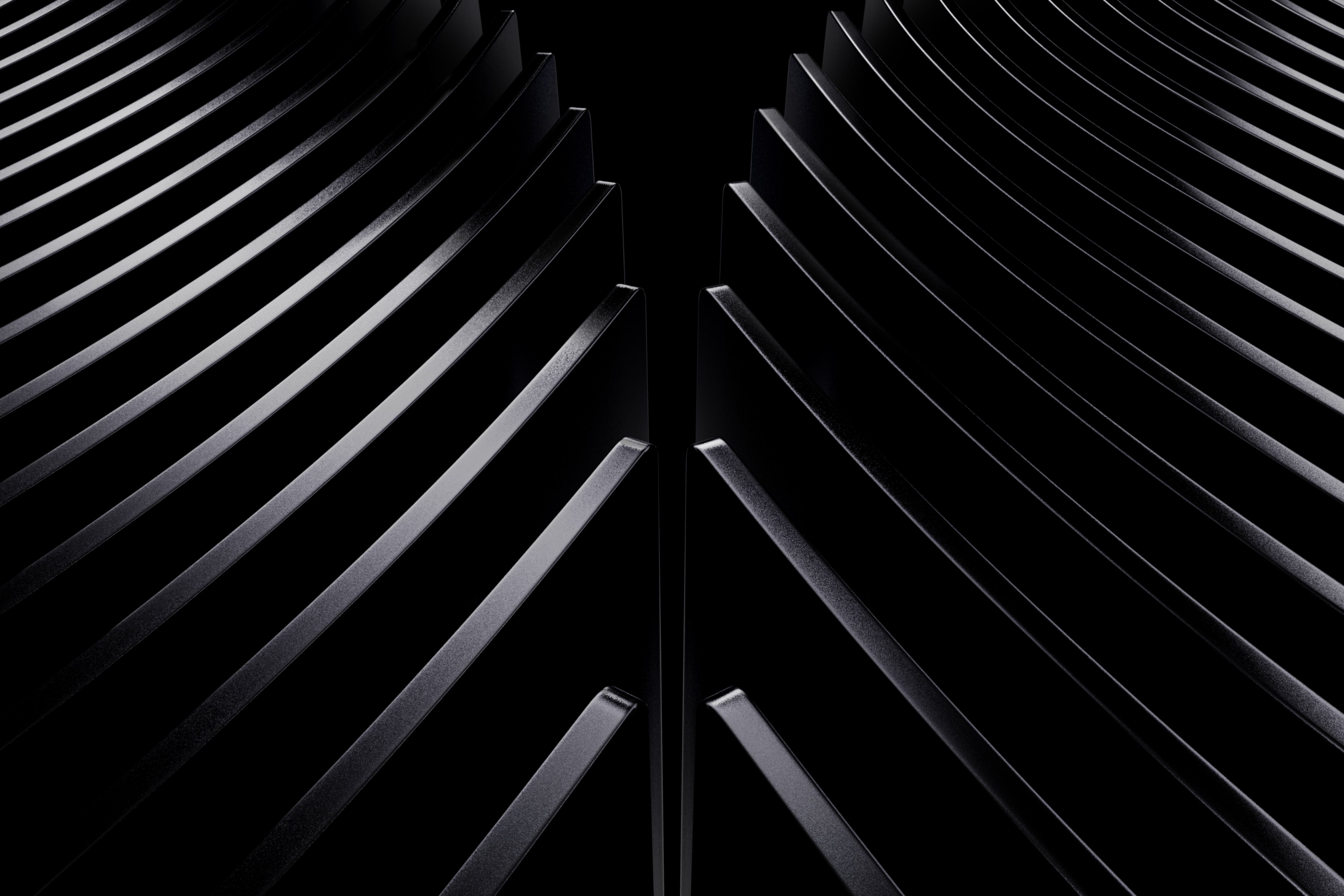
The preview images grouped below show the overall Surface-inspired style, including bright and dark color directions.
Style and color choices
The eight wallpapers are not all light or all dark. Some use brighter blue, green, and orange tones, while others offer more settled dark-color versions. This makes the set more useful across different desktop themes and everyday usage environments. If your desktop uses many icons, a softer gradient may make labels easier to distinguish; if you prefer a low-distraction setup, a darker version may feel more balanced. The overall aim is simplicity, modernity, and visual balance.
Why these look different from older Windows backgrounds
Traditional Windows wallpapers often used natural scenery, buildings, and abstract light effects. This Surface-style set emphasizes geometric structure and color relationships instead. Curves, layered blocks, and gradients are arranged to create a sense of dimension, so the desktop can look like a modern product visual rather than a landscape photograph.
What this says about Microsoft's Windows brand
Microsoft has repeatedly used official wallpapers to communicate the design language of Windows and Surface. In addition to default wallpapers for Windows versions, Microsoft releases independent wallpaper collections around new Surface products, Windows special events, and the Windows Insider Program. These works do not directly change operating-system functions, but they have become part of Microsoft's Windows brand visual image. The recent eight-wallpaper release continues that pattern: it makes Windows and Surface feel more visually unified.
Related October 2026 release: Windows Insider Program 12th anniversary
Microsoft also launched a related wallpaper set in October 2026: a Windows Insider Program 12th-anniversary collection. That series contains 10 images. It includes five different designs, and those designs come in light and dark versions. The visual direction is drawn from the development history of the Windows Insider Program and the look of the latest Surface products.
| Question | This Surface-style release | Windows Insider Program 12th-anniversary release |
|---|---|---|
| Maker | Microsoft | Microsoft |
| Time | recently | October 2026 |
| Scope | eight wallpapers | 10 images |
| Design structure | eight designs, with bright and dark color directions | five designs, with light and dark versions |
| Visual theme | Surface-style Windows wallpapers | Windows Insider Program history and latest Surface visual style |
| Function impact | No direct operating-system function change | Wallpaper collection |
Quick checklist before you download or change your desktop
- This is a wallpaper release, not a Windows update, Surface sale, device requirement, or system feature.
- The set contains eight designs and is free for Windows users.
- Ordinary Windows 10 and Windows 11 users can download and use the wallpapers without buying Surface devices or joining the Windows Insider test program.
- Choose the color direction based on your desktop theme: bright blue, green, and orange for a lighter look, or dark-tone versions for a calmer look.
- Do not confuse this release with the separate Windows Insider Program 12th-anniversary set from October 2026.
FAQ: what general readers should know
Is this only for Surface owners?
No. The wallpapers do not require a Surface device.
Is this only for Windows Insider testers?
No. They are available to ordinary Windows 10 and Windows 11 users without the Windows Insider test program.
Does this change Windows performance?
No. Desktop backgrounds change the visual appearance, not core system functions.
How many wallpapers are included?
Eight.
Are there light and dark options?
Yes. The set includes brighter colors such as blue, green, and orange, as well as more composed dark-color versions.
Why did Microsoft make them?
The designs follow Surface's visual language and help reinforce the brand relationship between Windows and Surface.
Was there another Windows Insider wallpaper?
Yes. In October 2026, Microsoft released a Windows Insider Program 12th-anniversary collection with 10 images, five designs, and light and dark versions.
Common mistakes to avoid
- Assuming a wallpaper set will change Windows behavior, settings, or system features.
- Thinking you must own a Surface device or join the Windows Insider test program.
- Mixing up the eight-wallpaper Surface-style release with the separate October 2026 Windows Insider Program 12th-anniversary set.
- Choosing a bright or dark background without checking how it looks next to your taskbar, icons, and open windows.
- Expecting the release to replace a Windows version's default wallpaper system-wide rather than provide desktop customization files.
Action steps for a simple desktop refresh
- Download the wallpaper images you want.
- Open Windows Settings.
- Go to Personalization.
- Select the background option and choose the downloaded image.
- Test one bright option and one dark option if you are unsure, then keep the one that makes your desktop icons and text easier to read.
- If you are tracking Microsoft's design releases, note that the eight-wallpaper set is separate from the October 2026 Windows Insider Program 12th-anniversary collection.
From a MyTechDailyNews viewpoint, the useful takeaway is not that eight new backgrounds exist. It is that Microsoft is using low-friction visual updates to keep Windows and Surface connected in the minds of everyday users. For a reader, that means a free way to adjust appearance while leaving system function untouched. Sarah Chen for MyTechDailyNews.