
MausStudio: A Parametric Path to a Personal 3D-Printed Gaming Mouse Shell
Gaming mice rarely fit every hand perfectly, and that mismatch has created a steady audience for more flexible customization. Recently, the small 3D printing group Unskilled Design showcased MausStudio, a tool that is still under development but points to a practical direction: let players start from an existing mouse PCB, define the important hardware landmarks, and generate a shell model that can be 3D printed.
The idea sits within a broader movement. In recent years, the mouse modding community has expanded quickly. Keychron has made shell model files for its mice publicly available, while OpenMouse works across different brands by offering unified custom settings and button mapping. MausStudio enters this landscape as another example of how hobbyist tooling can move customization closer to ordinary users.
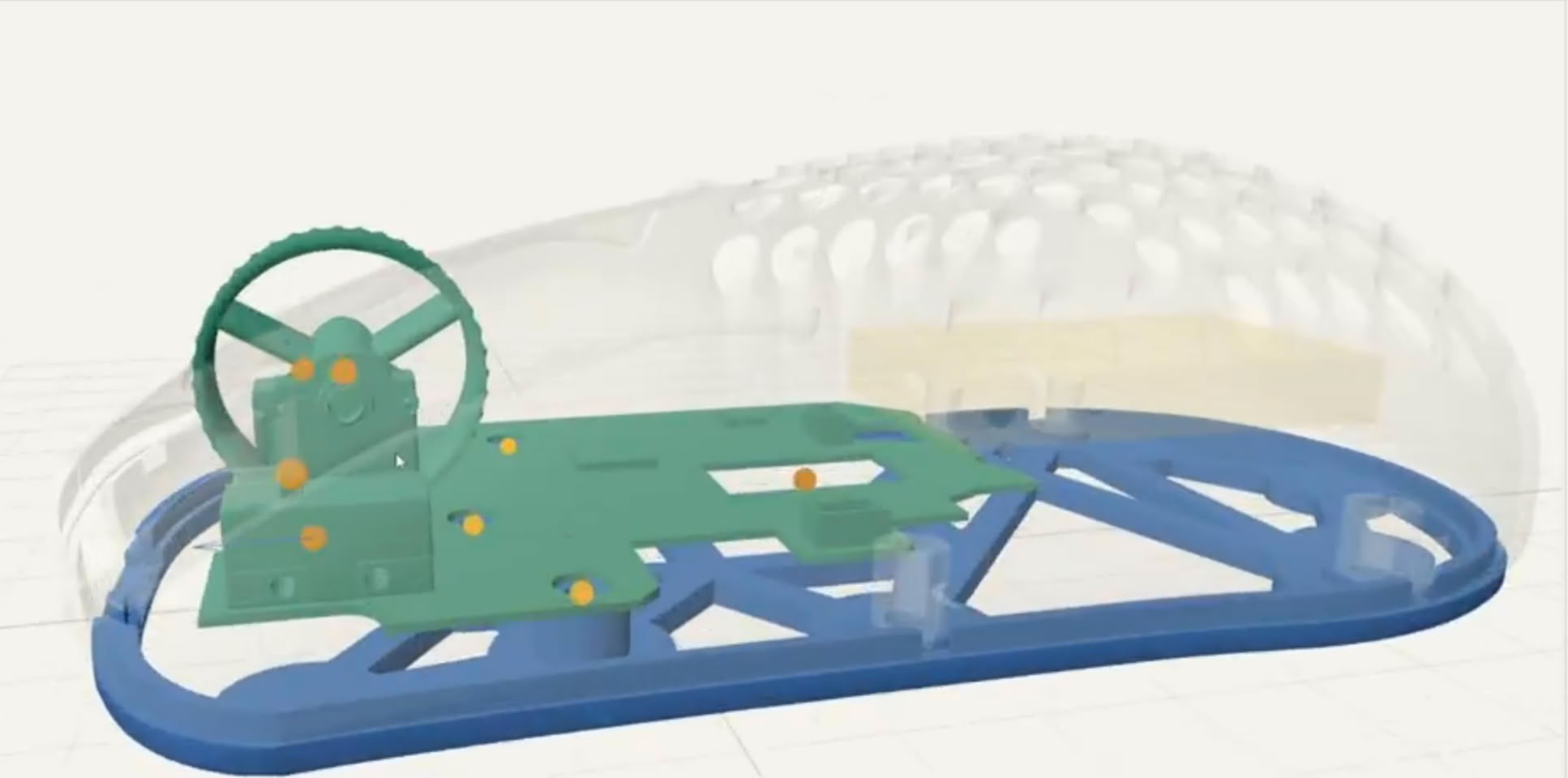
How the proposed workflow turns a board into a shell
Based on the demo shown by the development team, the process begins with the STL model of an existing mouse PCB circuit board. The user imports that file into MausStudio, then marks key hardware positions. Those points include screw holes, micro switches, the scroll wheel and the sensor.
After the base setup is complete, the tool generates an outer shell model according to user-entered parameters. The result is not presented as a decorative concept, but as a geometry built around the physical parts that must sit inside the mouse.
Customization options described by the project
MausStudio’s described customization options are broad enough to cover several common fit problems. The table below organizes the elements mentioned in the project materials into practical categories.
| Design area | What users can adjust | Why it matters for a mouse shell |
|---|---|---|
| Body size | Length, width and height | Helps match hand size and basic shell proportions |
| Hump placement | Position of raised areas | Can adapt the top shape to personal comfort preferences |
| Bottom structure | Lightweight or solid bottom | Let the user choose between a lighter build and a solid one |
| Battery position | Mounting location for a battery | Allows the battery mounting position to be set |
| Weight reduction | Honeycomb cutouts | Helps lower overall weight while shaping the outer shell |
| Left-hand layout | Side-button arrangement for left-hand users | Allows a shell that better fits personal use habits |
| Assembly openings | Automatic screw-hole positions and scroll-wheel openings | Reduces manual model editing after the shell is generated |
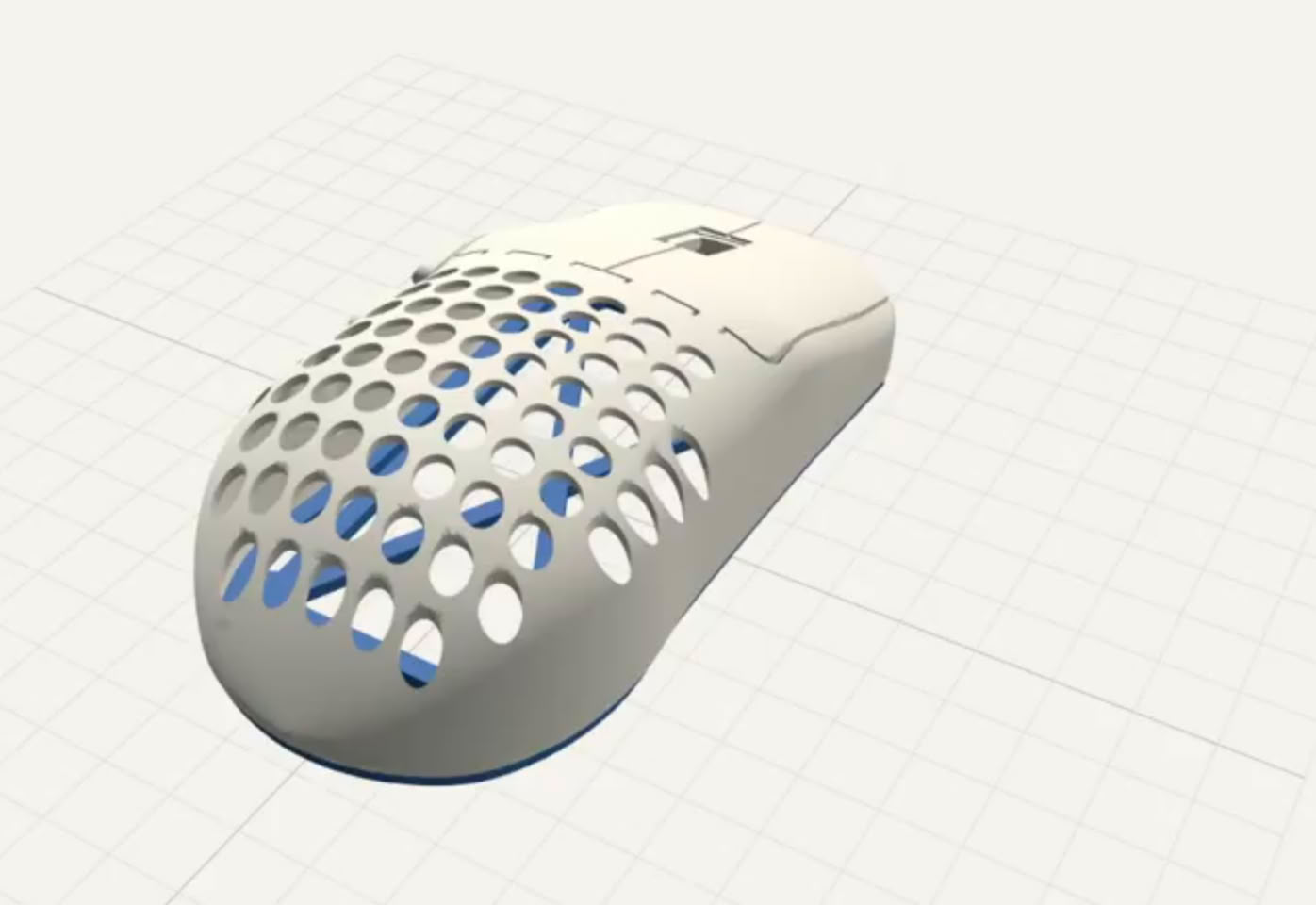
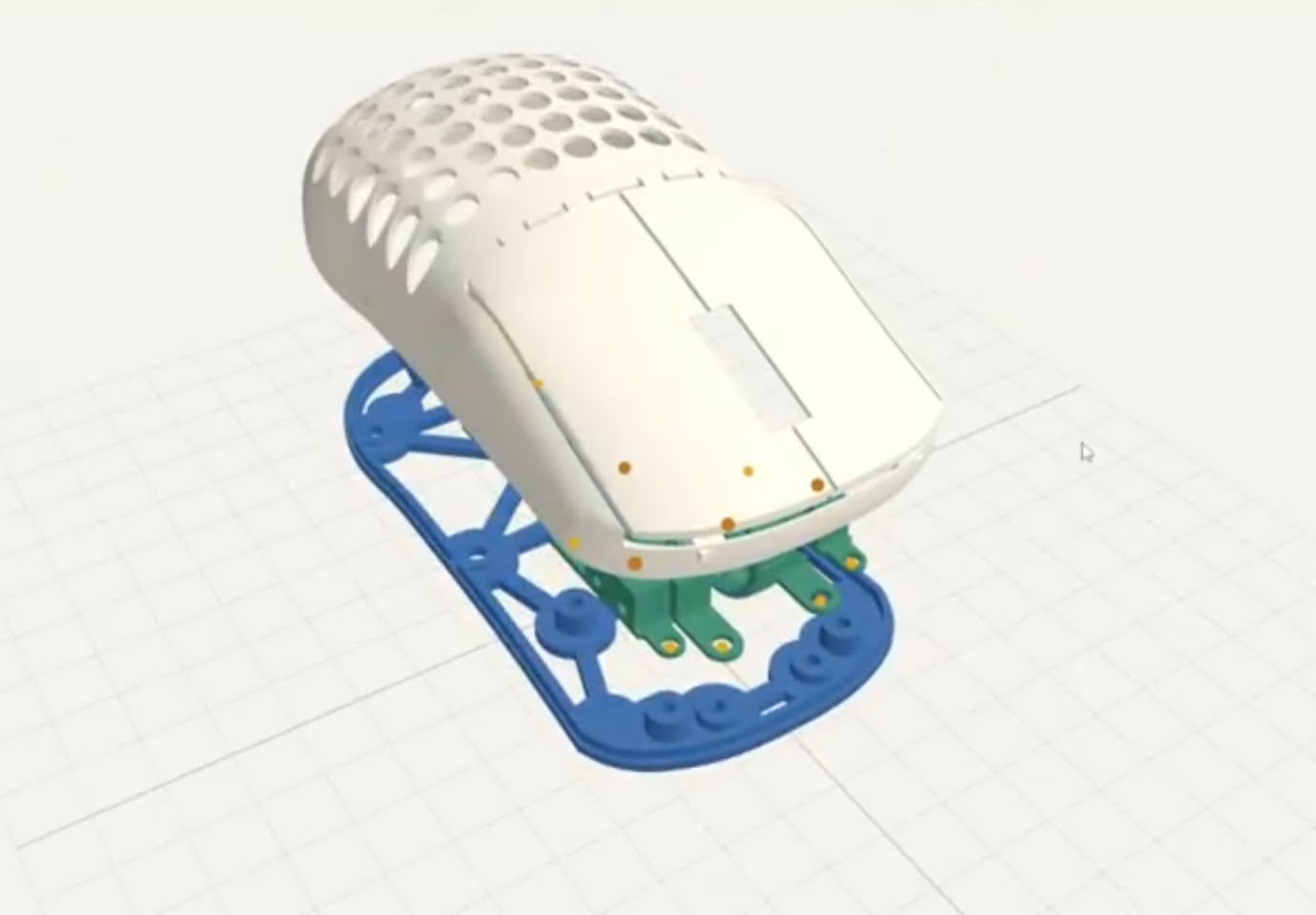
Automatic details that reduce manual editing
Once the shell design is finished, MausStudio is described as generating the screw-hole positions needed to mount the PCB. It can also create the opening structure for the scroll wheel. These steps are intended to save users from doing extensive manual corrections to a 3D model.
Why the project emphasizes math rather than AI
Project developer Bastian particularly stressed that the models produced by MausStudio are not created with generative artificial intelligence. Instead, the tool relies on mathematical algorithms and parametric modeling technology. In practical terms, that means the output is meant to satisfy hardware and dimensional requirements, rather than serving as a random visual style generated by an AI image system.
Release status: still under development
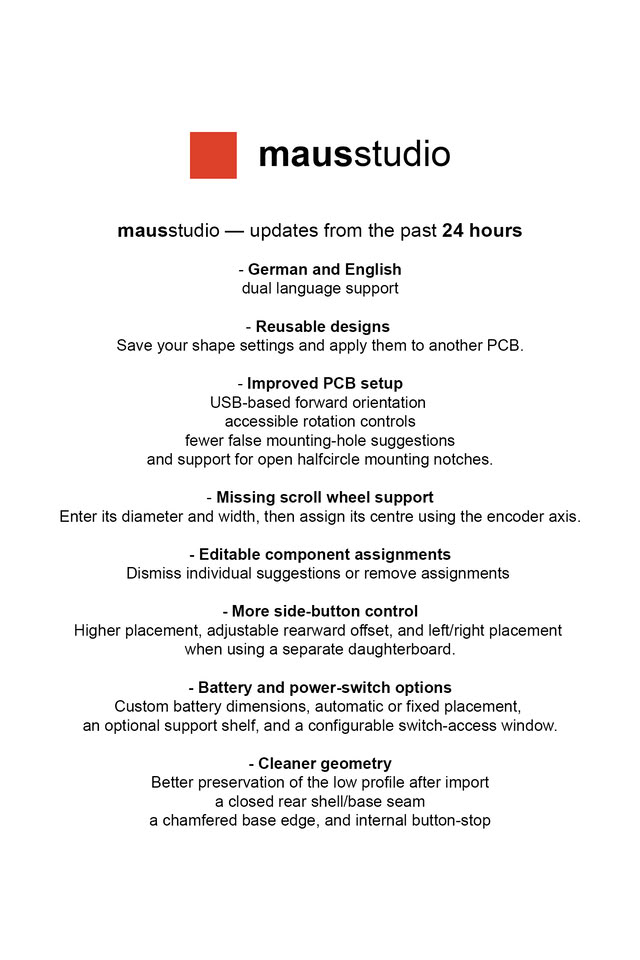
Currently, MausStudio remains in development. The team has not published an official release date, and it has not confirmed the business model. It is still unclear whether the final product will be offered as paid software, as a browser-based online tool, or in another form.
Quick checklist before waiting for MausStudio
- Check whether your current mouse has a PCB model that can be used as the starting point.
- Map the parts that define fit: palm contact, side pressure, thumb rest, finger position, and scroll-wheel reach.
- Decide whether weight, hump shape, or button-side layout is your biggest issue.
- Review basic 3D printing knowledge before assuming a finished shell will be simple to produce.
- Treat the project as a tool in development, not as a ready-to-use store product.
Common misconceptions
- Misconception: MausStudio designs an entire gaming mouse from scratch. What is described: The project focuses on generating a shell around an existing PCB model.
- Misconception: The tool uses AI to invent arbitrary shell shapes. What is described: Bastian says the models are produced by mathematical algorithms and parametric modeling.
- Misconception: The project is already a finished consumer product. What is described: Currently it is still under development, with no confirmed release schedule or business model.
FAQ
What problem is MausStudio trying to solve?
It targets users who want a gaming mouse shell fitted to their hand, preferred size, button layout, weight, and internal component positions, rather than choosing from fixed commercial shells.
Is MausStudio an artificial intelligence product?
According to the project explanation, no. Developer Bastian emphasizes parametric modeling and mathematical algorithms, with hardware compatibility and dimensional accuracy as the goal.
Can it already be downloaded or used?
Based on the available information, no. MausStudio is still under development, and the team has not confirmed an official release date or business model.
Action advice
For everyday readers, the most useful takeaway is not a purchasing decision, but a change in expectation. MausStudio shows that parametric modeling and 3D printing can make peripheral customization more personal: users may eventually adjust shape, weight, hand orientation, and internal layout instead of waiting for a manufacturer to release a design that happens to fit them.
For now, the sensible action is to observe the project quietly. If you are interested in the broader trend, practice documenting your own mouse comfort habits, learn basic shell-model terms such as STL files, screw holes, switches, scroll wheels and sensors, and keep the release status in mind before planning a DIY build.