
M6 iMac at $1,499: MyTechDailyNews Breaks Down What Buyers Should Know
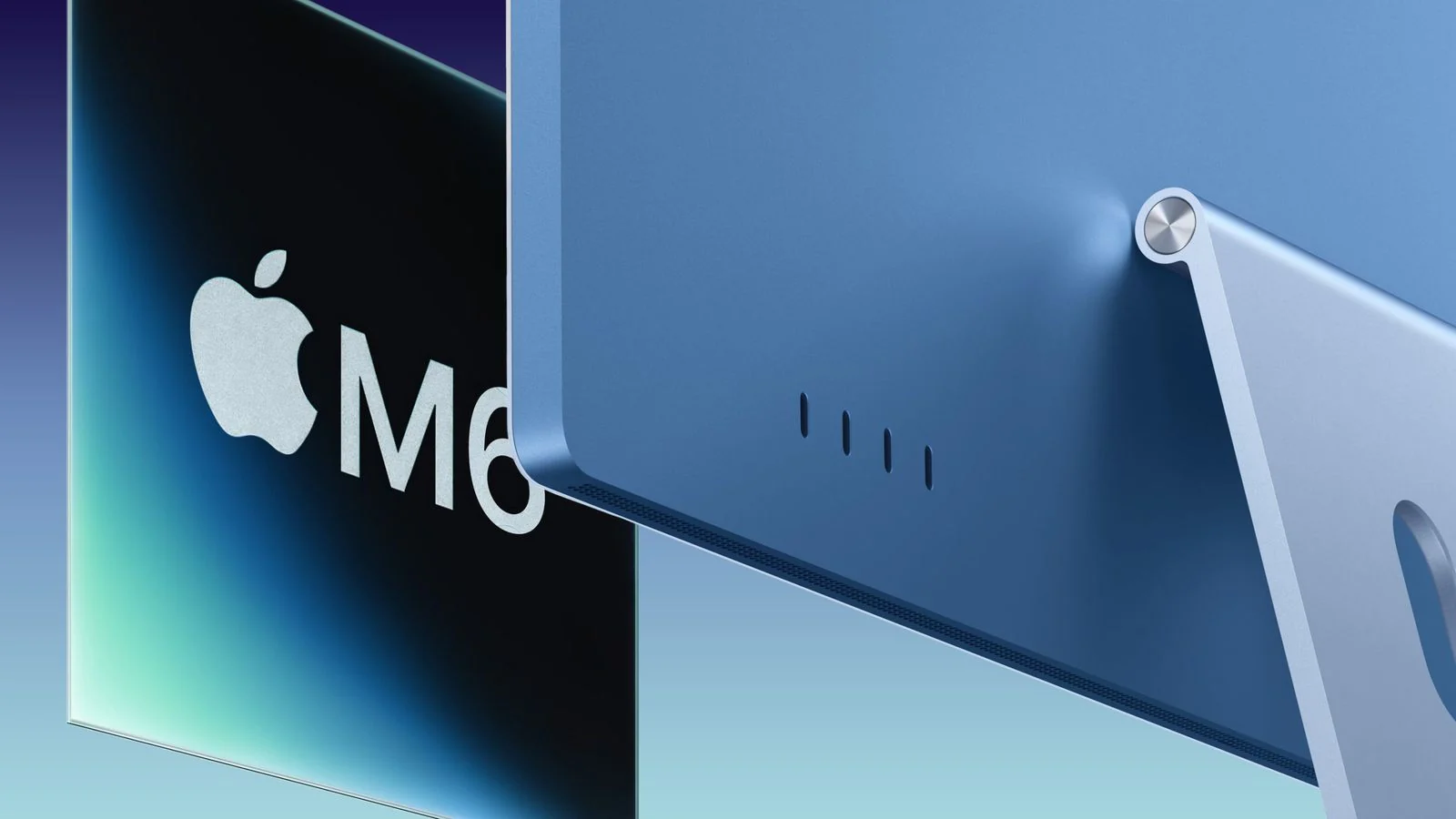
A desktop purchase often feels like a compromise: users want a bright screen for streaming, enough compute for editing, a tidy desk footprint, and a price that does not make the next repair feel stressful. The new iMac arrives with that same practical target. It keeps the familiar look, adds the M6 chip, and gives everyday buyers a clearer reason to weigh the base model against the higher trim.
Design, display, and camera: familiar but useful
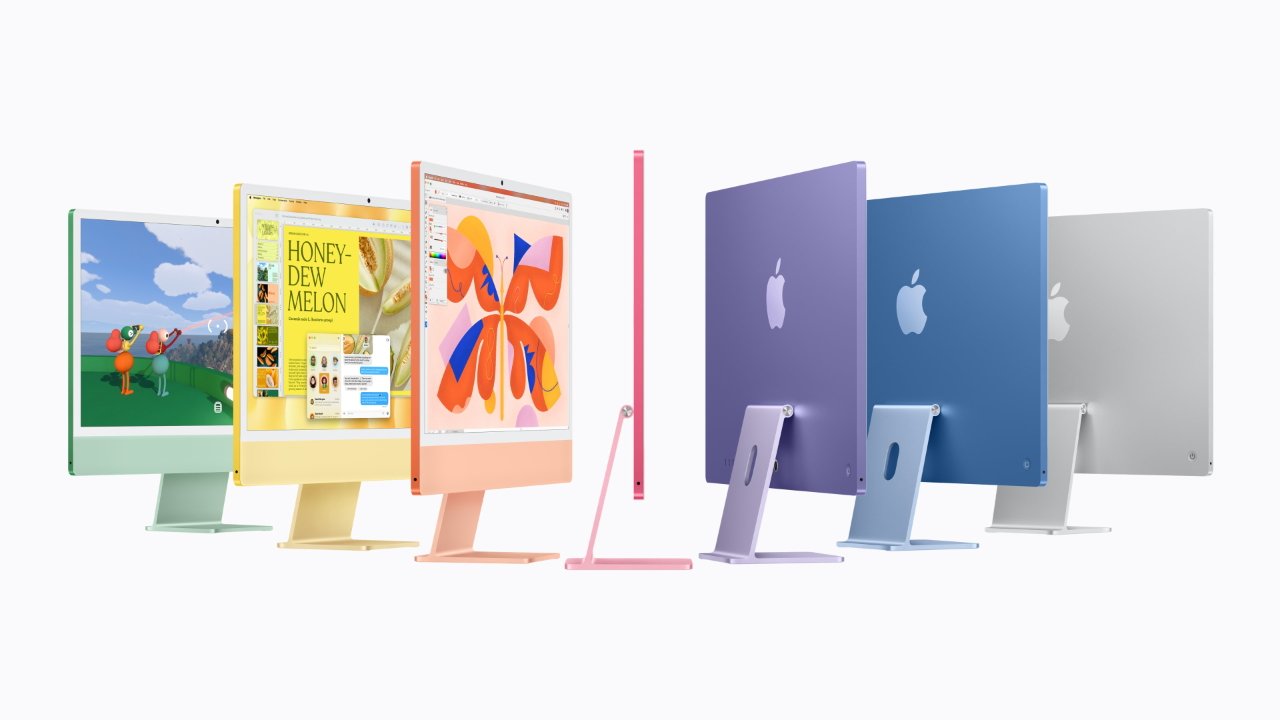
On the outside, the new iMac keeps the previous M4 design language and continues to offer seven colors: blue, green, pink, yellow, purple, orange, and silver. The front still uses a 24-inch 4.5K Retina display. The camera remains a 12-megapixel camera, or 12 megapixels, and it still supports Center Stage to keep a person centered during video calls and Desk View to show the desk area during meetings.
M6 architecture: the biggest on-paper shift
Apple had already introduced the M6 chip in the Mac mini released this August. The M6 is notable for a dual Neural Engine design, using two 16-core Neural Engines rather than the single Neural Engine found in earlier Apple silicon. Apple also says this is the first time its GPU cores include Neural Accelerators. The unified memory bandwidth is listed up to 170GB/s, up from the M4 chip's 120GB/s.
US pricing: what $1,499 and $1,699 include
In the United States, the new iMac starts at $1,499 (1499 US dollars). The base machine uses an M6 chip with a 10-core CPU, a 10-core GPU, and a dual 16-core Neural Engine. It comes with 16GB unified memory, 256GB storage, and two Thunderbolt 4 ports. Apple notes that the matching previous-generation model was also $1,499 after it was repriced this June, while its original launch price was $1,299 (1299 US dollars).
The $1,699 (1699 US dollars) trim moves to a 12-core CPU and 12-core GPU and replaces the base two ports with four Thunderbolt 4 ports. Buyers can configure memory and storage further, up to 32GB unified memory and a 2TB SSD.
Quick comparison
| Feature | Base iMac, $1,499 | Higher iMac, $1,699 |
|---|---|---|
| Processor | 10-core CPU and 10-core GPU | 12-core CPU and 12-core GPU |
| Memory and storage | 16GB unified memory, 256GB storage | Configurable up to 32GB unified memory and 2TB SSD |
| Thunderbolt 4 | two Thunderbolt 4 ports | four Thunderbolt 4 ports |
| Wi-Fi and Bluetooth | Wi‑Fi 7 and Bluetooth 6 through N1 chip | Wi‑Fi 7 and Bluetooth 6 through N1 chip |
| Ethernet option | 2.5Gb Ethernet port via $30 power adapter | 2.5Gb Ethernet port included |
Ports, wireless, storage speed, accessories, and release timing
For wireless connections, the iMac uses Apple's N1 chip to support Wi‑Fi 7 and Bluetooth 6, an upgrade from the previous generation's Wi‑Fi 6E and Bluetooth 5.3. The base model can add a power adapter with a 2.5Gb Ethernet port for US$30 (30 US dollars), while the higher configuration includes that adapter by default. The older iMac's power adapter only provided a 1Gb Ethernet port.
Support for PCIe 5.0 also raises storage performance: Apple says SSD read and write speeds can be up to twice those of the M4 version, improving system responsiveness and file transfer tasks.
The bundled two accessories are not changed this time: the iMac still ships with Magic Mouse and Magic Keyboard with Touch ID. Preorders open on October 28, and the official sale date is November 6.
Common misconceptions before the November 6 launch
- It is a fully redesigned desktop. The machine keeps the M4 design language, so the visible change is modest.
- The higher price automatically buys more memory. It buys more cores and more Thunderbolt 4 ports; memory and storage are separate configuration choices.
- Wi‑Fi 7 makes wired networking obsolete. A 2.5Gb Ethernet port depends on the upgraded power adapter, which is optional on the base model and included on the higher model.
- PCIe 5.0 only matters when copying huge files. Apple also ties the speed gain to system responsiveness.
Checklist: decide what to check before October 28
- Measure your desk and confirm a 24-inch all-in-one fits your setup.
- List your ports. If you regularly connect two displays or fast external drives, the four Thunderbolt 4 ports may justify the $1,699 trim.
- Count the people in your home. The base model may work for general use, while the higher 12-core CPU and 12-core GPU trim may suit heavier multitasking.
- Check your router and phone. Wi‑Fi 7 and Bluetooth 6 only pay off if your network gear supports them.
- Decide whether a wired connection matters. The 2.5Gb Ethernet port requires the US$30 adapter option on the base model.
- Compare with older iMacs. If your current machine still meets your needs, the familiar Magic Mouse and Magic Keyboard with Touch ID are not an upgrade.
FAQ: quick answers for everyday buyers
When can people order the new iMac?
Preorders begin October 28, and release is scheduled for November 6.
How much does it cost in the United States?
The base price is $1,499 (1499 US dollars), while the higher configuration starts at $1,699 (1699 US dollars).
What changed inside the chip?
The M6 uses two 16-core Neural Engines, compared with earlier single Neural Engine designs, and adds Neural Accelerators to GPU cores.
What stays the same on the outside?
The iMac keeps the M4 design language, a 24-inch 4.5K Retina display, a 12-megapixel camera, Center Stage, Desk View, Magic Mouse, and Magic Keyboard with Touch ID.
Action suggestions: what to do before release
- Save your current device benchmark. Note app launch times, backup duration, and file transfer speed so you can compare the M6 and PCIe 5.0 gains after November 6.
- Map your budget. If you only need a bright screen and a tidy one-piece desktop, the base $1,499 build may be enough; if you need four Thunderbolt 4 ports, look at $1,699.
- Prepare network gear. If your home or office still relies on older Wi-Fi or a 1Gb Ethernet adapter, a new router or cabling may improve results more than the N1 chip alone.
- Do not upgrade accessories just because the iMac changed. Magic Mouse and Magic Keyboard with Touch ID remain unchanged.
For most readers, the decision is less about chasing every specification and more about matching the iMac’s actual changes to daily routines. The 24-inch 4.5K Retina display, familiar design, and Center Stage camera cover the basics; the M6, dual Neural Engine, Wi‑Fi 7, and PCIe 5.0 storage address the parts that feel sluggish during work, study, or media tasks. If your current desktop still meets your needs, waiting may make sense; if you need a new machine by November 6, the checklist above should tell you whether the base $1,499 build or the $1,699 trim fits best.