
MyTechDailyNews General Guide: iOS 27.2 Brings Siri AI Memory, iPhone Duo Pencil Support, and FaceTime Dual Capture
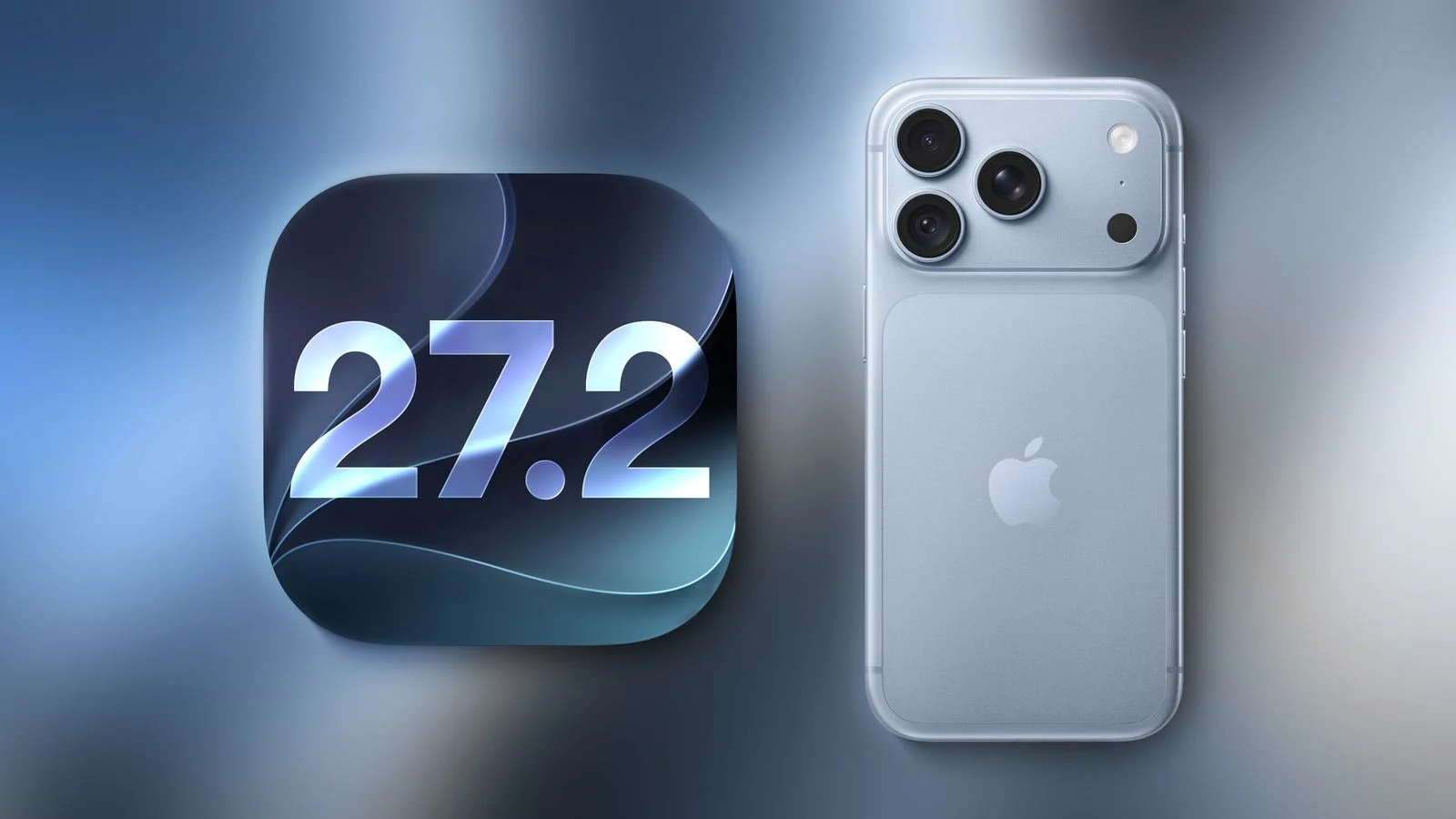
Apple's iOS 27.2 update arrives as a broad quality release rather than a single headline change. The update brings French, Japanese, Korean, Portuguese, and Spanish into Siri AI beta support, lets the assistant remember earlier conversations and use that context when answering, adds first-time Apple Pencil support for iPhone Duo, and moves Multiview sports viewing to the iPhone. It also touches FaceTime, Messages, the Podcasts app, Calendar-related suggestions, and security, while showing that older iOS devices are still part of Apple's maintenance strategy.
What changed in Siri AI
The main change is memory. After iOS 27.2 is installed, Siri AI can recall information from previous conversations and combine that context when it answers. It is still a beta language expansion for French, Japanese, Korean, Portuguese, and Spanish, but the practical effect is a more personal assistant experience.
- Broader source access: Siri AI can use content beyond general answers, including photo attachments in Messages, participants in Calendar activities, voicemail content, Safari browsing history, and items in Reading List.
- User control: Apple allows users to choose which apps should not be included in the data Siri AI can remember.
iPhone Duo and FaceTime upgrades
iPhone Duo has been in the news because some users reported screen problems, but iOS 27.2 adds useful features for it rather than changing the hardware story. The update also strengthens group calls and participation options.
- Apple Pencil: iOS 27.2 is the first update to give iPhone Duo Apple Pencil support for apps such as Notes and Preview.
- Edge Light: A new feature helps users better highlight their face during video calls.
- Dual Capture: In FaceTime, group call users can live stream from both the front and rear cameras.
- Third-party call support: Users can invite sign language interpreters or live captioning service providers into calls.
Messages, Shared Albums, and Podcasts
The Messages app gets a smarter suggestion layer. iOS 27.2 can recognize message content and suggest turning relevant information into Reminders or Calendar events. Shared Albums also receive practical editing and reminder improvements.
- Edit captions in Shared Albums.
- Add comments to Shared Albums.
- See expiration reminders for Shared Albums.
The Podcasts app redesigns interface and recommendation presentation, making new episodes from followed shows more visible and showing the episode currently being listened to.
Sports viewing with Multiview on iPhone
Apple brings Multiview, previously seen on Apple TV, to iPhone. For users in the United States, this means sports watching can be arranged as at most four live streams at once. The coverage examples include Major League Soccer (MLS), Formula One (F1), and Major League Baseball (MLB) Friday Night Baseball two-game live broadcast. Formula One (F1) viewing can also present multiple race perspectives.
Security fixes and older iOS support
Security is a major reason to pay attention to iOS 27.2. Apple says the update contains more than 160 security fixes. Many of those fixes are also moved back to older versions so that iOS 26 users remain protected. Apple's data says about 80% of iPhone users are still running iOS 26.
Apple also released one special security patch for iOS 18, an operating system line whose earliest releases date to 2024. Apple describes the issue as a vulnerability that may have been used in an extremely sophisticated attack against specific target users. The affected scope is said to cover system versions before iOS 27. Apple did not disclose attacker identities or technical details. Industry observers often interpret such wording as a sign that the flaw may have been exploited by government-level spyware or forensic tools.
Quick checklist: what to notice after the update
- Review the language list covered by Siri AI beta support.
- Decide which apps should not contribute to Siri AI memory.
- Try Notes or Preview with Apple Pencil on iPhone Duo if you use the device.
- Use Edge Light when you want more face clarity in video calls.
- Test Dual Capture in FaceTime group calls when both front and rear camera views are useful.
- Look for Messages suggestions that create Reminders or Calendar events.
- Inspect Shared Album caption, comment, and expiration reminder controls.
- Open the Podcasts app to see followed show updates and the current episode indicator.
- If you watch sports in the United States, check whether Multiview streams include MLS, F1, or MLB Friday Night Baseball content.
- If your device is on iOS 26 or iOS 18, check whether it receives the relevant security update.
FAQ
Q: Does iOS 27.2 change Siri AI language support?
A: Yes. The update adds beta support for French, Japanese, Korean, Portuguese, and Spanish in Siri AI.
Q: Can Siri AI use app information as memory sources?
A: Yes. It can draw on photo attachments in Messages, participants in Calendar activities, voicemail content, Safari browsing history, and Reading List items. Apple also lets users designate apps whose data should not be included in Siri AI memory.
Q: Does iPhone Duo support Apple Pencil?
A: iOS 27.2 is the first update to provide Apple Pencil support for iPhone Duo in apps such as Notes and Preview.
Q: What is new for FaceTime calls?
A: FaceTime adds Dual Capture, allowing front and rear camera live streaming in group calls, and users can invite third-party sign language interpreters or live captioning service providers.
Q: How does sports viewing change on iPhone?
A: Multiview moves from Apple TV to iPhone. In the United States, users can watch at most four live streams, including Major League Soccer (MLS), Formula One (F1), and Major League Baseball (MLB) Friday Night Baseball two-game live broadcast; F1 viewing can also present multiple perspectives.
Q: Why do older iOS versions still matter?
A: iOS 27.2 includes more than 160 security fixes, many of which are backported to iOS 26, and Apple released one special security patch for iOS 18, first released in 2024, after warning about an extremely sophisticated attack affecting versions before iOS 27.
Common misconceptions
- iOS 27.2 is only a new-device update. It adds iPhone Duo features, but the security section also reaches iOS 26 and iOS 18.
- Siri AI memory is just a language setting. The beta language rollout matters, but the bigger change is remembered conversation context plus selectable app sources.
- Multiview is only an Apple TV idea. It was previously on Apple TV, and iOS 27.2 brings it to iPhone for sports viewing in the United States.
Action suggestions
- If you use French, Japanese, Korean, Portuguese, or Spanish with Siri AI, note that iOS 27.2 adds beta support for those languages and check how the assistant uses conversation history.
- If you care about privacy, decide which apps should not contribute to Siri AI memory, especially Messages, Calendar, Safari, and Reading List sources.
- If you use iPhone Duo, test Apple Pencil in Notes and Preview, and try Edge Light for video calls.
- If you host or join group calls in FaceTime, see whether Dual Capture or a third-party sign language interpreter or live captioning provider is useful.
- If you rely on Messages, use the suggested Reminders or Calendar events when the system identifies actionable information.
- If you watch Major League Soccer (MLS), Formula One (F1), or Major League Baseball (MLB) Friday Night Baseball in the United States, try Multiview with at most four live streams, including a two-game live broadcast.
- If your device is older, do not assume security updates stop after iOS 27.2; check whether iOS 26 or iOS 18 has received relevant backported or special patches.
The bigger story around iOS 27.2 is not a single flashy feature but the way Apple is connecting assistant memory, app context, communication tools, sports viewing, and long-tail security maintenance into one release. For readers following everyday product changes, the practical takeaway is simple: newer capabilities appear first on current devices, while older iPhone software versions are still being kept in the security conversation.