
MyTechDailyNews General Guide: How to Judge Apple's Touch OLED MacBook Pro Upgrade
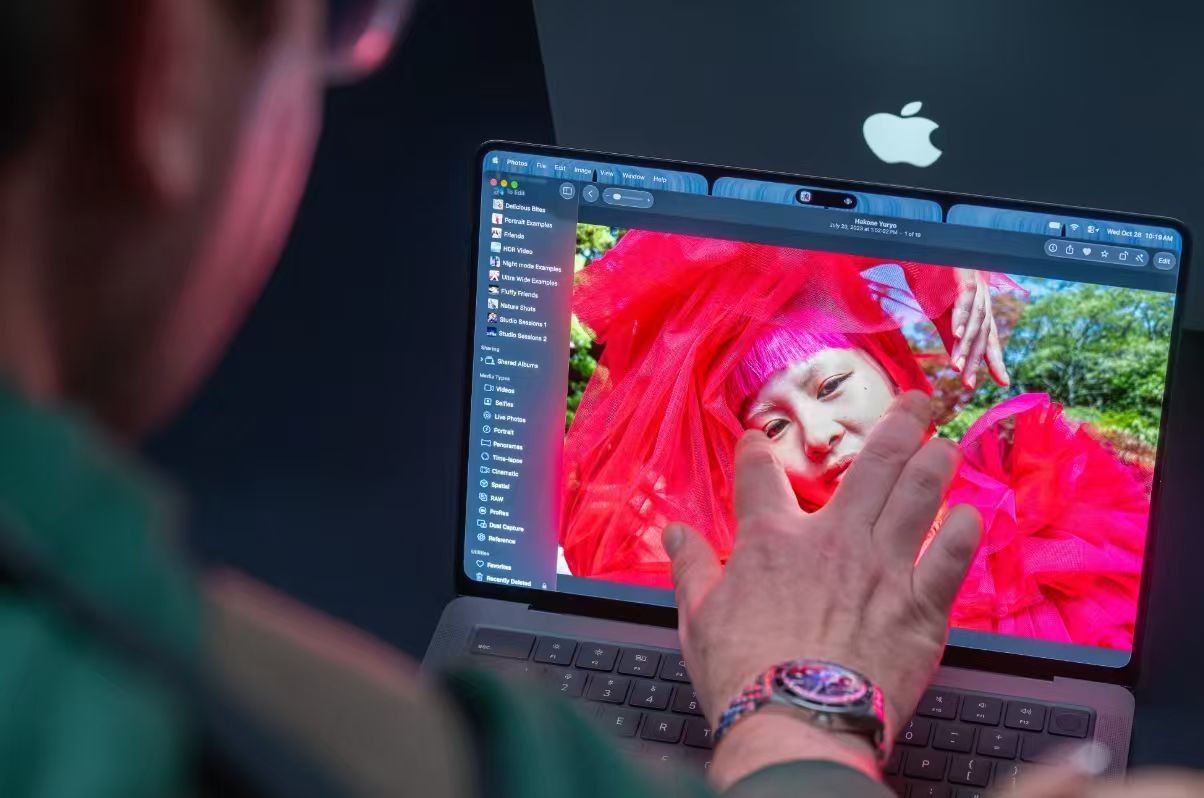
Apple's first touch-screen laptop is not the reinvention many expected. In a November 2 article, Bloomberg said Apple treated the touchscreen Mac as a safe, conventional upgrade, and did little to give users a reason to use the new touch layer. For readers of MyTechDailyNews, the practical question is not whether the screen can be touched. It is whether the OLED display, lighter body and future product path justify attention or a premium.
By Sarah Chen, Tech Daily. Need a device-policy answer from Tech Daily? Contact hello@techdaily.com.
What changed, and what stayed familiar
Unlike iPhone Duo, which pushed Apple into unfamiliar territory, the new MacBook Pro keeps a proven hardware formula: Apple's chips and software work together, the display is mature, the keyboard and trackpad are reliable, the battery is strong, the speakers are good, and the camera is capable. This is the first Mac laptop with touch input, but its design remains close to the well-liked 2021 model, and its silicon continues with M5 Pro and M5 Max, the chips introduced this spring.
Apple has been good at refining what it already knows. Touch could have been the biggest Mac shift in more than five years, yet Apple made it feel incremental. The weight drops, the chassis gets slightly thinner, thermal management improves and the cooling system is redesigned. The result is a refined notebook, not a new category.
Why OLED matters more than the finger test
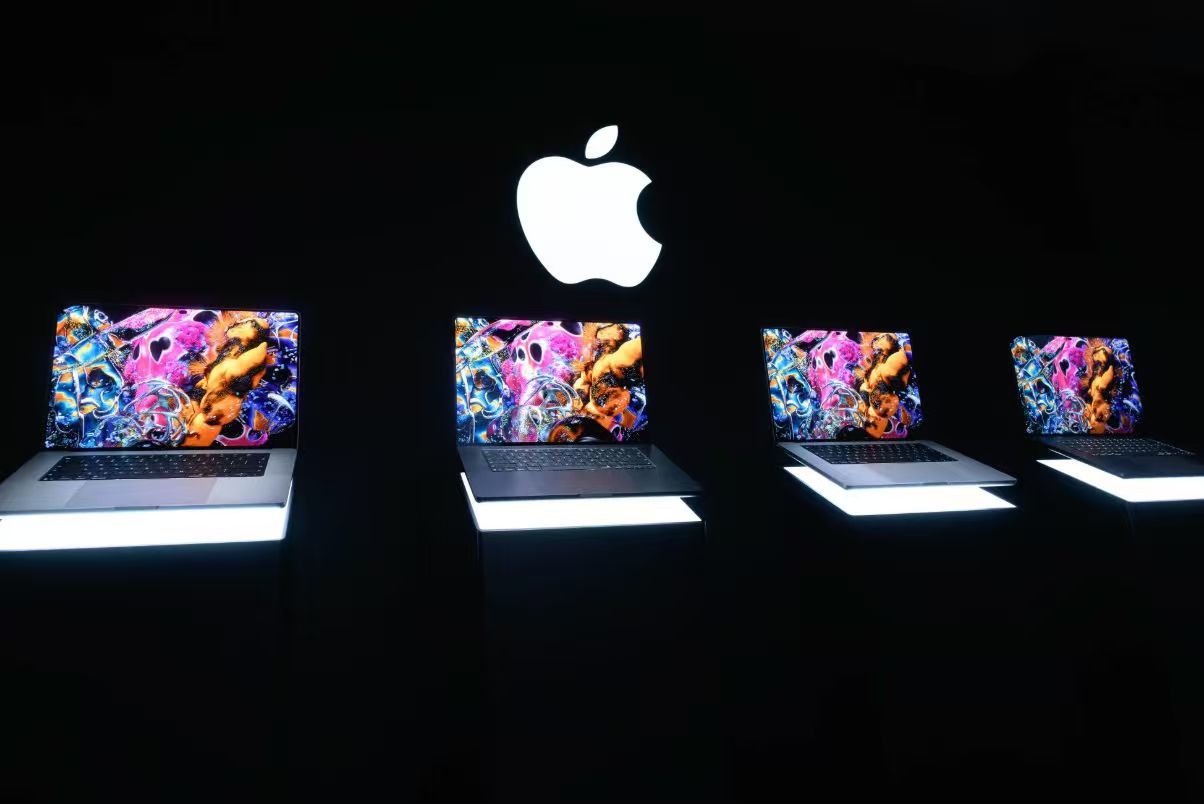
The most useful upgrade is visual. Bloomberg notes that Apple's marketing emphasizes OLED rather than touch, a fair choice because iPad Pro-style display quality can change everyday work. Apple's Newsroom describes the new panel as a tandem OLED display with up to 2,000 nits peak brightness and a 10,000,000:1 contrast ratio, while Bloomberg's November 1 report says the touch layer is built directly into the OLED panel instead of being placed on top as a separate layer.
How the screen change maps to real tasks
| Real task | What touch adds | What OLED adds | Practical move |
|---|---|---|---|
| Video and photo previews | Finger dragging or scrolling may be handy, but it is not enough to justify an upgrade by itself. | Deeper blacks, higher contrast and HDR-style previews can change how work looks. | Compare on-screen previews, not demo-room animations. |
| Document work and meetings | Basic taps may speed simple actions, but small controls remain hard to hit. | Brighter, cleaner panels help in bright rooms, but fixed user interface areas deserve long-term checks. | Do not pay the touch premium unless visual quality is central to your job. |
| Music and video editing | Timeline scrubs, window moves and quick gestures may feel useful in tested apps. | The panel can make color decisions and waveform viewing easier. | Confirm that your tools expose touch-friendly targets before buying. |
| Travel and client work | Touch can support shared review with a client or colleague. | Lower weight and thinner chassis make carrying easier. | Use the $400 decision as a screen-quality question, not a novelty question. |
Touch's limits: common misconceptions
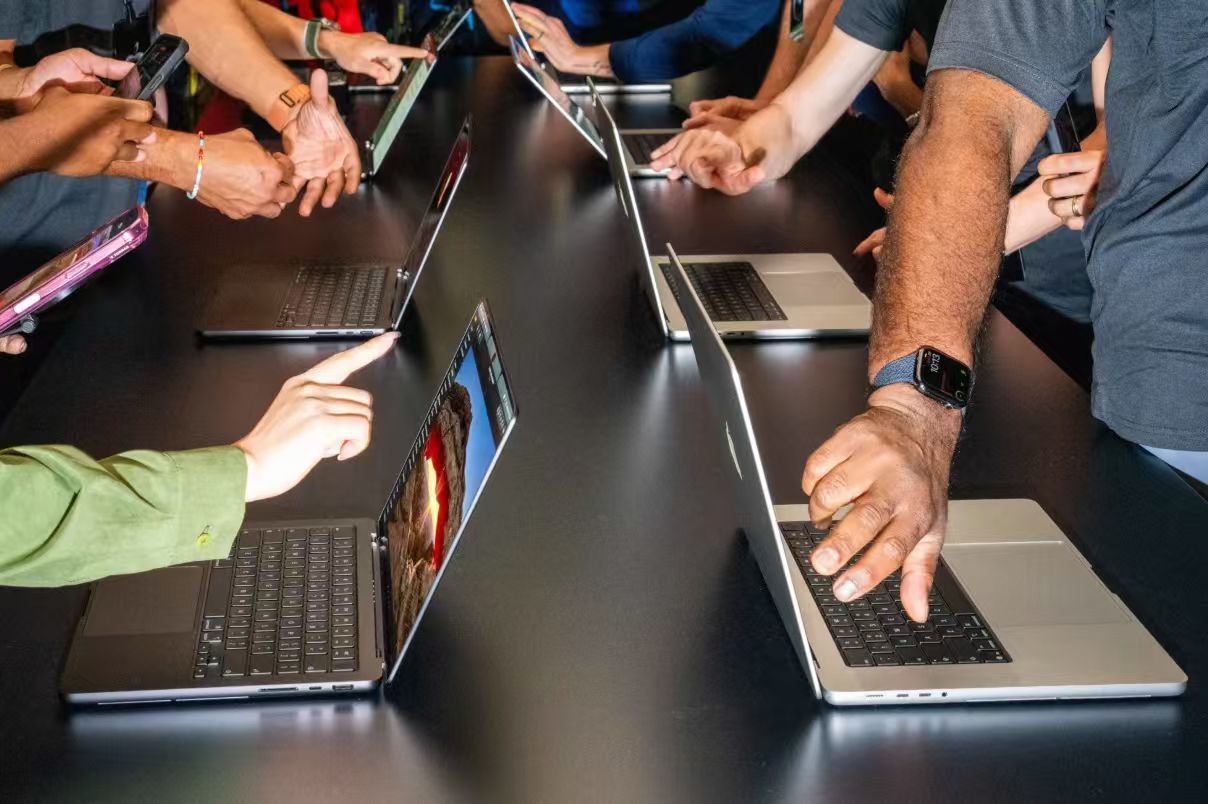
- It is not an iPad substitute. The screen cannot fold backward, cannot rest in a tablet-friendly angle, and Apple Pencil is not supported.
- It is not a full macOS redesign. Basic taps, swipes, two-finger pinch, zoom and scroll work, but some interface controls remain too small for comfortable touch.
- It may not be useful for drawing, handwriting or note-taking if a pen workflow is essential.
- It closes a long-standing gap with Windows laptops more than it creates a new reason to switch.
To make touch work, Apple strengthened the hinge so the screen rocks less when pressed and added software stabilization to make camera feeds smoother during video calls. That is a practical improvement, but it does not turn the MacBook Pro into a tablet.
Pricing and product-line signals
On the first generation models, the package of touchscreen, OLED display and Dynamic Island requires an extra $400. The M5 Pro and M5 Max MacBook Pro versions without the touchscreen will still be sold. That creates two lines, but Apple is unlikely to keep developing non-touch high-end MacBook Pro models for long. Managing two product lines adds engineering, marketing and manufacturing burden, and the prices are already close enough that a unified premium line may arrive later.
For Apple's sales mix, one reassuring point is that this laptop is unlikely to pull demand away from iPad. Consumers ready to buy iPad are not likely to abandon it because a Mac can be touched. Instead, more consistent interaction across iPhone, iPad and Mac may make more people want both Mac and iPad.
Next-year roadmap: when waiting makes sense
Next year's second generation devices may be more interesting for buyers focused on AI hardware. M7 Pro and M7 Max are expected in those models, while Apple plans an entry 14-inch M7 MacBook Pro that uses the lighter chassis and narrower bezel design shown earlier this week on high-end machines.
A practical checklist before you buy or skip
- Write down the three apps you use most. If none needs finger interaction, treat touch as optional.
- Open macOS system menus, a browser, a document editor and your creative tools, then test whether controls are easy to press.
- Decide whether OLED is the upgrade you are paying for: brighter HDR previews, darker blacks, better outdoor visibility and a lighter carry are easier to defend than tapping icons.
- Check whether your workflow depends on Apple Pencil, a convertible hinge or handwriting; if yes, the new MacBook Pro is not the answer.
- For companies, assign reviewers rather than buying every seat with the $400 add-on. Test one shared touch unit for classroom-style reviews, then measure time saved.
- If you own a capable M-series MacBook Pro from 2021 through 2024, only upgrade if the screen, weight or support needs justify it.
Action recommendations by user type
- Creators on deadline: evaluate the OLED panel first, then ask whether touch helps your editing tools. Do not buy for the demo.
- Office and field workers: choose the non-touch M5 Pro or M5 Max version unless client reviews or training make touch useful every day.
- Existing M-series Mac owners: skip if your current screen still works; wait for next year if M7 features matter, or keep the current machine if budget comes first.
- Parents and students: treat this as a premium visual product, not a cheaper way to replace a tablet.
FAQ: five quick answers for general readers
Should people buy this MacBook Pro for touch alone?
No. Bloomberg's November 2 article says the first touch-screen Mac is handled as a conservative upgrade, not a new experience. Touch is useful when a specific app or scenario benefits, but it is not a broad reason to replace a healthy laptop.
Is OLED worth the extra money?
For photo, video, design and any workflow where preview quality affects decisions, the OLED display is the stronger case. For text documents, spreadsheets and meetings, the same screen quality may improve comfort but is unlikely to multiply productivity.
Will this hurt iPad sales?
Probably not. The product cannot fold into tablet form, lacks Apple Pencil support, and still uses a laptop's hinge and keyboard-first interface. It may reduce the feeling of a gap with iPhone and iPad, but it does not replace iPad.
Should users with Windows laptops pay attention?
Yes, if they want a Mac with the same basic touch gesture set as many Windows notebooks. However, Apple's implementation is deliberately conservative, so the practical difference is narrower than the headline suggests.
What should be watched next?
Software adaptation, whether the touch UI becomes more consistent across apps, and next year's second generation hardware with M7 Pro and M7 Max. The design changes are visible now; the deeper value depends on whether Apple gives users more reasons to touch.
The broader meaning under John Ternus
In the early phase under CEO John Ternus, Apple has delivered solid products, but this launch gives little evidence of a radical new vision for future computing devices. Apple should accelerate exploration of next-generation product forms, including devices that could eventually replace today's Mac and iPad designs, even if that means merging them. The MacBook Pro proves Apple remains better at improving existing categories than any other company; whether it can break out of the category remains the open question.