
If Apple Merges Action Button and Camera Control, Here Is What iPhone Users Should Do
The short answer: it is not confirmed, but if the rumor holds, Apple may fold the standalone Action Button into Camera Control on Apple iPhone models expected in the second half of 2027. In that setup, one side button could open the camera with a click and use a long press for silence, Focus, flashlight, or Shortcuts. The practical risk is muscle memory, not hardware loss.
For everyday readers, the story is simpler than the supply chain chatter. The iPhone would not necessarily lose custom shortcuts; it may lose a dedicated physical home for those shortcuts. That difference matters when deciding whether to change settings today, wait for official pages, or avoid buying a specific model because of a button habit.
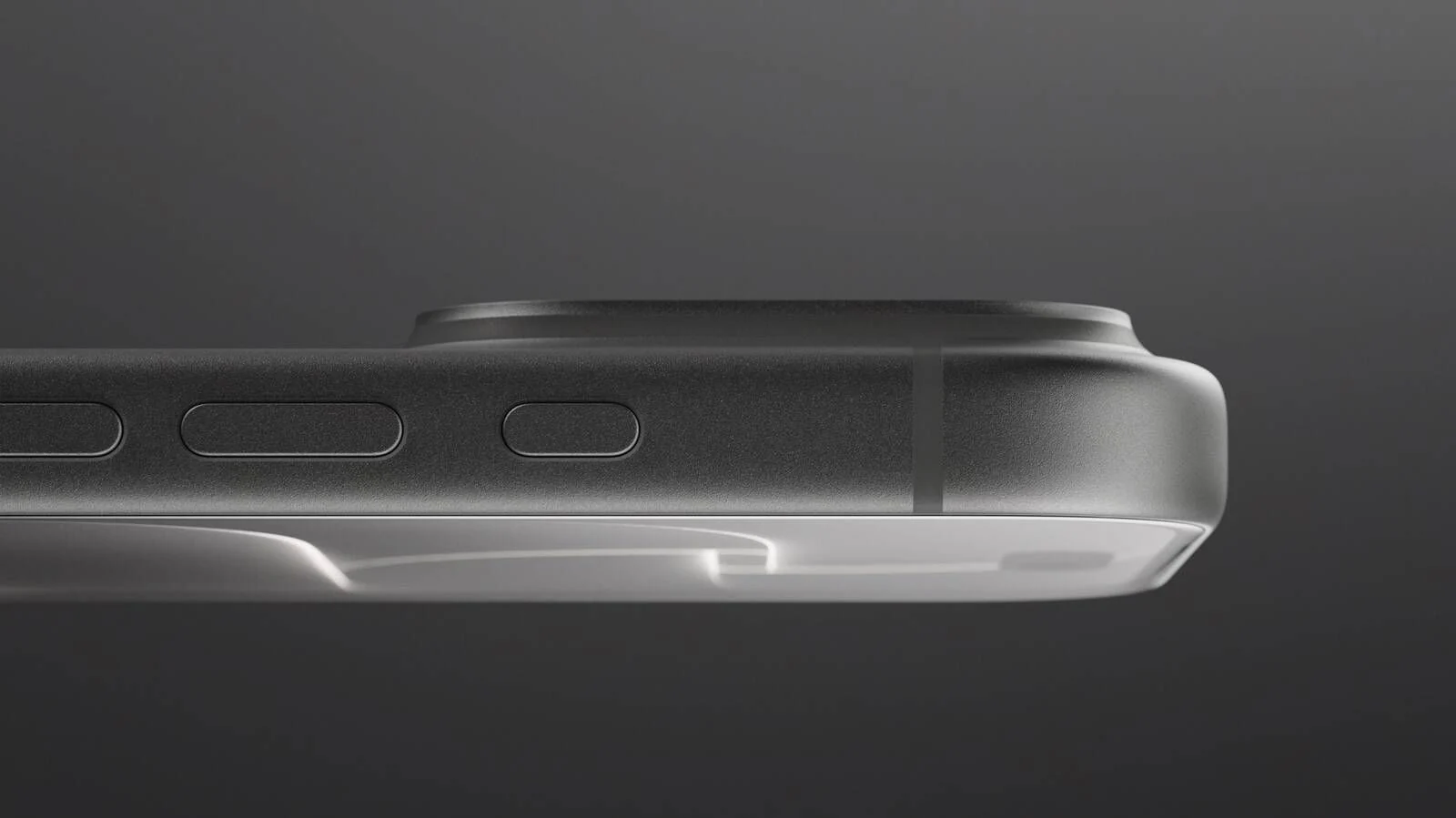
What the rumor actually says
According to Weibo leaker Chana Digital, Apple is evaluating the removal of the separate Action Button and the migration of its long-press functions into Camera Control. In the described arrangement, a click on Camera Control still launches the camera, while a long press can invoke the tasks previously assigned to Action Button.
That would turn two physical buttons into one control surface with split behaviors. It is not the same as cancelling Camera Control: the camera remains the default role, and the extra system shortcuts move into the same button. The final design remains unofficial because Apple has not announced the change.
Why Apple may combine two physical buttons
The logic comes from existing behavior. Today the Action Button depends on a long press to trigger a preset, while Camera Control supports click-to-open gestures. If both actions live on the same button, Apple can keep useful shortcuts and reduce the number of hardware buttons on the side.
There is also cost and complexity pressure. Earlier reports said Apple considered simplifying Camera Control by removing the capacitive sensing layer and relying more on pressure sensing, aiming to preserve core camera functions while reducing components. That rumored simplification did not appear in the iPhone 18 series. The merge rumor now suggests Apple may be testing a larger rethink rather than a smaller parts change.
How the two buttons got here
Apple introduced the Action Button in 2023 with the iPhone 15 Pro series as a replacement for the long-running mute switch. Unlike a fixed switch, it could be customized for silent mode, camera, flashlight, Voice Memos, Translate, and Shortcuts.
One year later, Apple added Camera Control with the iPhone 16 series. This button combined touch and pressure sensing, allowing users to launch Camera, take photos or videos, and adjust controls through light presses or swipes. Apple’s official Camera Control guide says a click opens Camera, a second click takes a photo, and holding records video; users can also choose single-click or double-click opening behavior in Settings (Apple Support).
iPhone Duo provides a design precedent
The foldable iPhone Duo is described as not having an independent Action Button, while still retaining Camera Control. That gives Apple a hardware precedent: a premium iPhone can keep Camera Control without a separate Action Button. For readers, it also signals that future designs may treat the camera button as the main custom shortcut entry, rather than keeping both buttons as equals.
Timing is also tied to the bigger iPhone roadmap. A July 2026 MacRumors report on the 20th anniversary iPhone placed a major 2027 device alongside another foldable iPhone. The merge rumor says the change would begin in the second half of 2027, so it may line up with that cycle. The product could still be called iPhone 19 Pro, iPhone 20 Pro, or another name.
What one button would mean in daily use
| Task | Today | If merged |
|---|---|---|
| Open Camera | Camera Control click | Same click, but it also becomes the shortcut anchor |
| Silent or Focus | Action Button long press | Long press on Camera Control |
| Flashlight or Translate | Action Button can call them | Long press may call them instead |
| Shortcuts | Action Button can run assigned shortcuts | Shortcuts may need a new physical trigger path |
| Accidental input | Camera Control can open camera by mistake | Click and long-press need software safeguards |
The benefit is a cleaner body and potentially higher use of Camera Control. The drawback is that users must remember two meanings for one physical touch. A long-press shortcut may conflict with a quick camera launch if the finger rests too long or if a pocket rubs the button.
Common misconceptions
- The Action Button is not officially cancelled. The current claim comes from a Weibo leak, not Apple confirmation.
- Custom shortcuts are not necessarily disappearing. If Apple merges the controls, the long press may become the new entrance.
- Camera Control is not being removed. In the rumored plan, it becomes the host for more functions.
- The change would not erase old models. The rumor points to new models starting in the second half of 2027, not existing devices.
- iPhone Duo is a hint, not proof. It shows Apple can keep Camera Control without an Action Button, but does not confirm a full line change.
Preparation checklist: what to do now
- Write down your current Action Button setting. Apple’s guide for iPhone 15 Pro and later models explains that the button can be assigned to actions such as Silent Mode, and that pressing and holding runs it (Apple Support).
- Check Camera Control opening mode. In Settings, choose single-click or double-click behavior if accidental launches bother you. Apple’s guide also lists accessibility options for the pressure required to lightly press or double-press.
- Review automation shortcuts. Apple’s Shortcuts guide says supported models can use the Action Button to run a shortcut; if the button path changes, users may need to update triggers (Apple Support).
- Test pocket activation now. A MacRumors how-to on iPhone 16 explained that enabling a setting requiring the screen to wake before Camera Control responds can add friction and reduce accidental presses (MacRumors).
- Do not buy or skip a model only because of this rumor. Wait for Apple support pages after launch, then search for the terms “Action Button” and “Camera Control” to see whether the workflow changed.
FAQ: what people usually ask next
Did Apple confirm the button merger?
No. The story is nonofficial and rests on supply chain and leak information.
Which models could change first?
The rumor says the change may begin with new iPhone models in the second half of 2027, possibly near the 20th anniversary cycle, but Apple may use different names.
Will silence and flashlight still work?
In the rumored setup, they would likely still work through long-press behavior, but the button being pressed would be Camera Control instead of a separate Action Button.
Why do people complain about Camera Control?
Because it can feel complex, it is often used only as a camera launcher, and accidental presses can open Camera when the phone is moved. Apple’s current settings and accessibility options exist partly to tune this behavior.
Is the mute switch back?
No. The independent Action Button replaced the mute switch path in 2023, and the rumor would move its functions into Camera Control rather than restoring the old switch.
Action advice: make the rumor less annoying
Start with a simple rule: treat this as a design signal, not a purchase blocker. If you rely on the Action Button for silence during meetings, keep a backup method such as Control Center or Settings. If you use Shortcuts, label your automations with the physical trigger so you can move them later. If you rarely press either button, the change may simply reduce confusion in your pocket.
The broader point is that Apple appears to be asking how much physical real estate each shortcut deserves. If the merge lands, the standalone Action Button will have lasted only four short years as a dedicated button on some Apple iPhone models. The functions may survive, but the body language of the iPhone may become a little less literal.
References
- Apple Support: Use the Camera Control on iPhone
- Apple Support: Use and customize the Action button on iPhone
- Apple Support: Run shortcuts with the Action button
- MacRumors: iOS 18.2: End Accidental Camera Control Presses on iPhone 16
- MacRumors: 20th Anniversary iPhone Coming Next Year With These 10 Features