
Touch Is Coming to the Mac: Why Apple's OLED MacBook Pro Debut on Wednesday Is a Bigger Shift Than It Looks
By Sarah Chen · MyTechDailyNews
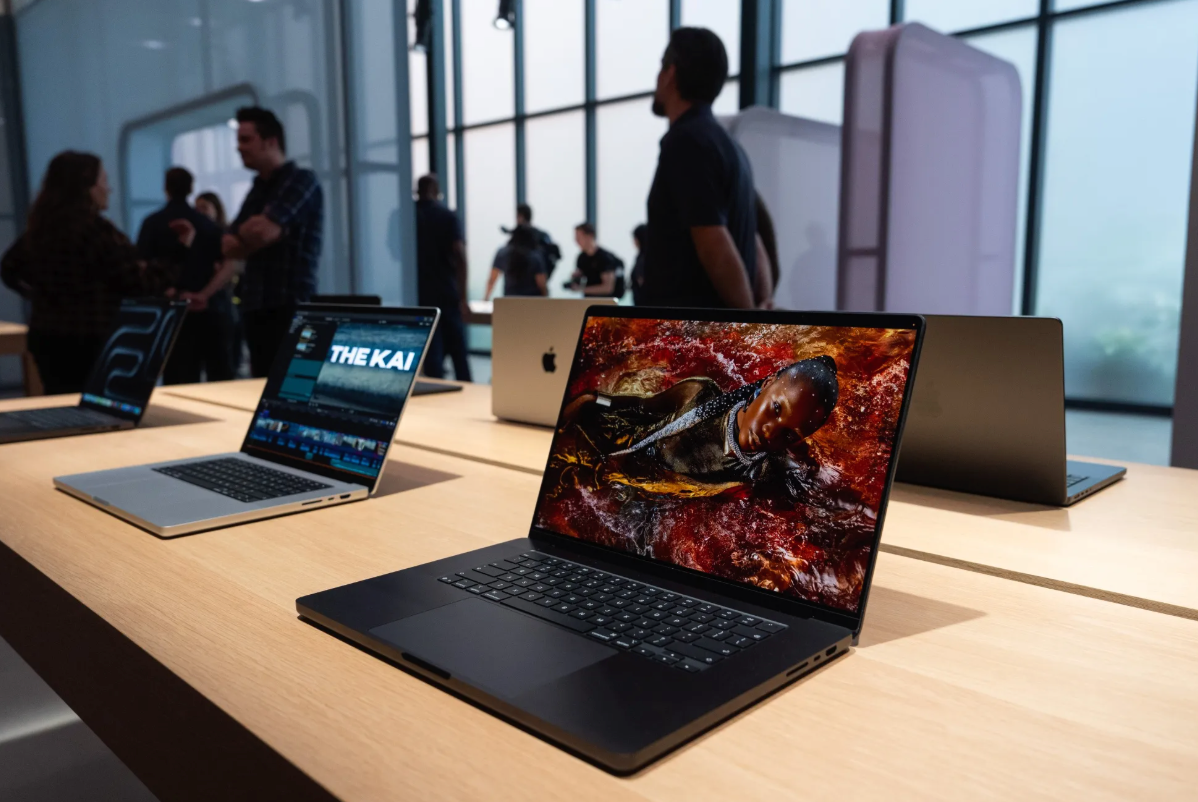
Some product ideas become so ordinary that the burden of proof falls on the company that keeps saying no. A touchscreen laptop is exactly that kind of idea, and Apple has been saying no to it for a long time. On Wednesday, the company stops: it is introducing its first touchscreen Mac, a premium version of the MacBook Pro built around a touch-capable OLED display. Placed next to what Apple has already shipped this year, the launch reads less like a sudden design epiphany and more like the last defensive wall quietly coming down.
The Playbook: Push the Idea Away Until You Are Ready to Ship
Apple executives have a familiar habit of keeping their distance from a product category right up until the company is prepared to enter it. That is how it went in the smartphone market 20 years ago, and it took the company another decade to work its way into tablets. This year, the same script ran three times in three important product areas: budget laptops, foldable phones and speakers with a screen.
Outsiders could usually tell the dismissals were smokescreens. Steve Jobs played down speculation that Apple would enter the smartphone market, but the iPod had already been a hit in the early 21st century and the whole world was standing at the edge of the mobile revolution, so the denial was hard to believe. A few years later, the iPhone arrived.
With foldable phones and speakers with a screen, the pattern is close to the same: for Apple the question was never whether, only when.
The touchscreen laptop, however, looks like the one product area that met near-stubborn resistance for years.
Jobs once described it as "ergonomically horrible." After Tim Cook became CEO, he compared merging a tablet and a personal computer into one device to combining a toaster and a refrigerator. Phil Schiller, Apple's longtime marketing chief, scoffed at the notion. Craig Federighi, who runs software, said a touchscreen is not the right way to interact with a laptop. And John Ternus — now the company's CEO — rejected the idea a few years ago as well.
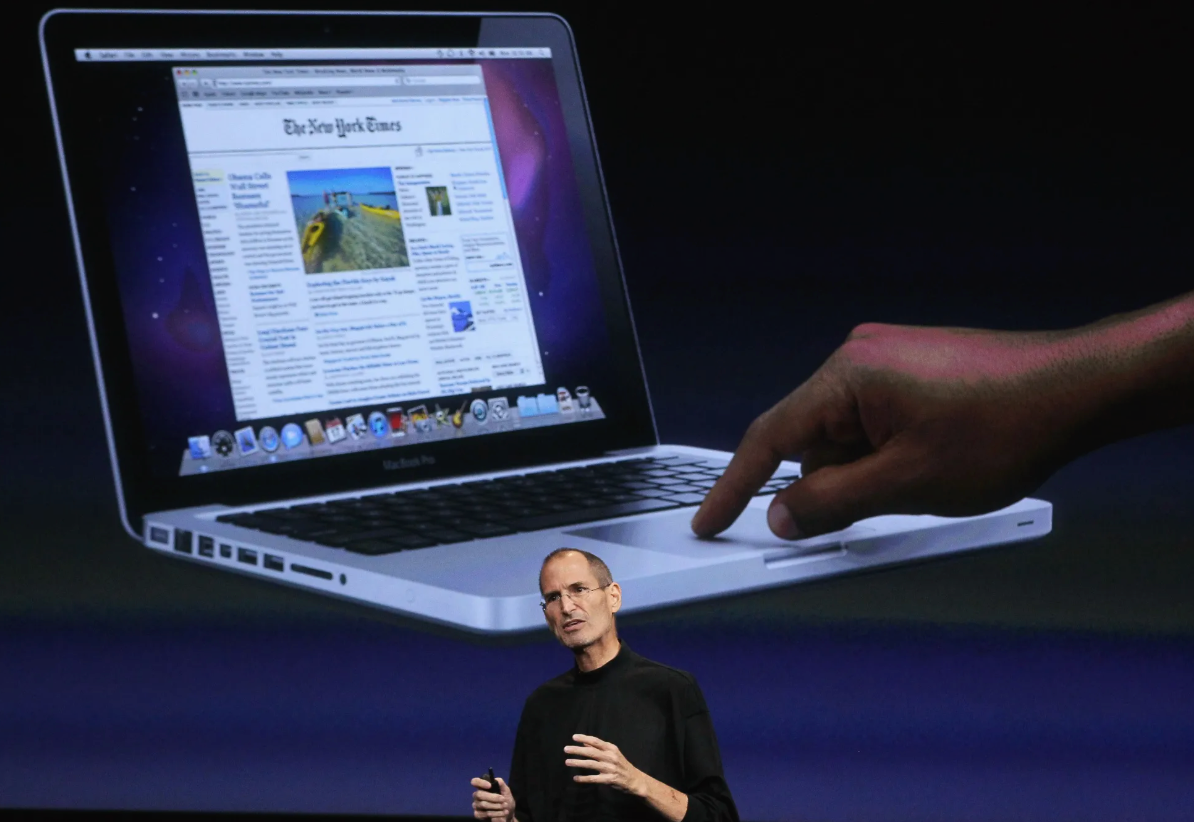
Steve Jobs wrote the idea of a touch-enabled MacBook off years ago.
Then, four years ago, Apple sped up the research and development behind it, and the result lands Wednesday: the first touchscreen Mac. The high-end MacBook Pro keeps an exterior close to the models already on shelves, but it is lighter, and its screen uses high-contrast OLED technology with touch — the first time a Mac has ever used OLED. It also picks up an interface element iPhone owners already recognize: the Dynamic Island.
Buyers get two size options, 14-inch and 16-inch, and a price that sits clearly above the current MacBook Pro line, which starts at $2,499.
The iPad Is Why the Cold Shoulder Lasted So Long
Jobs started attacking the concept of a touch Mac in 2010, and the timing was no accident: that was the year the first-generation iPad went on sale.
As the tablet business grew, Cook kept pouring cold water on the idea. Apple is a business, and a customer who buys both a Mac and an iPad is worth more to it than one who buys either. Leaving Macs without touch input while limiting how far an iPad can substitute for a laptop helped preserve the distance between the two product lines.
In public, Apple always explained the separation with ergonomics and with the advantages of giving each device its own operating system. Still, it is hard to deny that an iPad running Mac apps with macOS-style multitasking would be a serious draw — and iPadOS 26 has already moved a step in that direction.
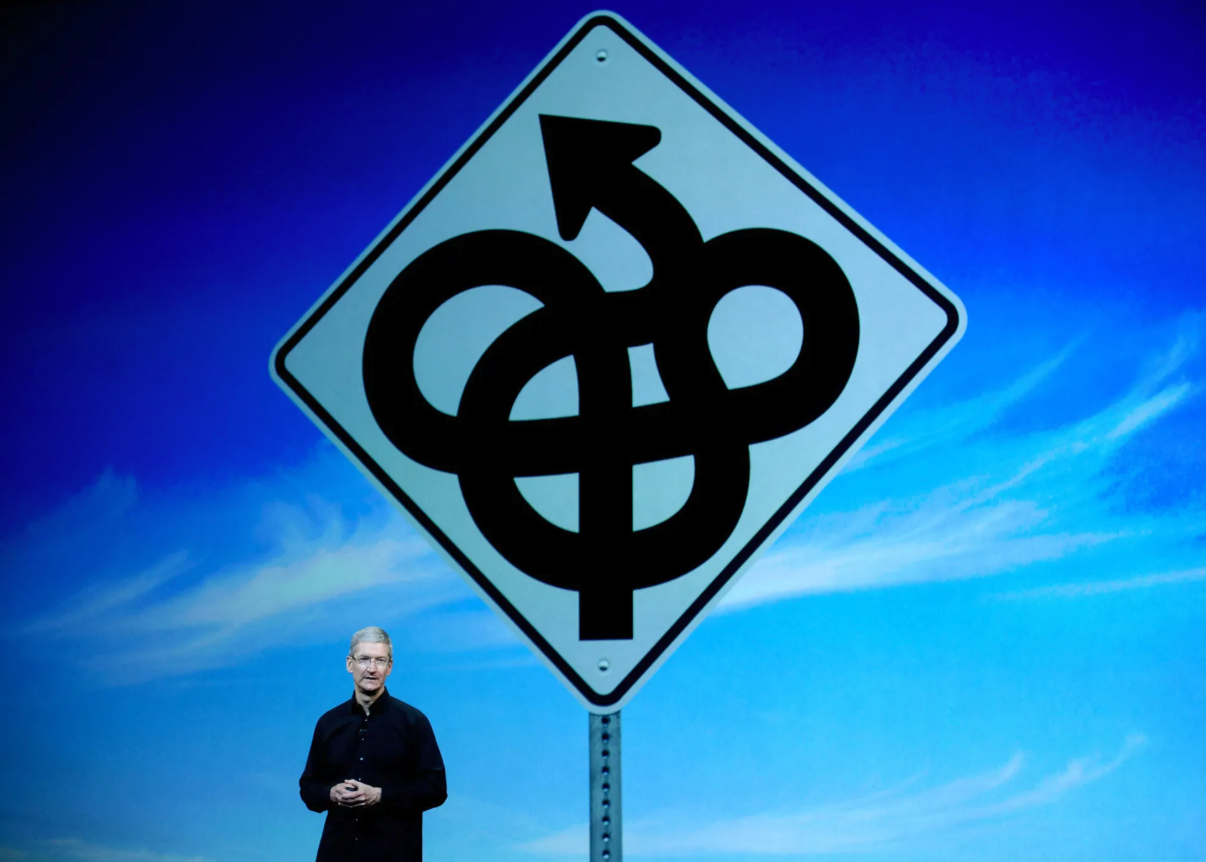
Tim Cook once compared a touch laptop to fusing a toaster with a refrigerator.
Turn the equation around and the same pull exists on the other side: a Mac that also answered to finger swipes, pinches, pans and zoom gestures would be appealing too.
What Actually Flipped the Decision
The useful takeaway for anyone waiting is that Apple has concluded a touchscreen Mac does not have to take sales away from the iPad — it may instead bring in customers it would not otherwise reach. Apple can still separate the two categories through software, performance, battery life and versatility. A slim, touch-first iPad can do things a Mac cannot and fit scenarios a Mac cannot; a larger Mac with a built-in keyboard and a far more capable operating system is the better fit for demanding work.
Internally, Cook and Ternus both came to believe that consumers now expect a Mac to have a touchscreen, while the company's industrial design team stayed opposed. The compromise everyone settled on is a machine that supports touch but does not make touch the primary way you use it.
It is worth stressing that the ergonomic problem Jobs pointed out many years ago has not been solved. People still have to lift an arm to reach a vertical screen, and doing that feels uncomfortable after only a few seconds. That makes this pivot better understood as a revenue and marketing decision than as a technical breakthrough.
When Apple committed to the touchscreen Mac project, Mac and iPad sales were climbing fast, lifted by the work-from-home habits formed during the pandemic. Layer on the fresh attention and upgrade demand created by Apple's own chips, and the company concluded that the Mac line will remain central to its business for the coming decades.
Apple needed to keep that momentum, so adding touch looked like the natural next step. The company also decided that the more alike a Mac and an iPad become, the less friction there is when a customer moves between them — which nudges people to buy both rather than choose one.
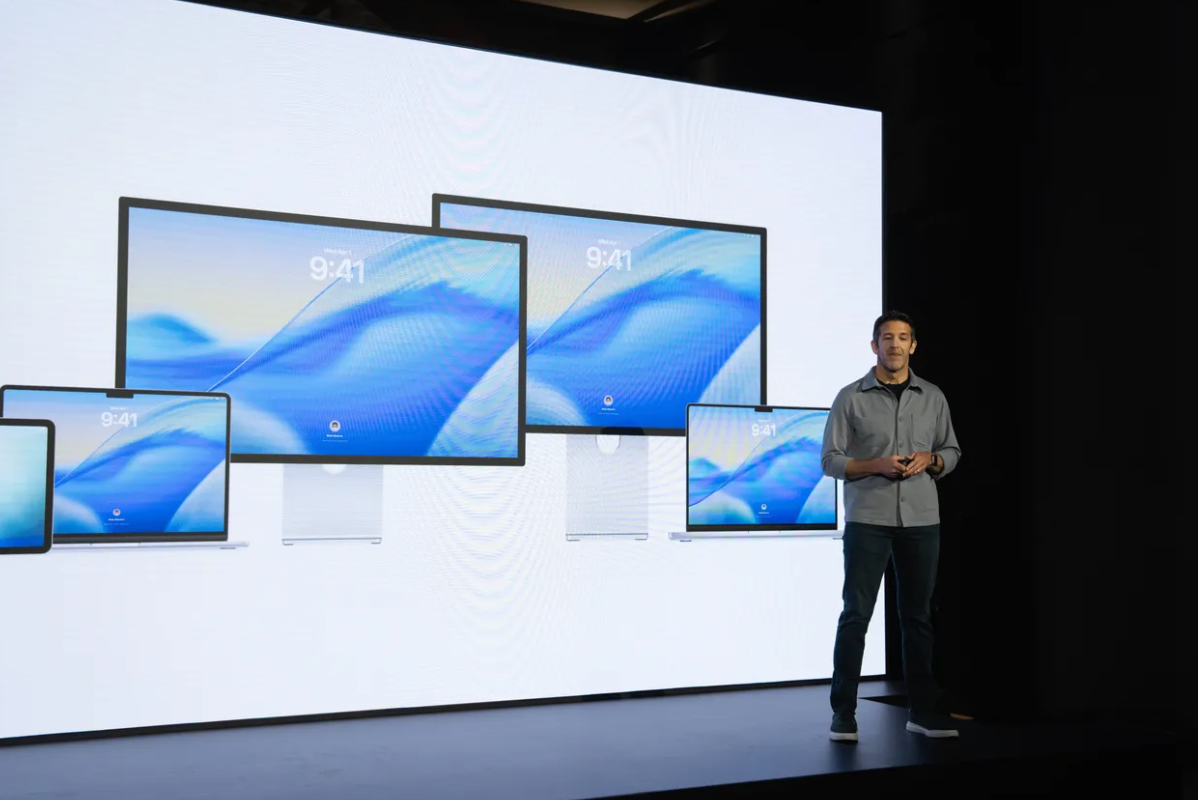
John Ternus is widening the Mac lineup.
How Apple Will Frame It on Stage This Week
At this week's launch, Apple is expected to emphasize that the new MacBook Pro is not a Mac-and-iPad mash-up, and that the Mac is not turning into a touch-first computer. Touch arrives as an additional input method you can reach for when the moment suits it; the keyboard and trackpad remain the core of the laptop experience.
Apple is also reshaping macOS Golden Gate so that finger control feels natural. The software uses a dynamic interface: the system reads what you have been doing to judge whether you are touching the display or working with the trackpad, then shows the matching controls. Tap a button and menus can pop up around your finger; the Dock and the menu bar have been optimized for touch as well. The point is to drift between fingertip and pointer without ever having to decide which one you are using.
One more driver is the OLED panel itself and what it does to revenue. Compared with the Mini LED screens in current MacBooks, the new display delivers deeper blacks and better contrast. That raises cost, but it also creates room for a higher price — a move that echoes 2012, when Apple introduced the Retina-display MacBook Pro as a model positioned above the existing flagship and lifted the average selling price of the whole Mac line.
In recent years, Apple has been filling holes in its product lineup that stayed empty for a long time, and the touch MacBook Pro is the latest example. Earlier this year, the $699 MacBook Neo pushed Apple into budget laptops, ending a long refusal to compete at the low end of the personal computer market. This month, Apple released its first smart-home display, HomeView, and started selling its first foldable phone, iPhone Duo — two categories Apple had also dismissed outright.
What Changes and What Does Not
| Item | Today's MacBook Pro line | The touchscreen model unveiled Wednesday |
|---|---|---|
| Display | Mini LED, no touch | High-contrast OLED with touch — the first OLED in a Mac |
| Screen sizes | Sizes sold in the current lineup | Two options announced: 14-inch and 16-inch |
| Primary input | Keyboard and trackpad | Keyboard and trackpad, with touch as an added input |
| Interface extras | No iPhone-style Dynamic Island on a Mac | Dynamic Island element borrowed from the iPhone |
| Price positioning | Starts at $2,499 | Significantly higher than the current starting price |
| Ergonomics | Touch deliberately avoided | Arm-lift objection Jobs raised many years ago still stands |
Quick Checklist Before You Make a Call
- Wait for Wednesday and note the exact gap between this machine and the $2,499 starting MacBook Pro before deciding whether touch is worth the premium.
- Be honest about how often you already use swipe, pinch, pan and zoom gestures on a phone or tablet — that habit is the best clue about whether you will actually touch a laptop screen.
- If your day is built around a keyboard, a trackpad and window management, the real upgrade here is the OLED display and the lighter body, not a different way of working.
- iPad owners curious about Mac-class apps should look at how far iPadOS 26 has already gone before assuming a touchscreen Mac is the missing piece.
- Compare the OLED contrast benefit against the Mini LED panel in the machine you use now; a nicer picture is a genuine gain, but it is not the reason the price rises.
Common Misconceptions About This Launch
- "Apple finally built a Mac-iPad hybrid." Apple is going out of its way at this week's event to say the opposite: the new MacBook Pro is not a merger of the two, and the Mac is not becoming touch-first.
- "Touch replaces the keyboard and trackpad." No. The keyboard and trackpad stay at the center of the laptop experience; touch is an additional input for the moments that suit it.
- "The ergonomics problem was solved." It was not. Reaching up to a vertical screen still gets uncomfortable after a few seconds, which is why touch is offered as optional rather than primary.
- "This is a technology breakthrough." The shift is better described as commercial: it serves revenue, marketing and a higher average selling price for the Mac line.
- "A touch Mac will eat iPad sales." Apple now argues the reverse may be true, because software, performance, battery life and versatility still keep the two product lines apart.
- "OLED is only about the picture." It is also about positioning — the same playbook Apple used with the Retina display in 2012 to justify a step up in price.
FAQ
What exactly is Apple launching on Wednesday?
The first touchscreen Mac: a high-end MacBook Pro that keeps a similar look to current models but is lighter, uses a touch-enabled high-contrast OLED panel, and adds the Dynamic Island element familiar from the iPhone.
How big and how expensive?
Two sizes, 14-inch and 16-inch. Pricing sits significantly above today's MacBook Pro, which starts at $2,499.
Why did Apple resist this for so long?
Jobs called the concept "ergonomically horrible" and began attacking it in 2010, the year the first-generation iPad launched. Cook later compared the idea to merging a toaster and a refrigerator, marketing chief Phil Schiller scoffed at it, software head Craig Federighi said touch was not the right input for a laptop, and John Ternus dismissed it a few years ago.
What changed Apple's thinking?
Four years ago the company accelerated development. Internally, Cook and Ternus believed customers had started to expect a touchscreen on a Mac, while design staff remained opposed. On the commercial side, growth during the pandemic and the upgrade demand created by Apple's own chips convinced the company the Mac line matters for the coming decades — and touch became the natural next step.
Does the touchscreen Mac kill the reason to own an iPad?
Apple's answer is no. The slim, touch-first iPad still covers scenarios a Mac cannot, while a bigger Mac with a built-in keyboard and a more powerful operating system is better suited to heavier work. The company also judges that more similar devices make it easier for customers to use, and buy, both.
How does the software handle switching between touch and cursor?
macOS Golden Gate is being adjusted with a dynamic interface that infers whether you are touching the screen or using the trackpad and shows the matching controls, with menus appearing around your finger and a Dock and menu bar optimized for touch.
Is this part of a wider change in Apple's strategy?
Yes, and it happened fast. This year alone Apple moved into three product areas it once dismissed: budget laptops with the $699 MacBook Neo earlier this year, a smart-home display called HomeView this month, and its first foldable phone, iPhone Duo.
Action Advice
For most readers, the sensible move is to watch Wednesday's announcement without treating it as an upgrade trigger. Note three things: the price gap versus the $2,499 starting MacBook Pro, how Apple says macOS Golden Gate behaves when you switch between finger and trackpad, and whether the OLED and weight savings alone justify the step up for how you actually work.
If you already type and navigate on a trackpad all day, treat touch as a bonus rather than a reason to buy, and give Apple time to prove the dynamic interface in daily use. If you own an iPad and a Mac, the story is about less friction between them, so pay attention to how the two product lines are positioned after this launch rather than to the spec sheet. If you are on a Mini LED MacBook today and picture quality is your priority, the OLED contrast improvement is the one part of this story that applies directly to you.
Bottom Line
The interesting thing about Apple's first touchscreen Mac is not the hardware. It is that a position defended for years — by Jobs, by Cook, by Schiller, by Federighi and by Ternus — has been reversed for commercial reasons, while the physical objection about reaching up to a vertical screen still stands. Expect a MacBook Pro that adds OLED, adds the Dynamic Island and adds touch as a second way in, while keeping the keyboard and trackpad exactly where they were. That makes Wednesday less about a new kind of computer and more about Apple deciding the time to stop saying no has passed.