
MyTechDailyNews Consumer Electronics Guide: Silent Batteries, Forgotten Leak Sensors, and a Sub-$20 Fix
 The cheapest water alarms on the shelf are also the easiest to stop thinking about. A detector with no network path only earns its keep if the owner remembers two things: that the little disc is sitting on the floor somewhere, and that the power inside it is temporary. Tech Daily reviewer Sarah Chen put that rule to the test while reorganising leak protection around the house for the MyTechDailyNews Consumer Electronics desk.
The gear that stayed: a hub plus two sensors
Tech Daily first documented the arrangement in March, when the initial setup and running impressions of a wireless sensing system in a partly “smart” house were published; the anchor of that system is TP-Link’s Tapo H100 smart hub. Two accessories in the chain decide most buying questions of this type.

First, the Tapo T315 humidity sensor — the same model is also sold in a version with no on-board screen.

Second, the Tapo T300 leak sensor, which reacts to water and to other fluids.
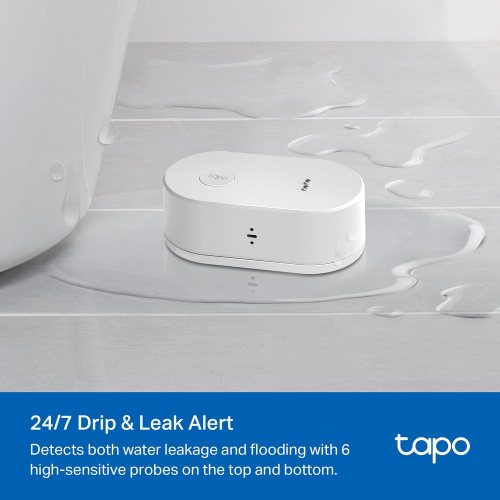
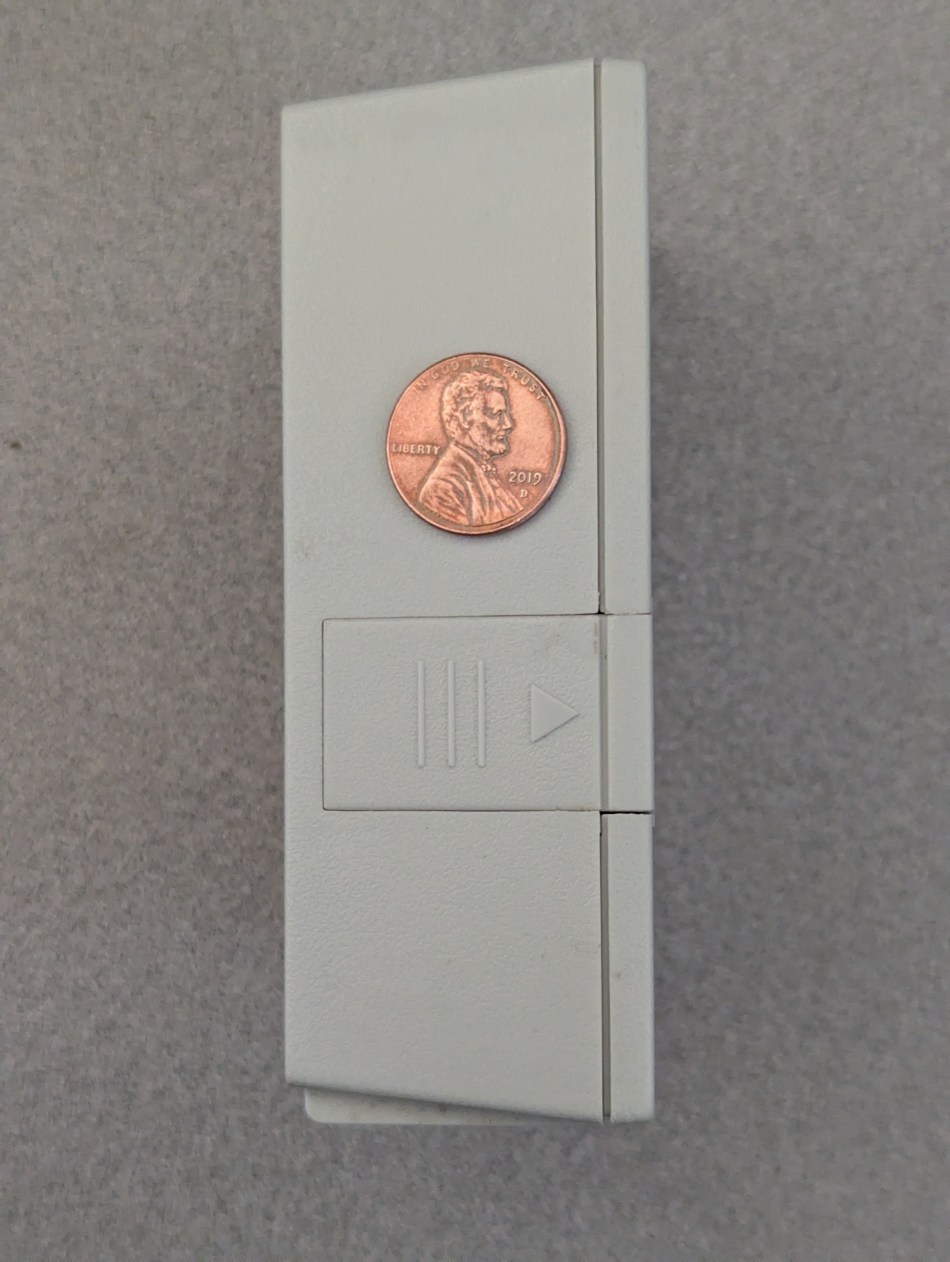
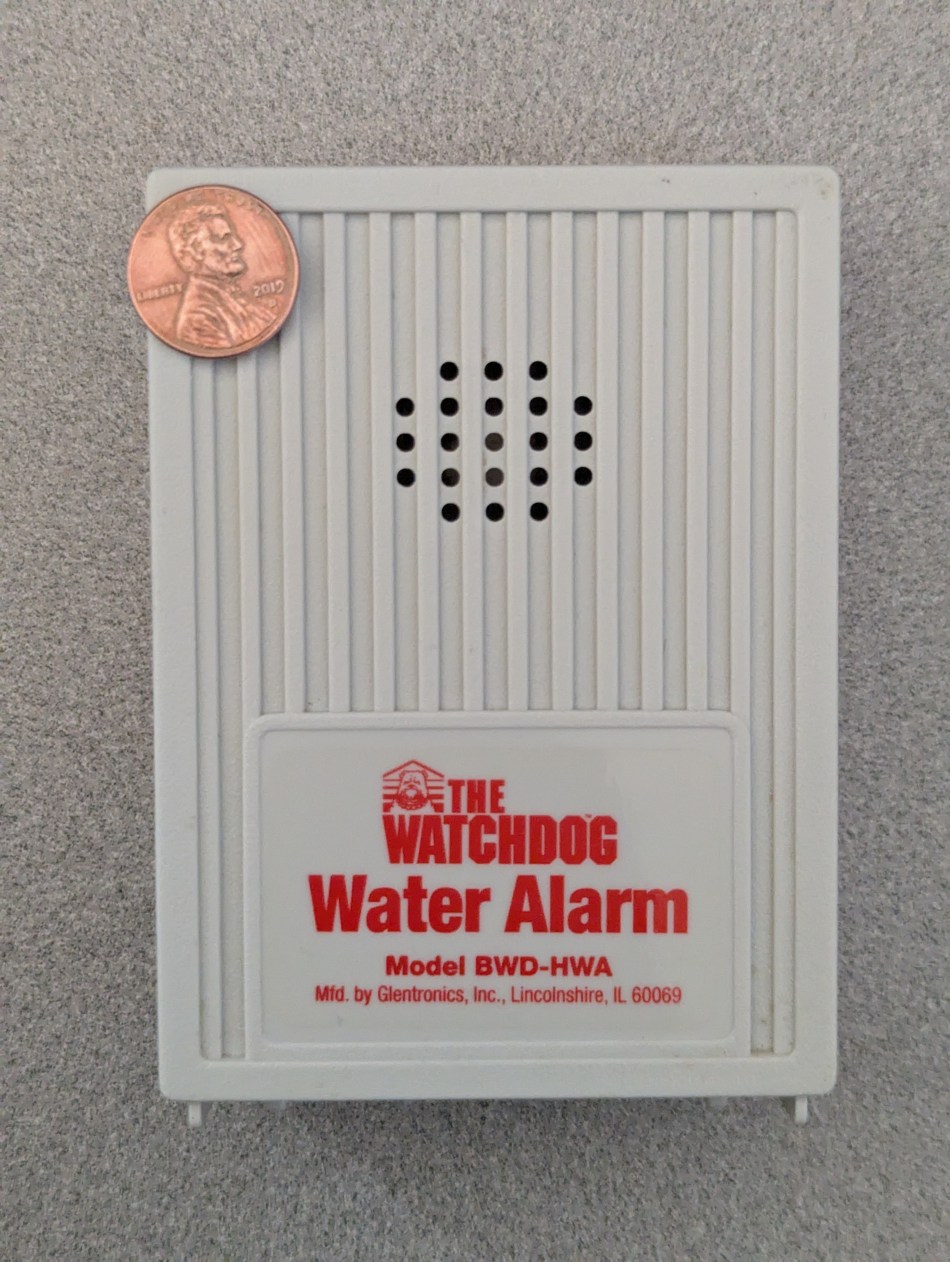
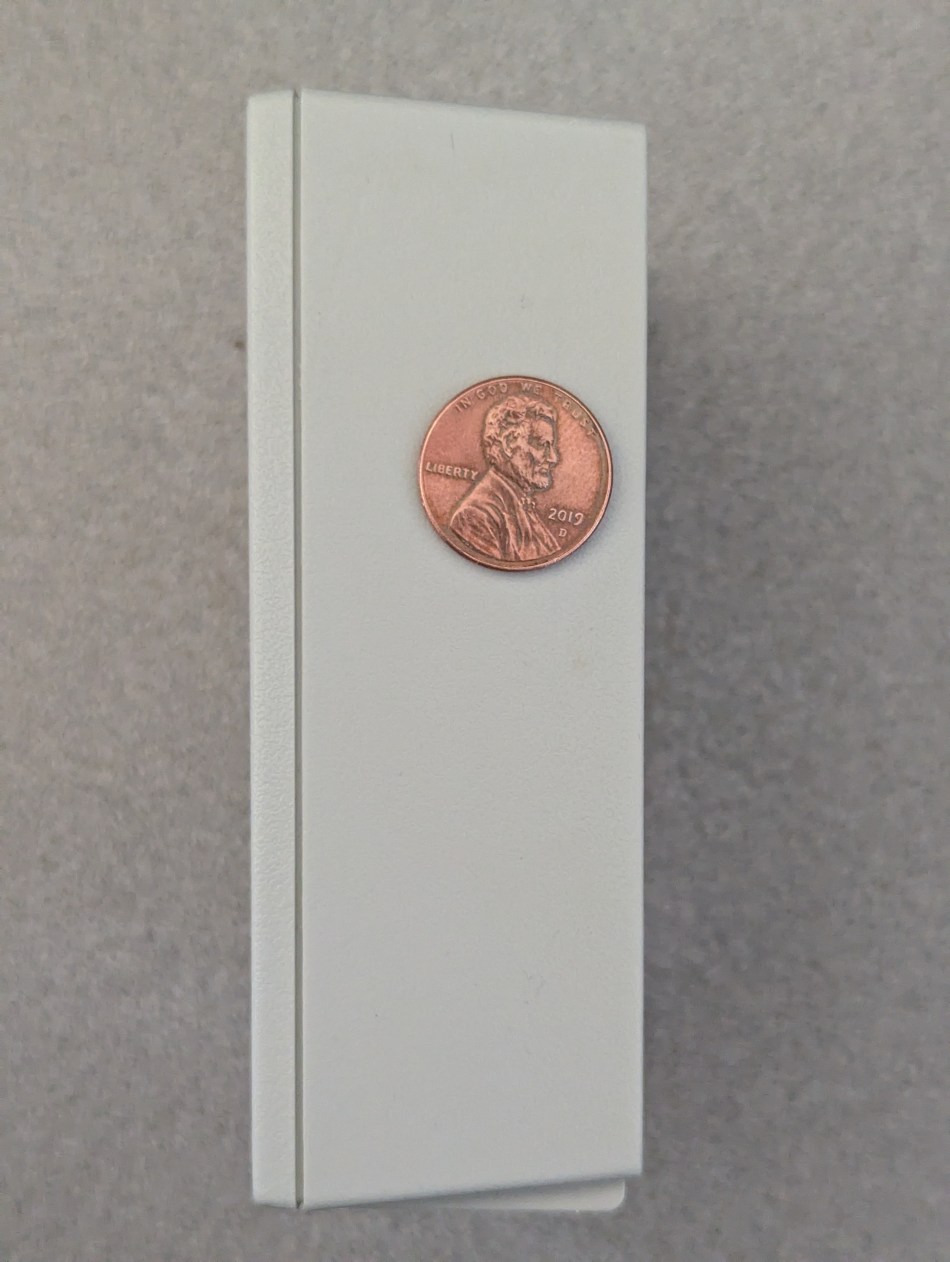
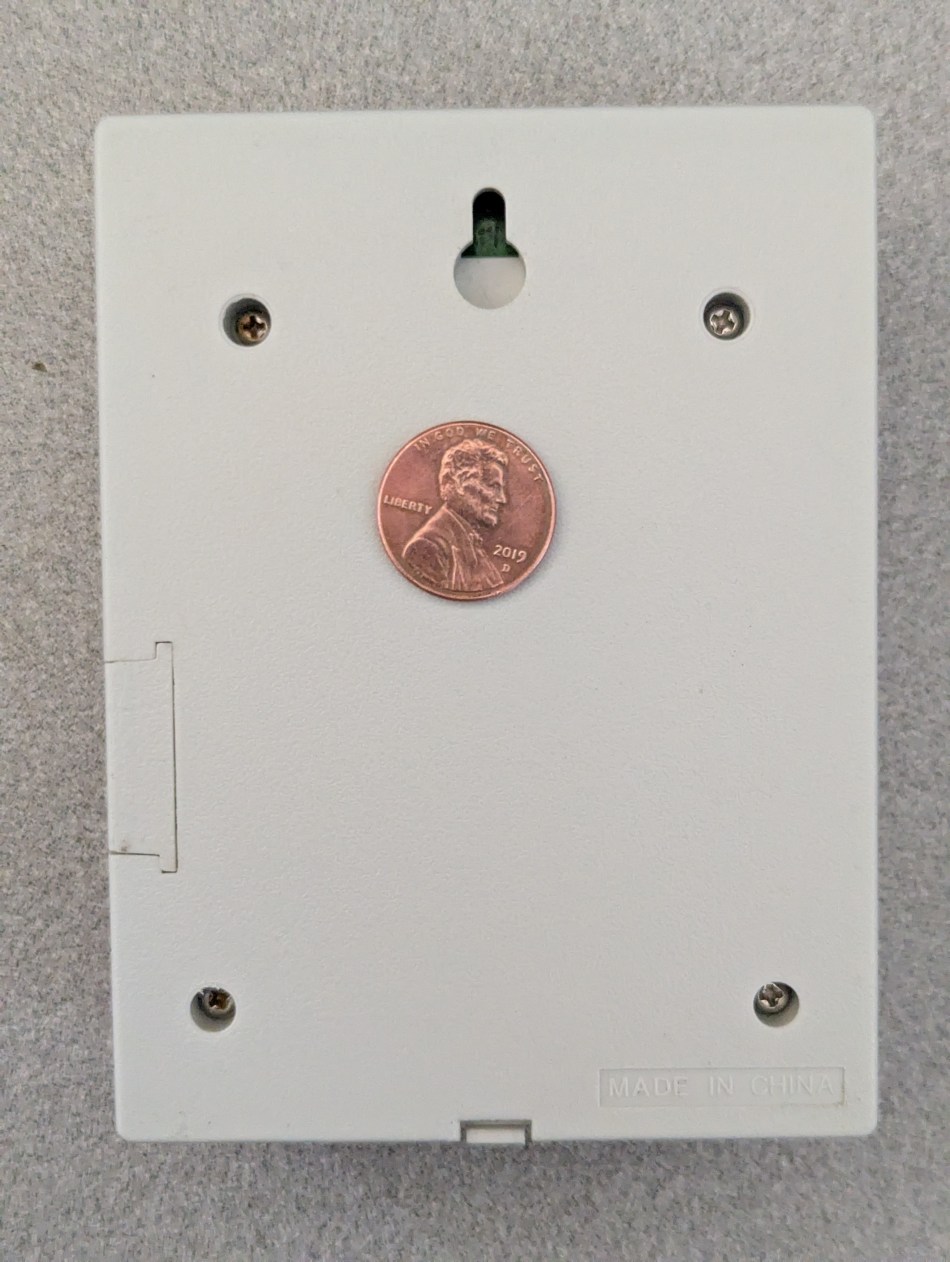
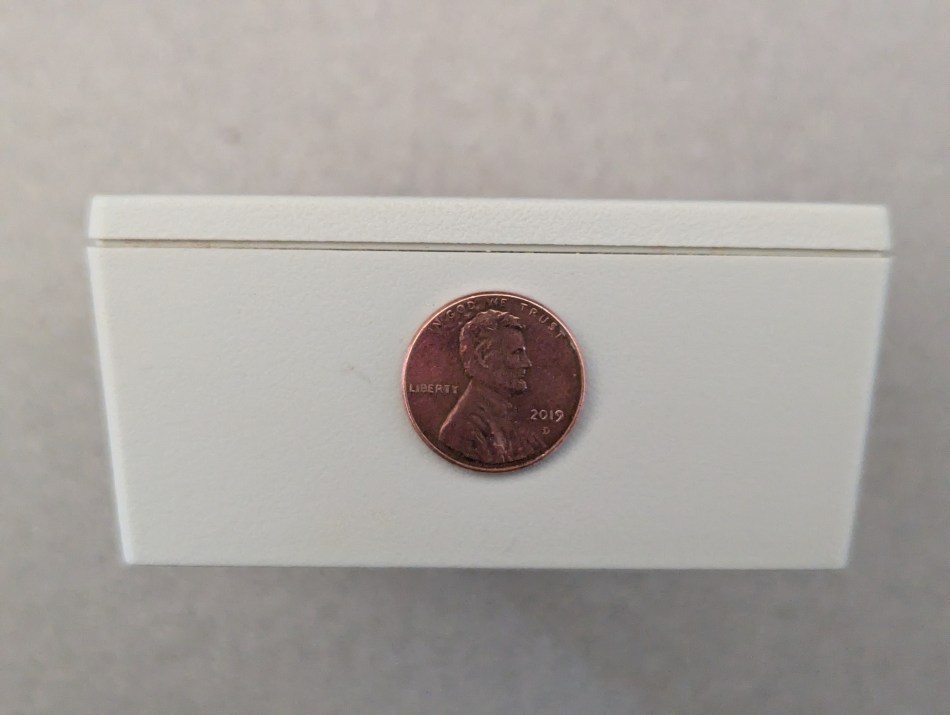
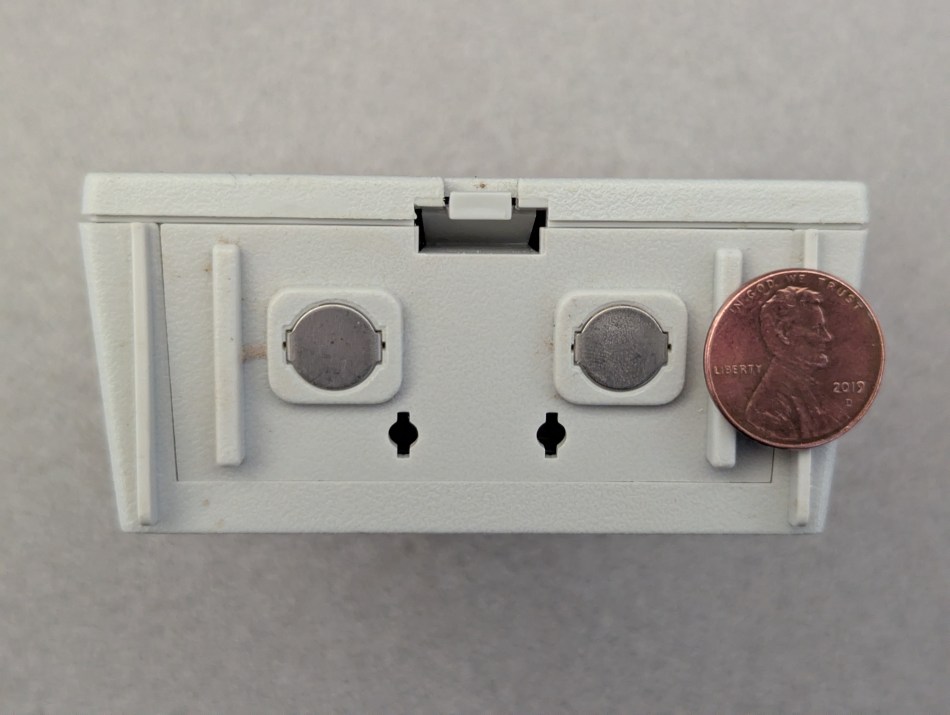
That second model is what took over a foot-of-the-water-heater post downstairs, previously held for years by a Gentronics model BWD-HWA leak sensor. In the photos below the legacy unit is framed next to a 0.75′′/19.1 mm diameter U.S. penny, so you can judge the footprint before you buy.
Why the hardware change happened: the manual admits it
The reasons for swapping were already laid out in that March article, in the passage covering the original non-networked sensor. What settled the argument is one paragraph buried in the instructions:
Replacing the battery: Replace the battery if the alarm has operated for an extended period of time, or if the battery expiration date is approaching. You may want to mark the battery expiration date on a piece of tape and attach it to the alarm when you install the battery.
Tape-and-pen advice is fine in theory and hopeless in practice: Chen knows her own habits well enough to predict that such a note would be forgotten on the day it was written. The worse surprise came afterwards. Once the old unit had been relocated to a different room under the whole-house water filter enclosure, it never chirped as its battery faded — behaviour even the household carbon monoxide detectors manage at their end-of-life dates. And a chirp only helps if a person is standing there to hear it. If a leak had started while the house was empty, nobody would have known a thing until somebody walked back through the door.
So the sequence went like this: the Gentronics device moved to the filter enclosure, and the Tapo T300 took its place at the water heater. Later, a second Tapo T300 replaced that relocated legacy unit as well, for two reasons — the filter lives in a storage area behind a normally closed, sound-muting door, and the Tapo T300 successor is inexpensive (sub-$20).
Which option fits which room
| Buying question | Legacy Gentronics BWD-HWA | Tapo T300 inside this setup |
|---|---|---|
| How the warning travels | Sound only; no network connection at all | Runs inside the TP-Link Tapo H100 sensing arrangement |
| Useful when the house is empty | No help for anyone out of earshot | The reason the hub system was chosen for these spots |
| Low-battery signal in our use | Silent, with the 9V cell already almost dead | Not the point of this comparison |
| Loudness promised on the product page | “piercing, 110 dB alarm” | Not the point of this comparison |
| Sensing head placement | Contact panel lifts out, so it can sit up to 6 feet from the base unit; page claims extension to 100 feet | Not the point of this comparison |
| Cost of removing a silent unit | Battery upkeep, no reminder that worked | sub-$20 per position, replaced straight away |
| Where they ended up | Still working; headed for donation | Water heater, filter enclosure, refrigerator/icemaker line |
A second sensor nobody remembered owning
Earlier this year the upstairs hardwood floor was being resurfaced, and rolling the kitchen refrigerator forward to get ready exposed another Gentronics BWD-HWA “Watchdog” Water Alarm parked behind it.
The backstory is ordinary: when the family moved in, the plumber carried out a flurry of initial work, which included bringing the water line to the new refrigerator to feed the icemaker, and he had sensibly dropped a leak sensor in that corner too. Chen could say the device was unknown until that moment, but the likelier truth is that she was told about it and promptly lost both the battery-change chore and the sensor’s very existence out of memory.
What that meant in hardware: the 9V cell was nearly dead. Dragging a moistened finger across the underside electrical contacts pulled out a barely audible “bark,” while the company’s own product page promises the device gives a “piercing, 110 dB alarm.”
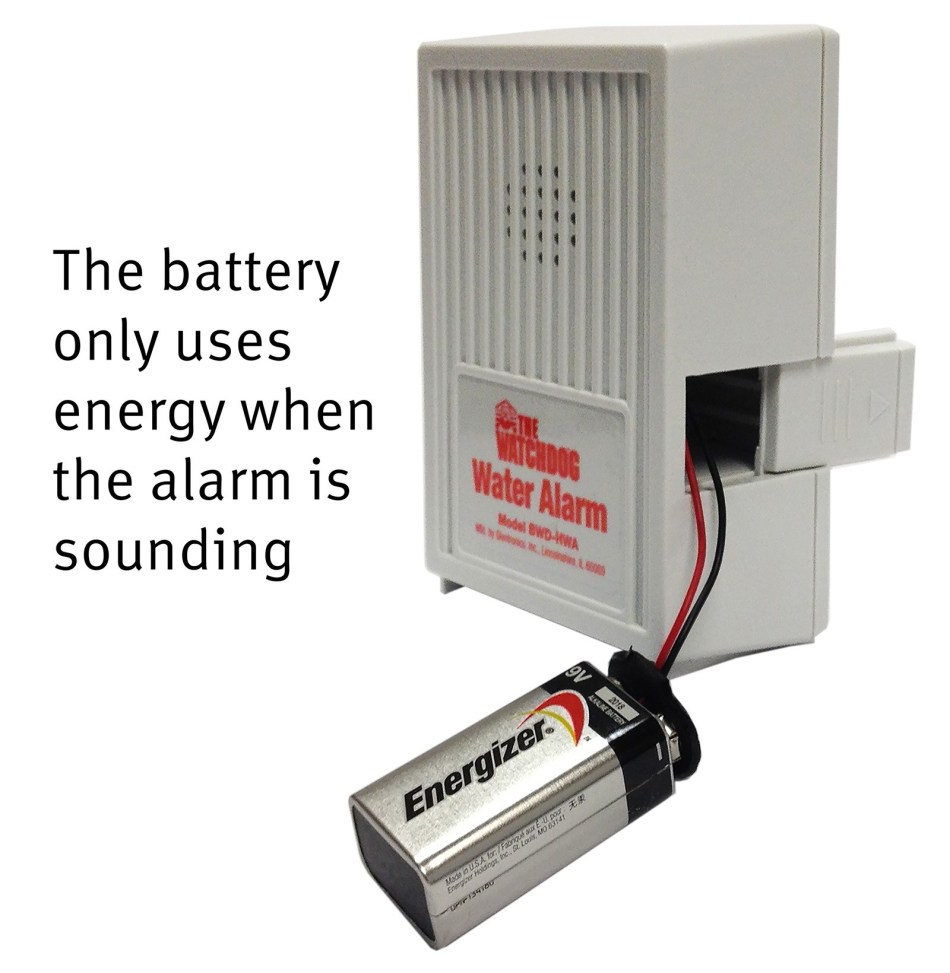
A third Tapo T300 was ordered on the spot. With two legacy leak sensors now sitting on the bench, one of them was opened up. The spent battery had been tucked behind a slide-away cover.
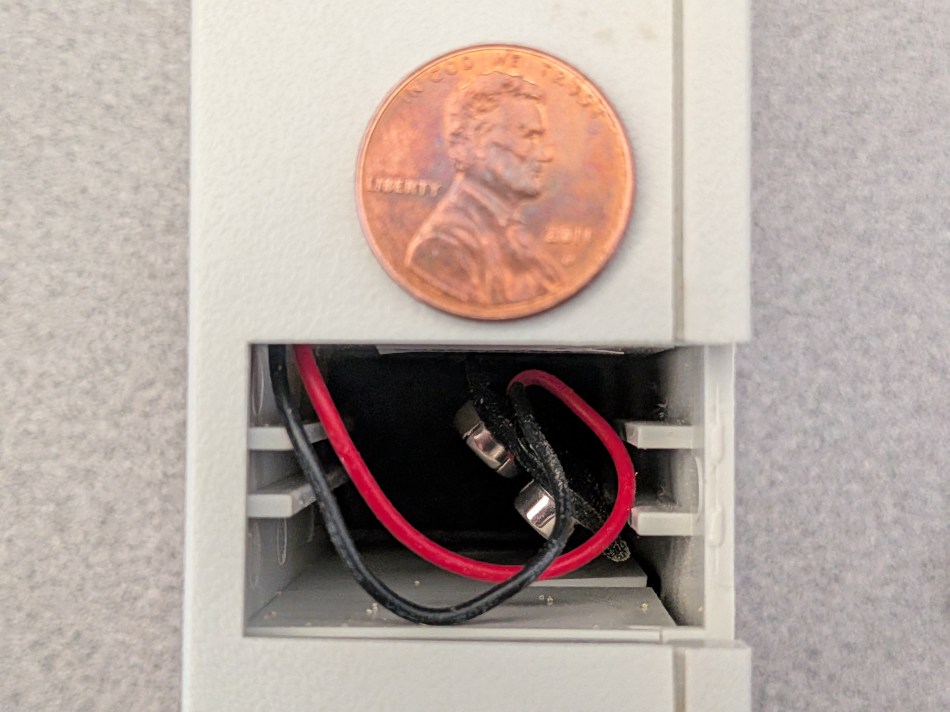
Here was the clever trick nobody had explained: the panel carrying the electrical contacts comes free of the housing, which means the sensing end can be relocated up to 6 feet away from the base unit.
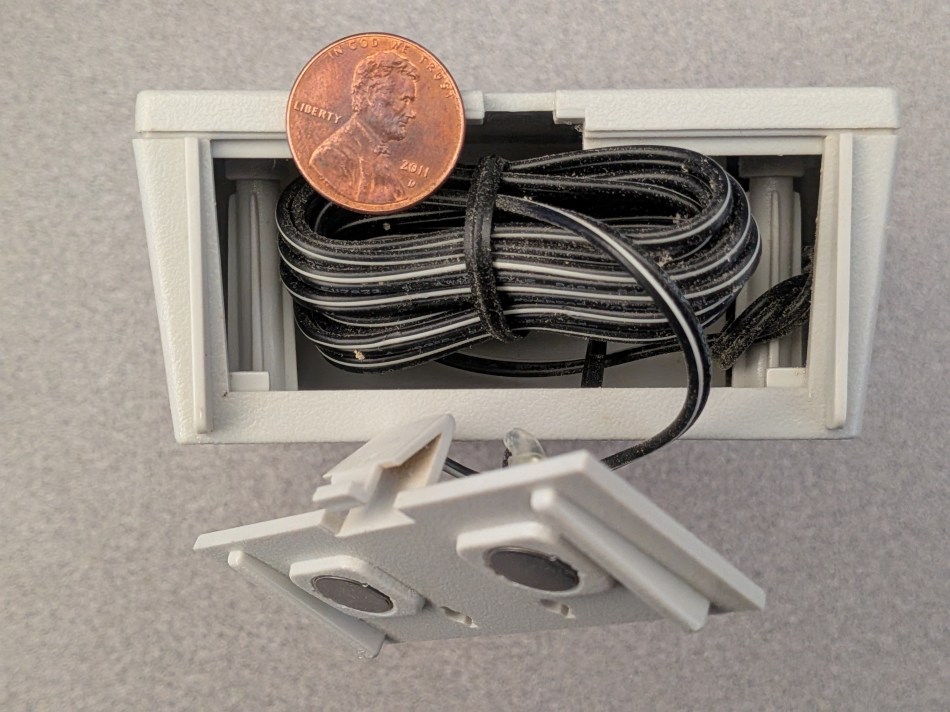
A glance at the product web page before opening the case would probably have surfaced that sooner. In slight defence, no instructions seem to have arrived with the device — and neither does any memory of the device itself arriving.
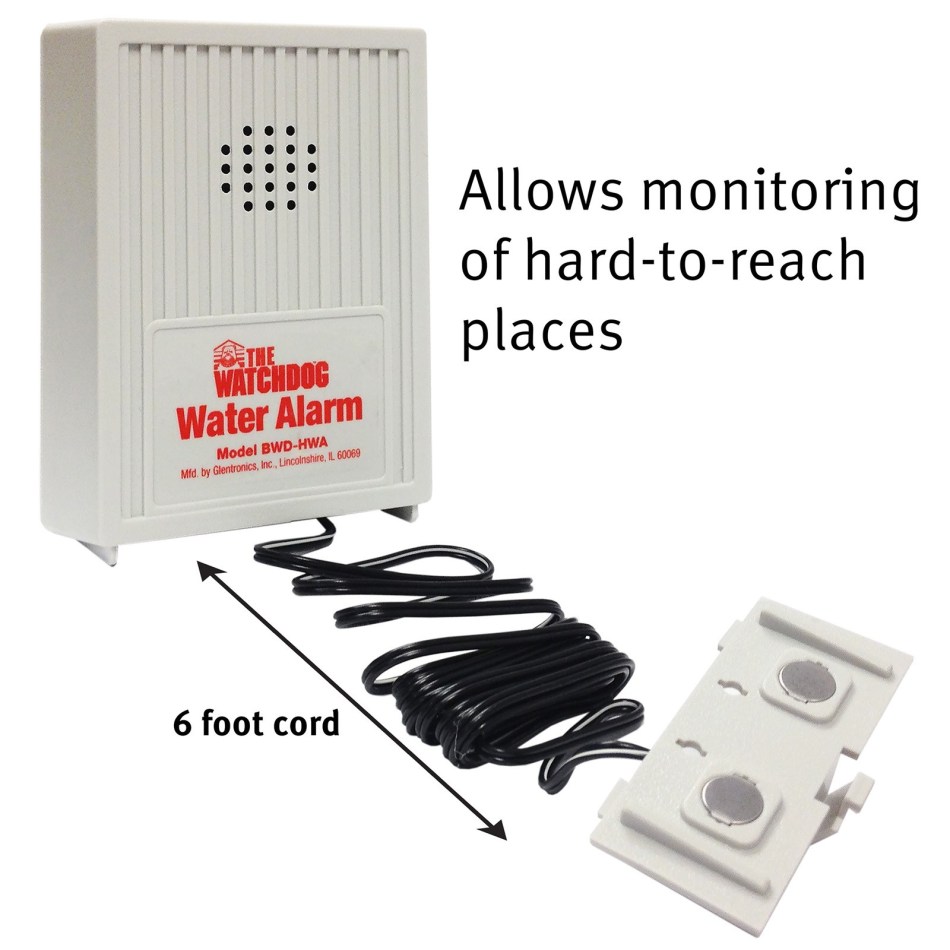
Even so, one sentence on that same page is hard to interpret:
The alarm includes 6 feet of wire, which can be extended up to 100 feet , allowing the sensor to be used in hard-to-reach places.
Does that span-extension line invite a screwdriver?
No route is visible for detaching the wire harness from the contact ends in order to add length. Surely the manufacturer is not asking owners to take the base unit apart? Just in case that is the intent, the wording can be read as an implied invitation, or at least permission — so the three back-panel screws glimpsed in an earlier photo were removed first.
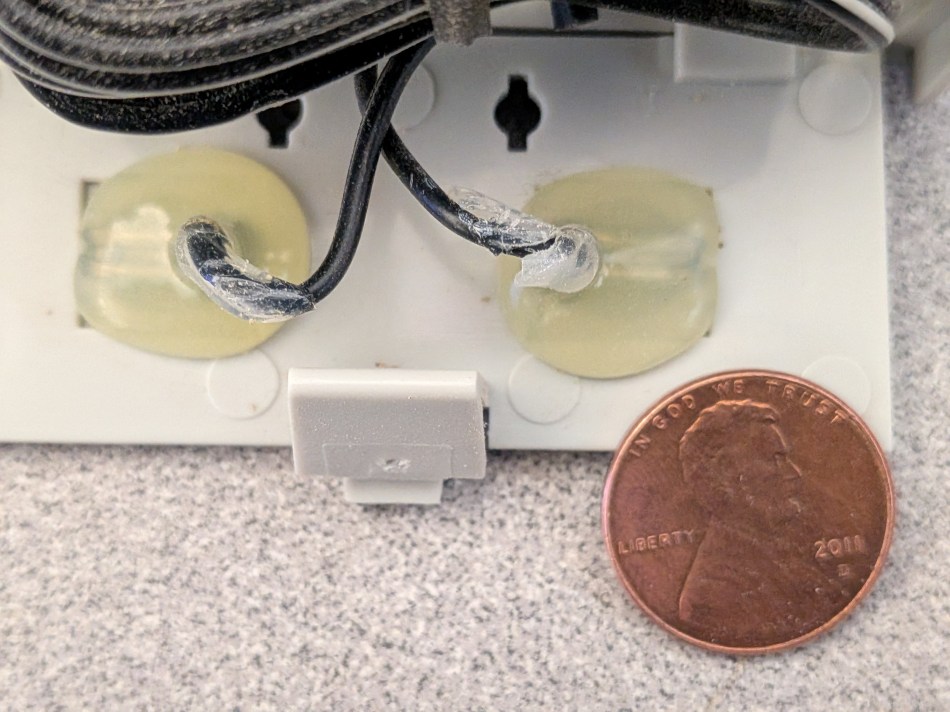
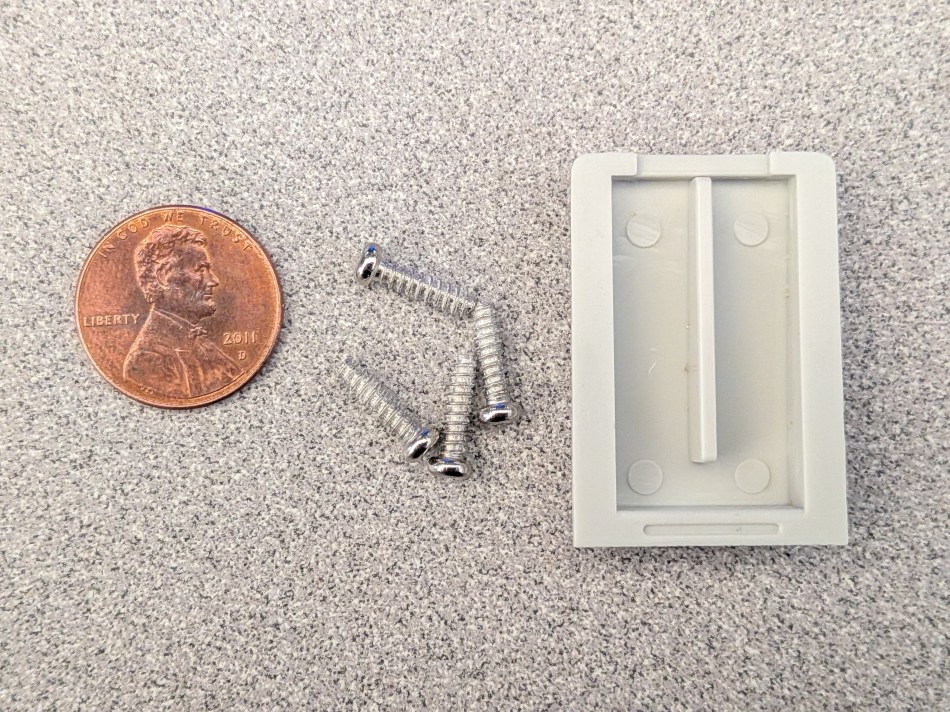
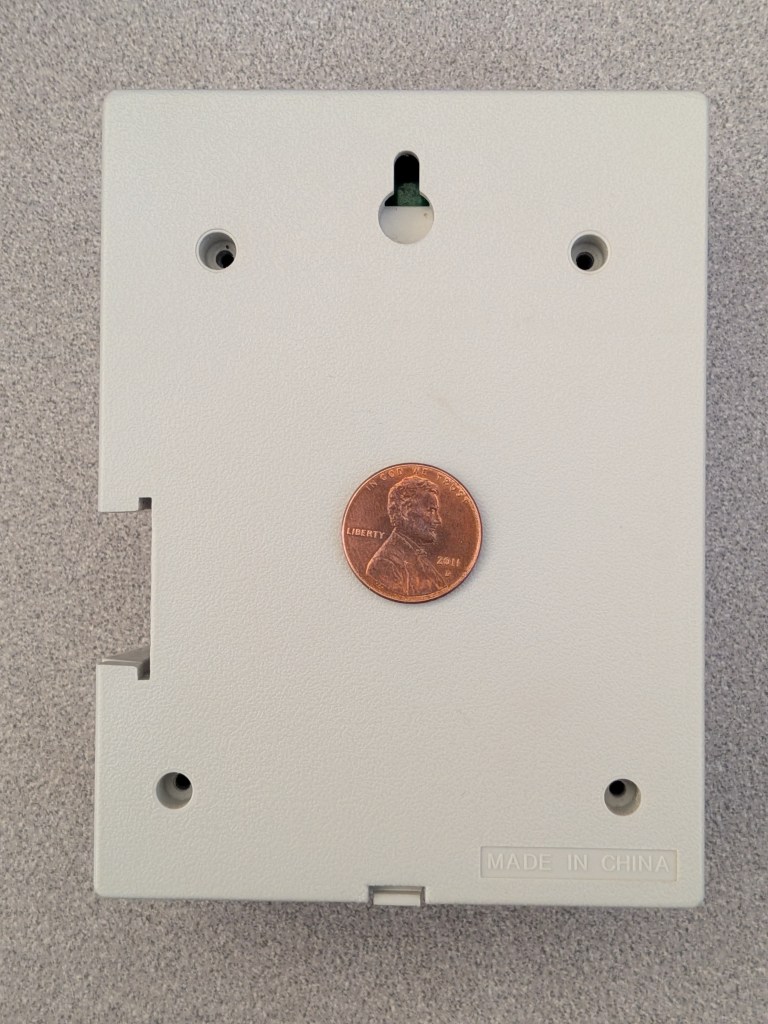
Pop those fasteners out and the rear cover slides free.
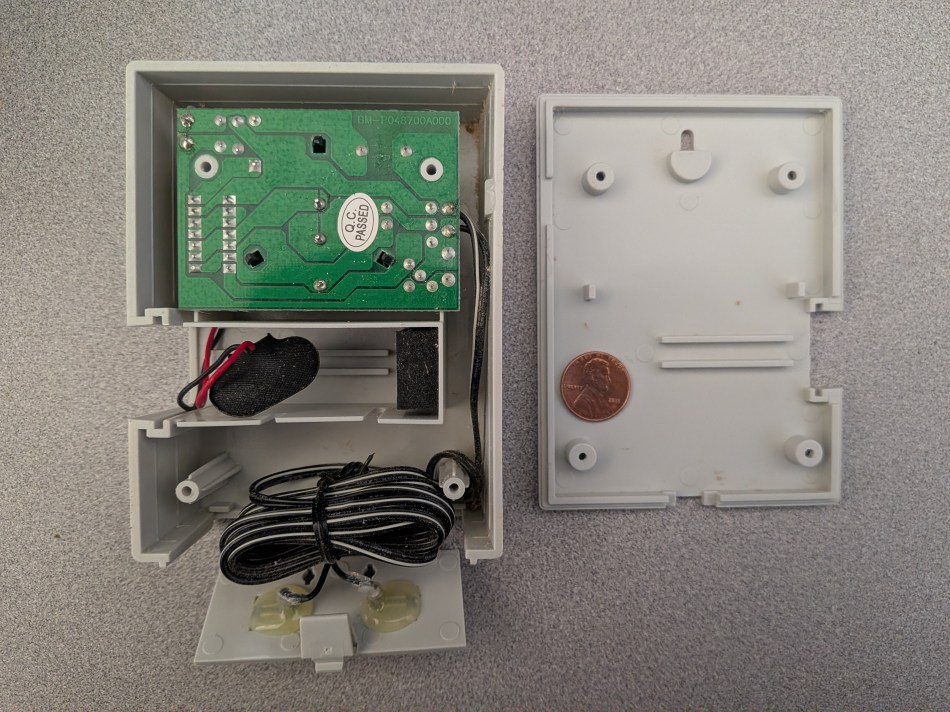
Now the substance of the design.
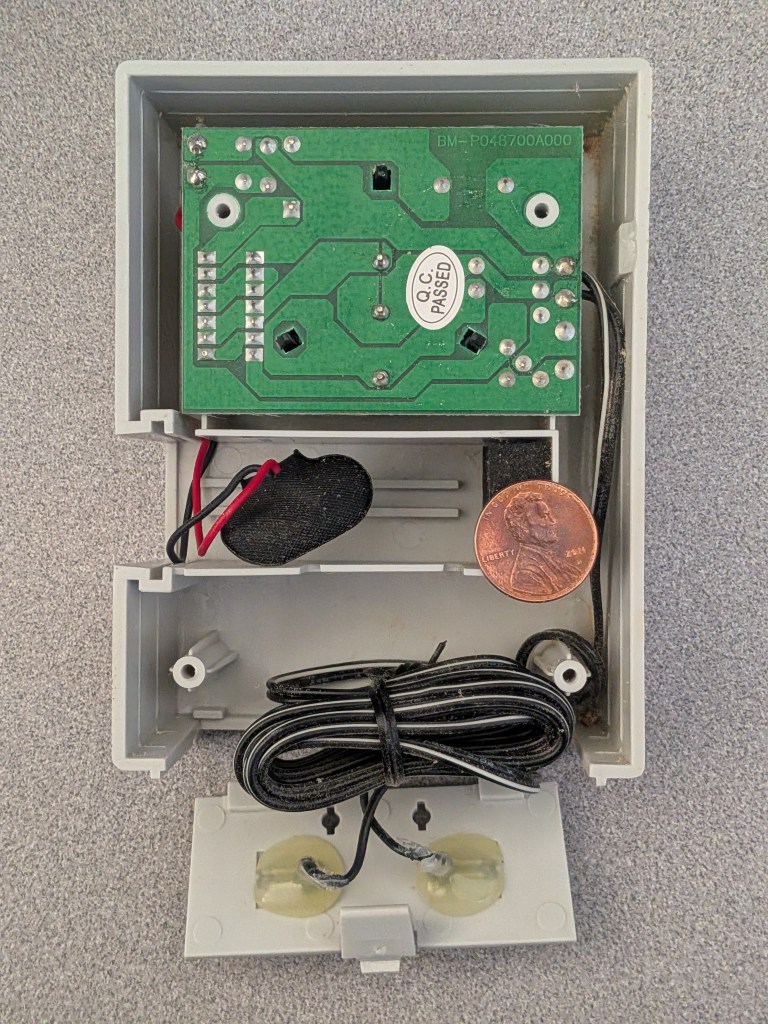
Three clips retain the PCB, and they let go immediately.
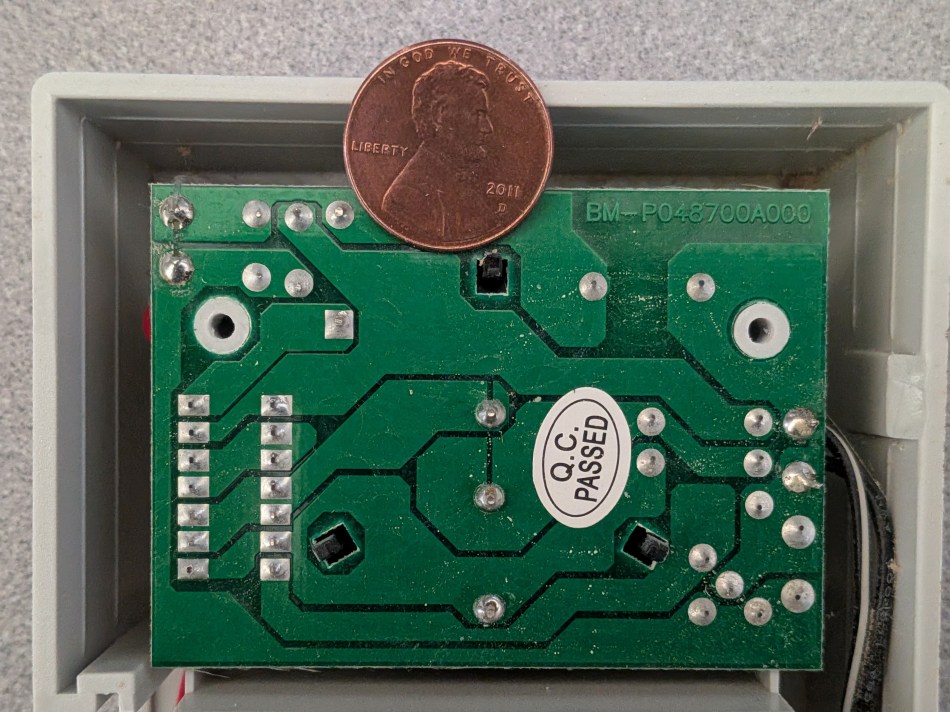
Flip the board and its frontside is plainly visible.
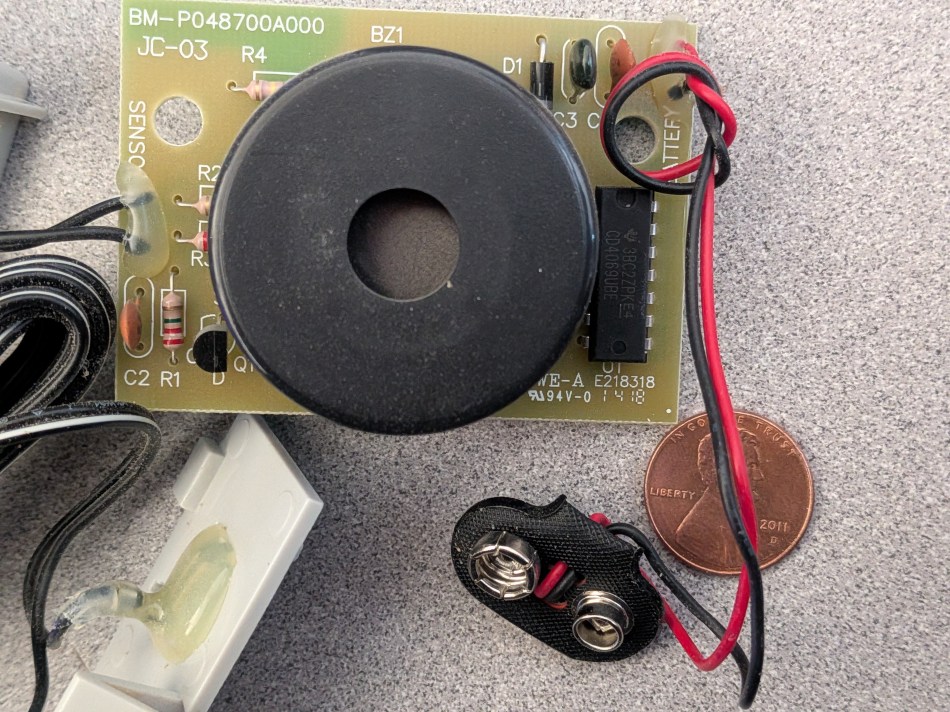
Either Chen is dense or the practical answer is no: there is still no ordinary-shopper way to push the harness past its 6’ default span.
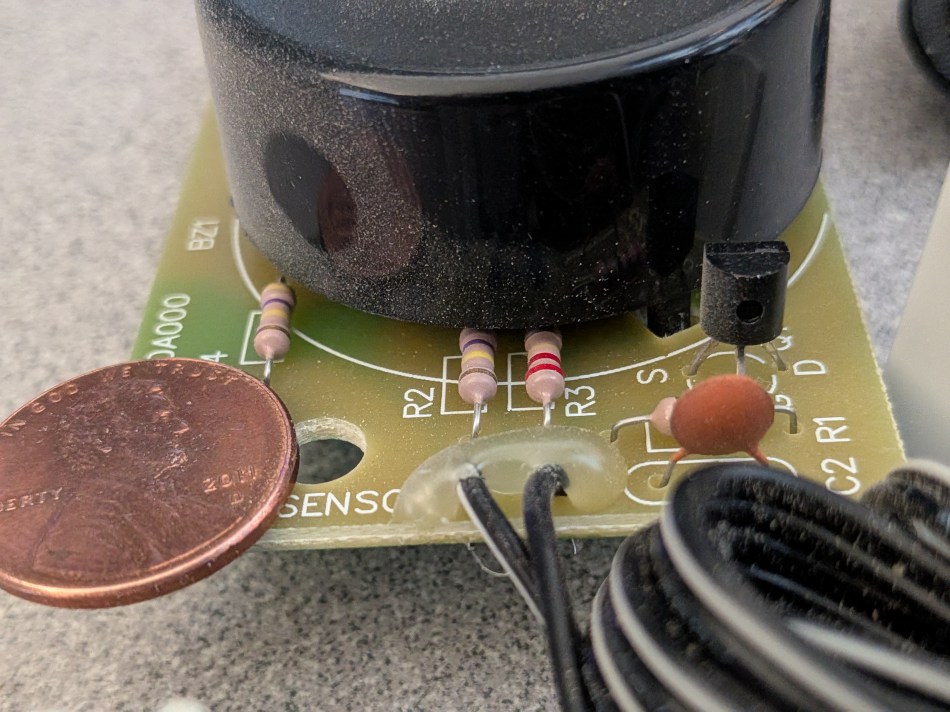
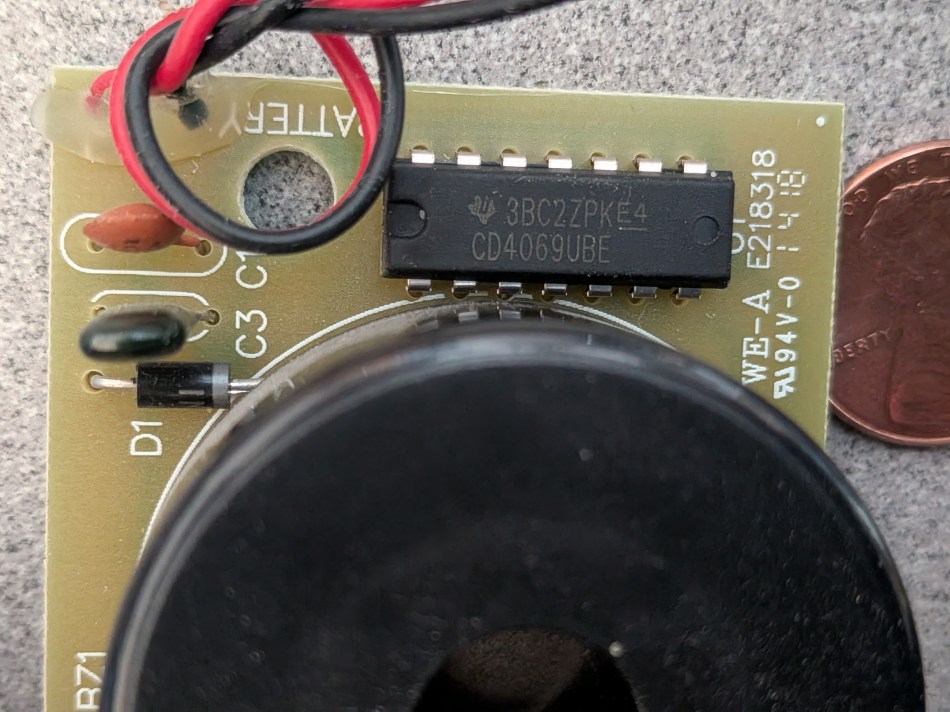
As the pictures already suggest, the buzzer owns most of the board. Behind it are a discrete transistor and a scattering of passives; the one other part worth naming is a Texas Instruments CD4069UB hex inverter.
Four misconceptions that trip buyers up
- “Any sensor on the floor protects the whole house.” A sound-only alarm protects only rooms where someone can hear it; behind a normally closed, sound-muting door it protects nothing.
- “It will warn me before the battery dies.” Neither tested unit did. A nearly exhausted 9V cell produced no chirp and almost no bark.
- “Out of sight means never installed.” The refrigerator-side sensor existed for years and surfaced only during a floor job.
- “Rated up to 100 feet means I can lengthen it myself.” The marketing line about extending the included 6 feet is not backed by any consumer-friendly splice point in the teardown.
FAQ for shoppers
Should a still-working non-networked sensor be replaced?
Keep it if it sits in a room where a person is regularly present. Replace it where walls and doors swallow the sound — that is exactly the logic that pushed both positions onto Tapo T300 hardware.
What is the cheapest test for a silent alarm?
The same one used here: bridge the exposed sensing contacts with a moistened finger and listen. A weak response means the cell is on its way out.
How does the manufacturer define battery life?
By runtime and calendar, not by warning: the instructions call for replacement after extended operation or as the expiration date approaches, with a tape note as the tracking method.
Are the retired units waste?
No. Both are still functional, just unsmart, and they are going to a donation drop rather than a bin.
Action advice
- Do a physical count of your leak sensors, including the spaces behind large appliances; the real number is rarely the one in your head.
- Rank each spot by audibility. Anything behind a closed or sound-muting door belongs on the hub-connected side of the comparison table.
- Run the finger-bridge test on every standalone unit this weekend; a faint bark is your trigger to buy, not to re-shop batteries.
- Where a replacement costs sub-$20, swap first and keep the old part as a backup rather than a primary.
- If you keep a standalone alarm anyway, attach the expiration-date tape the manual suggests — then assume you will forget it, which is the whole reason a networked sensor is the better default for most households.
The teardown stops here for today, and nothing found inside argues for throwing these units away: two-clip simplicity, one inverter chip, one buzzer, and a job that still gets done for whoever hears it. The takeaway for consumers is narrower than the hardware: budget the battery, not just the sensor, and put networked detectors where no human ear reliably is.
Reviewed by Sarah Chen for the MyTechDailyNews Consumer Electronics desk, published by Tech Daily. Editorial contact: hello@techdaily.com.